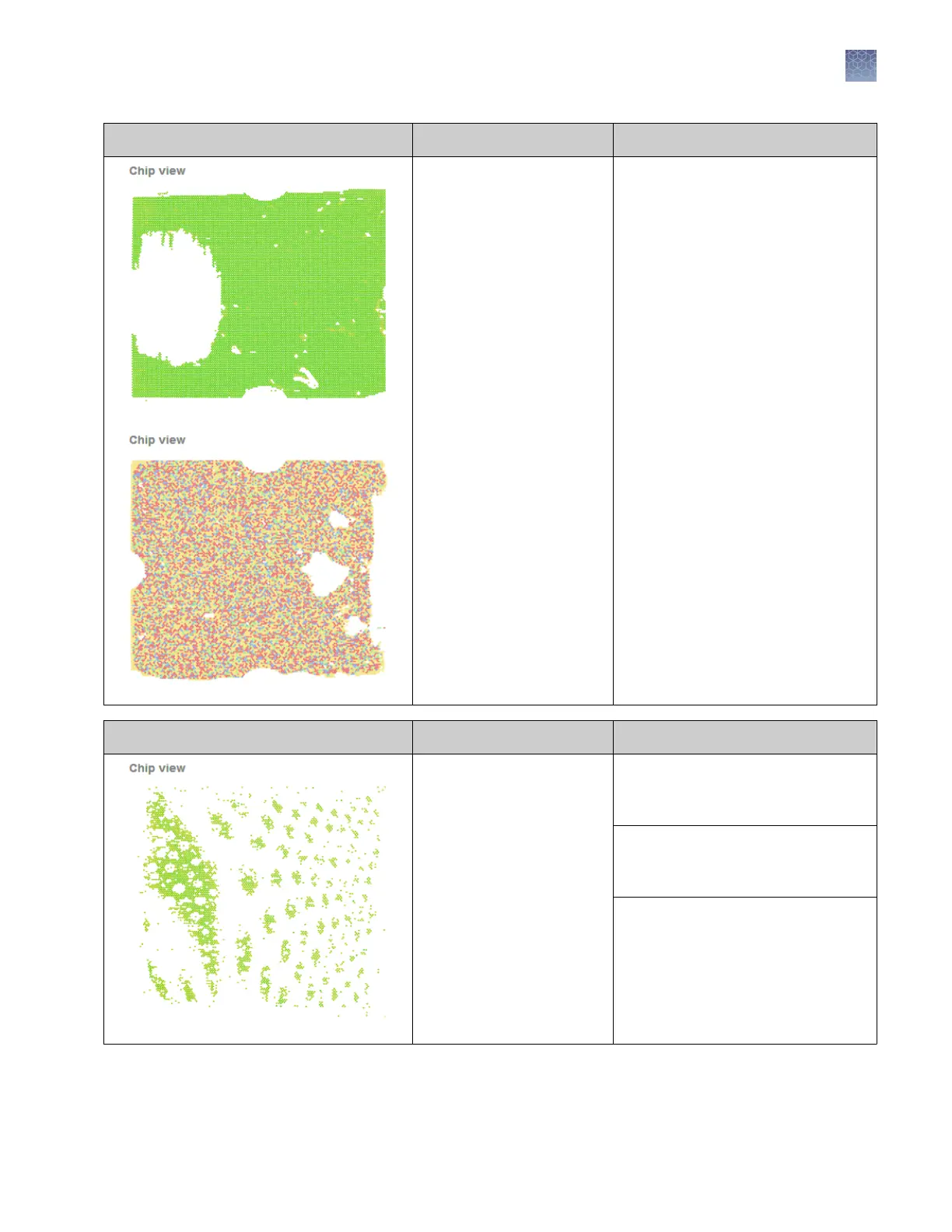
Observation Possible Cause Action
A bubble was present in the
loading blade when it was
used to apply the PCR
reaction to the chip.
If possible, use the AnalysisSuite
™
Software to lter the low quality data
points, or discard the chip and run the
sample again.
When loading the loading blades:
•
If you are using a manual pipette,
pipette to the rst stop.
•
Decrease your pipetting speed.
Observation Possible Cause Action
•
The chip leaked during
thermal cycling or
imaging.
•
A large bubble was
present in the chip
(insufcient Immersion
Fluid).
•
Excess Immersion Fluid
is present on the chip
lid.
If present, remove excess Immersion
Fluid from the chip lid and run the
chip again.
If possible, use the AnalysisSuite
™
Software to lter the low-quality data
points.
To minimize leakage:
•
Leave a small bubble when lling
chips with Immersion Fluid.
•
When covering chips with
Immersion Fluid, do not get uid
on the sides of the chip base.
Chapter 6 Troubleshooting
Troubleshooting chip images using the Chip View
6
QuantStudio
™
3D Digital PCR System User Guide
55











 To Next Page