Load chips manually
For instructions on loading chips using the QuantStudio
™
3D Digital PCR Chip
Loader, see “Load the chips using the QuantStudio
™
3D Digital PCR Chip Loader” on
page 24.
The following procedure describes how to load the QuantStudio
™
3D Digital PCR
20K Chip v2. It can be used as an alternative method for loading chips if the chip
loader is unavailable.
This procedure assumes that you have prepared your PCR reactions as explained in
“Prepare the dPCR reaction mix for each sample” on page 23. Before proceeding,
see “Guidelines for loading and sealing chips” on page 19.
Guidelines for loading and sealing chips
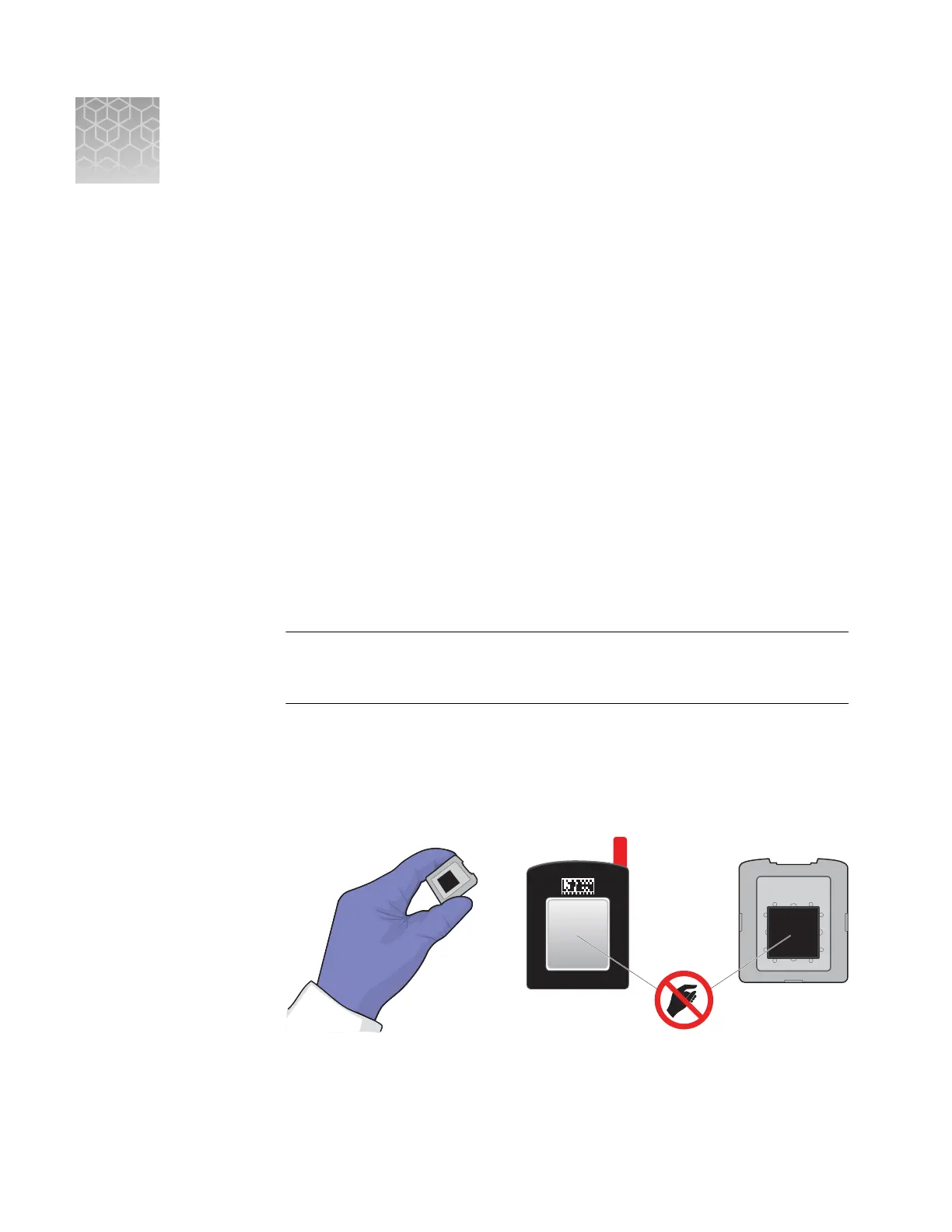
To ensure proper processing and analysis of loaded chips, handle them according to
the following guidelines:
•
Always wear powder-free gloves when loading and sealing chips.
IMPORTANT! Never handle chips or chip lids without gloves. Oils from your
hands can contaminate the components and interfere with thermal cycling and
imaging.
•
Hold the chip and lid gently by their sides.
–
If you accidentally touch the chip surface, discard the chip.
–
If you accidentally touch the chip lid window, clean it using a laboratory wipe
that has been sprayed with isopropanol, then dry by wiping in one direction
using a clean low-lint wipe.
•
Use a permanent pen or marker to label the back of each loaded chip for sample
tracking.
•
Load each chip within 2 hours after opening it.
E
106
QuantStudio
™
3D Digital PCR System User Guide











 To Next Page