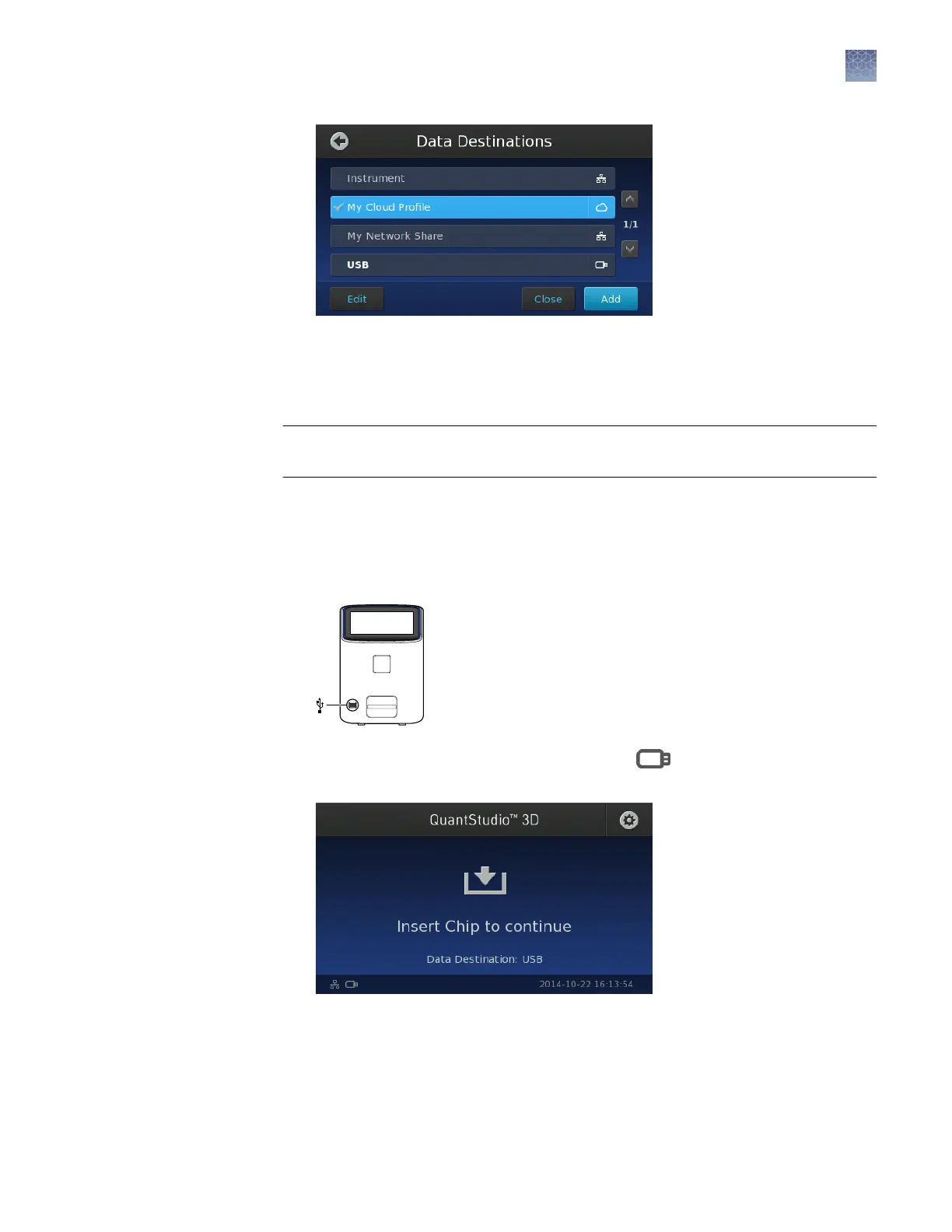
Note: Whichever destination you select, imaging data is also saved on the
instrument, up to a limit of ~600 experiment les, after which the oldest les will
be purged from memory and replaced with newer les.
IMPORTANT! Before imaging, conrm that the latest rmware is installed on the
QuantStudio
™
3D Digital PCR Instrument.
Note: If you are unsure of the rmware version, see “Check the instrument rmware”
on page 87.
1.
If you selected USB in the Data Destinations screen (as described above), insert
a USB device into the USB port on the front of the instrument.
The touchscreen displays the USB drive icon ( ) when the QuantStudio
™
3D
Instrument has mounted the drive.
Image the
chips
Chapter 5 Image and analyze the chips
Chip imaging
5
QuantStudio
™
3D Digital PCR System User Guide
43











 To Next Page