5.
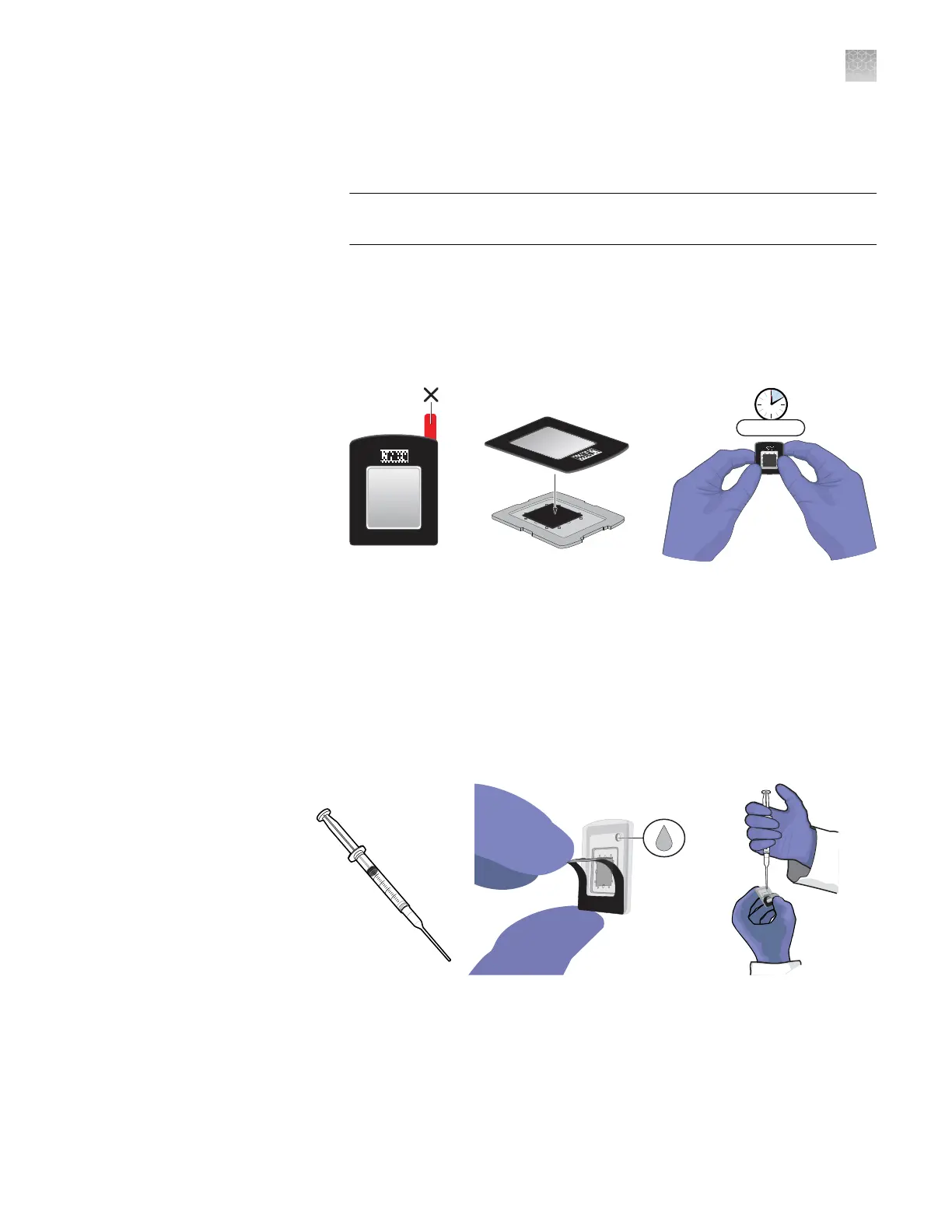
Seal the chip:
a.
Remove the red protective lm from the chip lid, then carefully place it onto
the prepared chip so that the window in the lid aligns with the chip.
IMPORTANT! Before applying the chip lid, make certain that it is correctly
oriented to the chip assembly.
b.
Pinch together all four sides and corners of the chip case for at least
10 seconds to seal it. While pressing, apply some lateral pressure to ensure
a tight seal.
Note: You can remove the chip from the loading surface when you apply
pressure to seal it.
443MPJ
443MPJ
>10 sec.
443MPJ
Proceed to lling the chip case with Immersion Fluid.
Fill the chip case with Immersion Fluid
1.
Hold the chip and lid assembly by its edges at a 45° angle so that air can
escape from the ll port as you ll it.
2.
Hold back the top half of the chip lid label to expose the ll port.
Figure 4 QuantStudio
™
3D Digital PCR Chip Lid v2
Appendix E
Load chips manually
Fill the chip case with Immersion Fluid
E
QuantStudio
™
3D Digital PCR System User Guide
111











 To Next Page