–
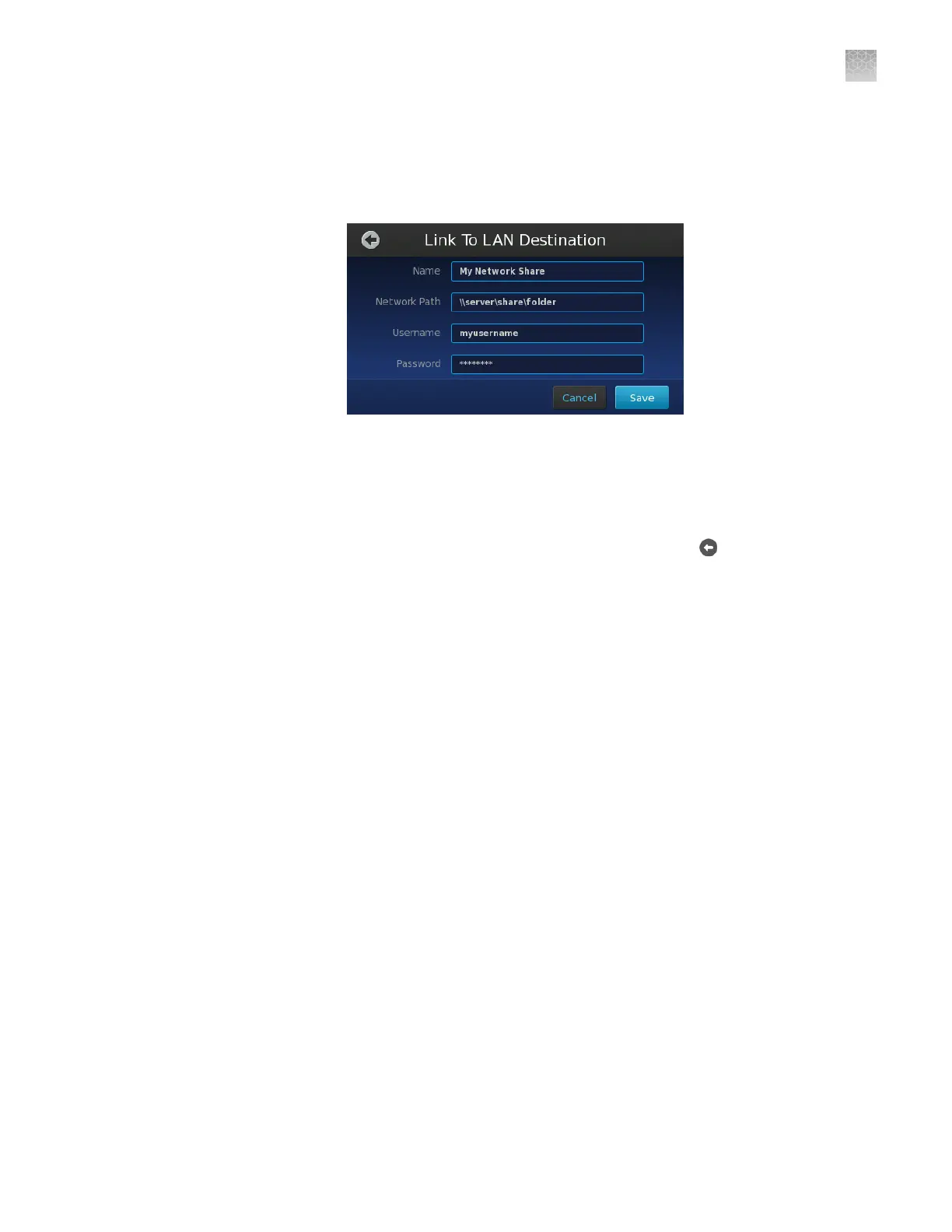
User Name—Enter the user name that the instrument should use when
authenticating to the le server.
–
Password—Enter the password that the instrument should use when
authenticating to the le server.
6.
Repeat step 3 to step 5 to add additional data destinations as needed.
Upon saving the data destination, the QuantStudio
™
3D Instrument
automatically attempts to connect to the specied location. The instrument
saves the destination only if the connection is successful.
7.
When you are nished adding data destinations, touch
to return to the Main
Menu.
Appendix D Networking
Connect the instrument to the network
D
QuantStudio
™
3D Digital PCR System User Guide
105











 To Next Page