Chapter 10 – Steering Calibrations
71
Note: Mounting bias calibration should be performed if any of the
above change or at a minimum once every 6-12 months.
It is advisable to still perform a mounting bias calibration when using
Autonomous as the Correction Source, even though the screen reports
that it is not required.
Mounting bias calibration is done in a clear area well away from
obstacles. If the mounting of the receiver is not quite level, this
calibration will adjust for the actual position.
WARNING: Ensure the vehicle has sufficient space to
travel in a straight line for at least 70 m/230 ft and then
turn at each end of the wayline.
1.
Select / Steering Options Menu / Auto Steer
Calibration .
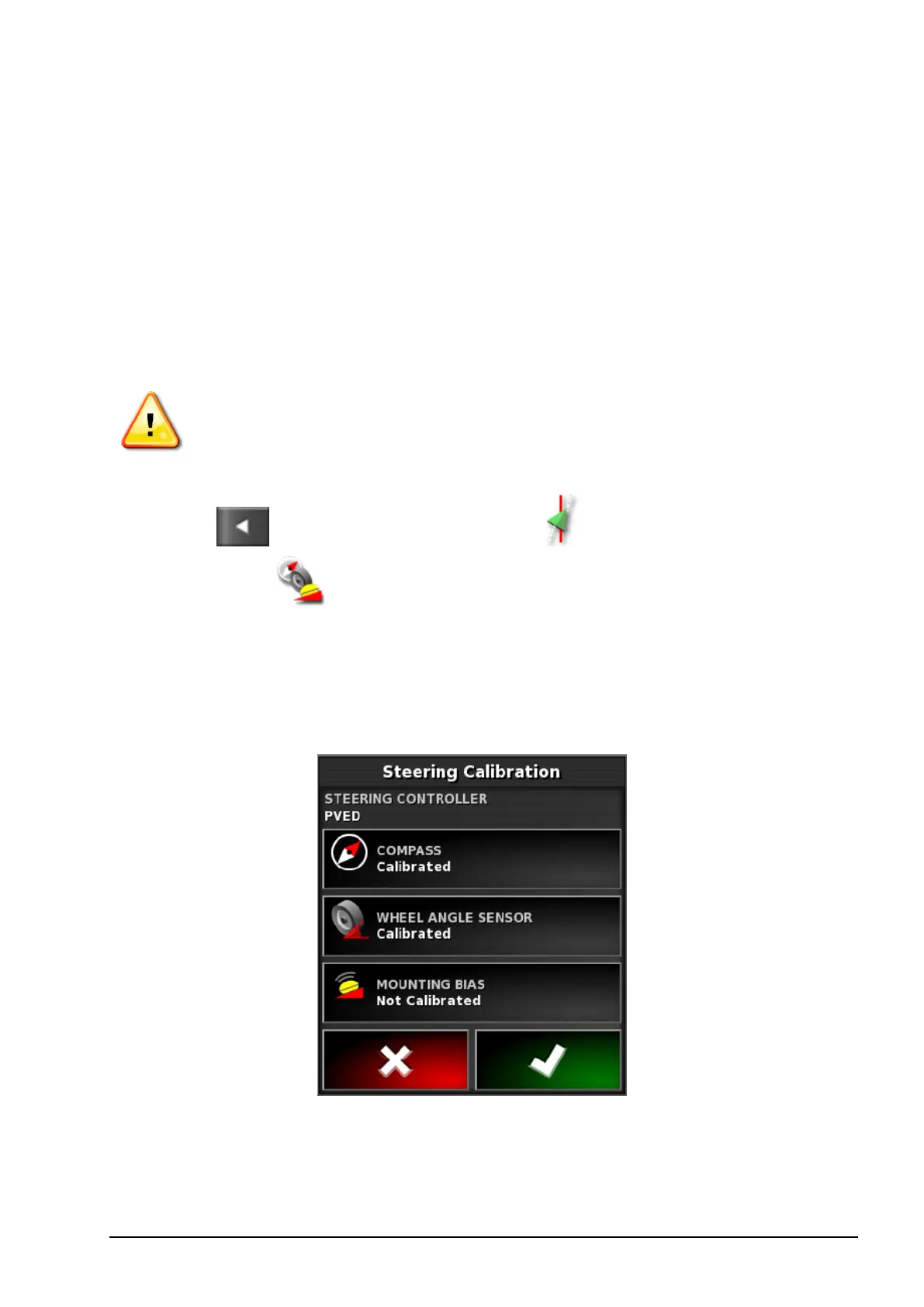
The Steering Calibration screen displays.
2. Select MOUNTING BIAS. If the component reports as calibrated,
still complete the calibration procedure if the receiver has not been
calibrated on this vehicle.
Note: To calibrate for mounting bias, ‘A’ and ‘B’ wayline points
are plotted over 70 m/230 ft, driving the vehicle at 2 kph or
1.2mph along the wayline. The operator turns the vehicle around at



 To Next Page