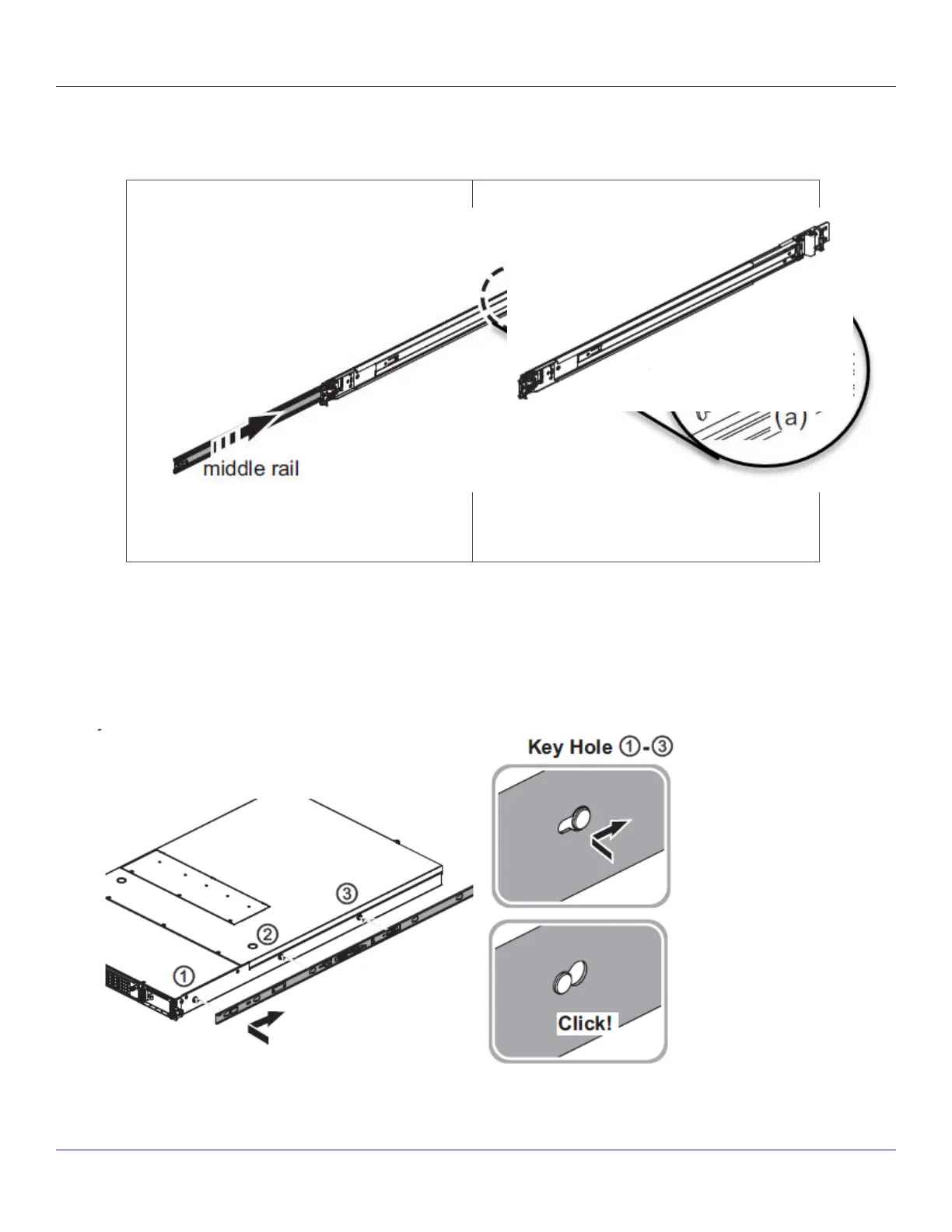
The Inner rail is disconnected.
c. Push tab (a) to slide the middle rail back into the outer rail.
The middle rail is pushed back into the outer rail.
2. Mount the inner rail onto the chassis unit.
a. Place each inner rail on both sides of the chassis unit. Position the three key holes of the inner rails with the mounting
holes on the chassis unit.
b. Slide the rails forward to lock it.
| NS9500 Sensors1
Trellix Intrusion Prevention System NS-series Sensor Product Guide
25



 To Next Page