•
Deployment Mode — Select Direct or Indirect.
Selecting Indirect enables Oine Sensor update. Direct is the default mode.
6. Click Save.
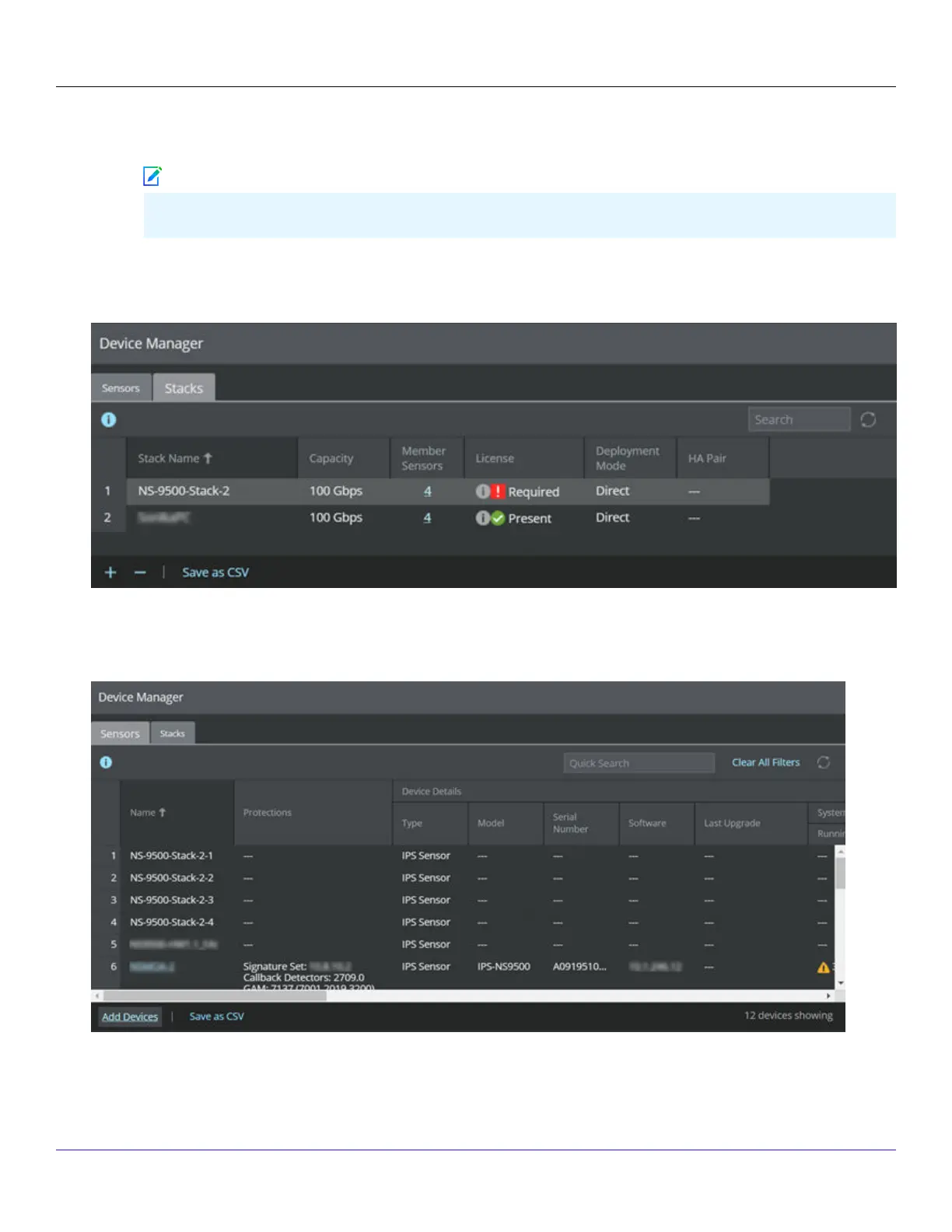
The new stack in displayed in the Manage Stacks window.
7. Close the Manage Stacks window.
In the Device Manager page, the member Sensor instances are displayed as <Stackname-node id> (for example,
<Stackname-1>, <Stackname-2>, etc.) depending on the capacity.
| NS9500 Sensors1
Trellix Intrusion Prevention System NS-series Sensor Product Guide
65
Note



 To Next Page