EasyManua.ls Logo

Uniden BCD396XT - Page 1008

Uniden BCD396XT
1059 pages
Print Icon
To Next Page IconTo Next Page
To Previous Page IconTo Previous Page
Loading...
HoldMode < UnidenMan4 < TWiki
FUNCTION
+ Tap
Unlock the
current System,
Site, or Search if
locked.
If unloced,
single-tap to
temporarily lock
or double-tap to
permanently lock
the current
system, site, or
search.
Toggle the
attenuator state
for the current
signal.
NA Change the
modulation type.
FUNCTION
+ Press &
hold
Unlock all
systems, sites
and searches.
Toggle the
attenuator state
for all signals.
Switch to the
reverse repeater
frequency of the
current signal.
NA
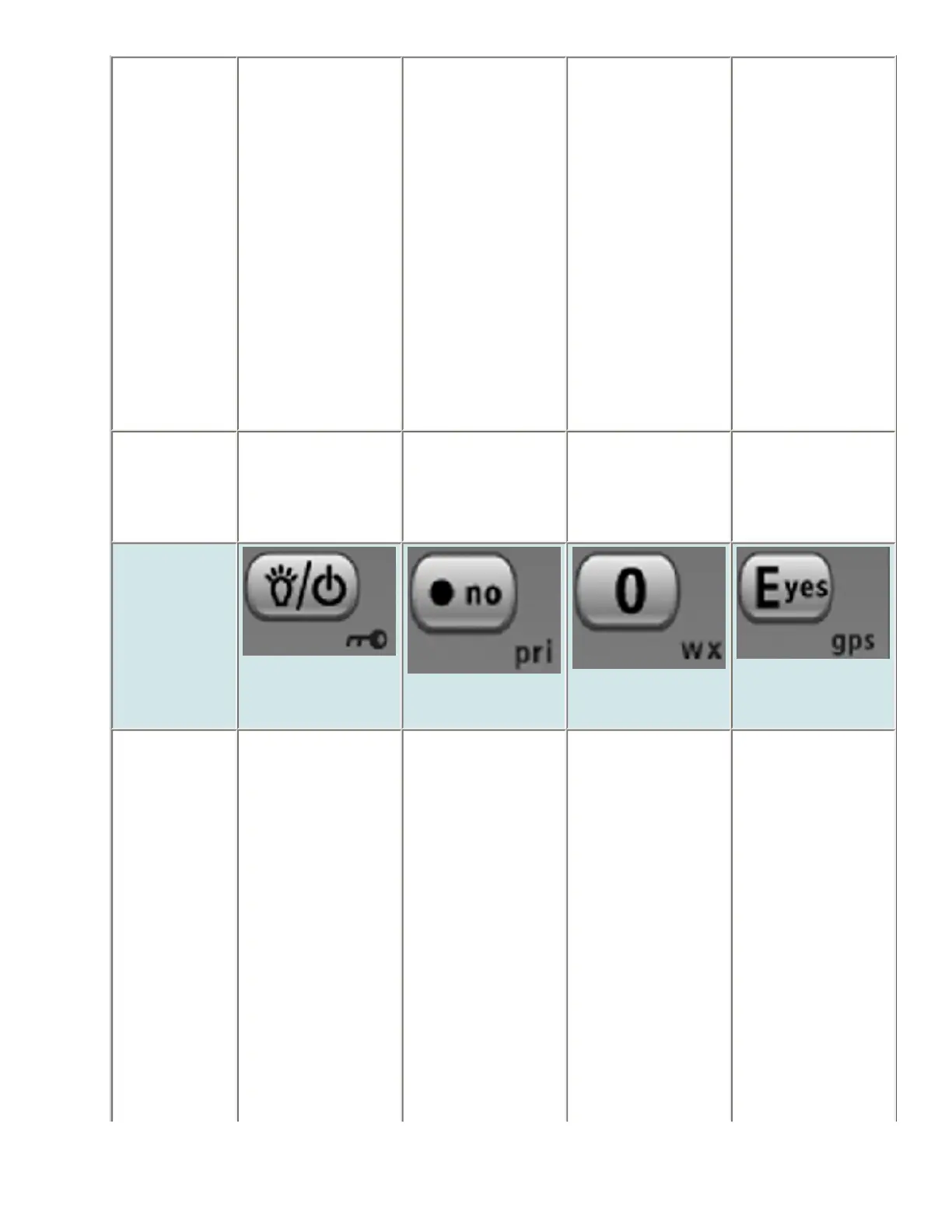
Key Name
(2nd
operation)
Action on:
Backlight
(Power, Lock)
No (Decimal,
Priority)
0 (Weather)
Yes (Enter,
GPS)
Tap Turn on the LCD
backlight.
Enter a decimal
point or "i" for
direct entry.
Enter "0". In Search Hold,
save the current
frequency into
memory.
In Scan Hold, go
to menu mode
for the current
channel or, if
held on a
Trunked System
frequency, go to
menu mode for
the system.
file:///C|/Documents%20and%20Settings/POpitz/My%20Documents/temp/CDImage_090515/Manual/HoldMode.html (3 of 7)5/26/2009 11:16:31 AM

Table of Contents

Other manuals for Uniden BCD396XT

Related product manuals