EasyManua.ls Logo

Uniden BCD396XT - Page 1007

Uniden BCD396XT
1059 pages
Print Icon
To Next Page IconTo Next Page
To Previous Page IconTo Previous Page
Loading...
HoldMode < UnidenMan4 < TWiki
Key Name
(2nd
operation)
Action on:
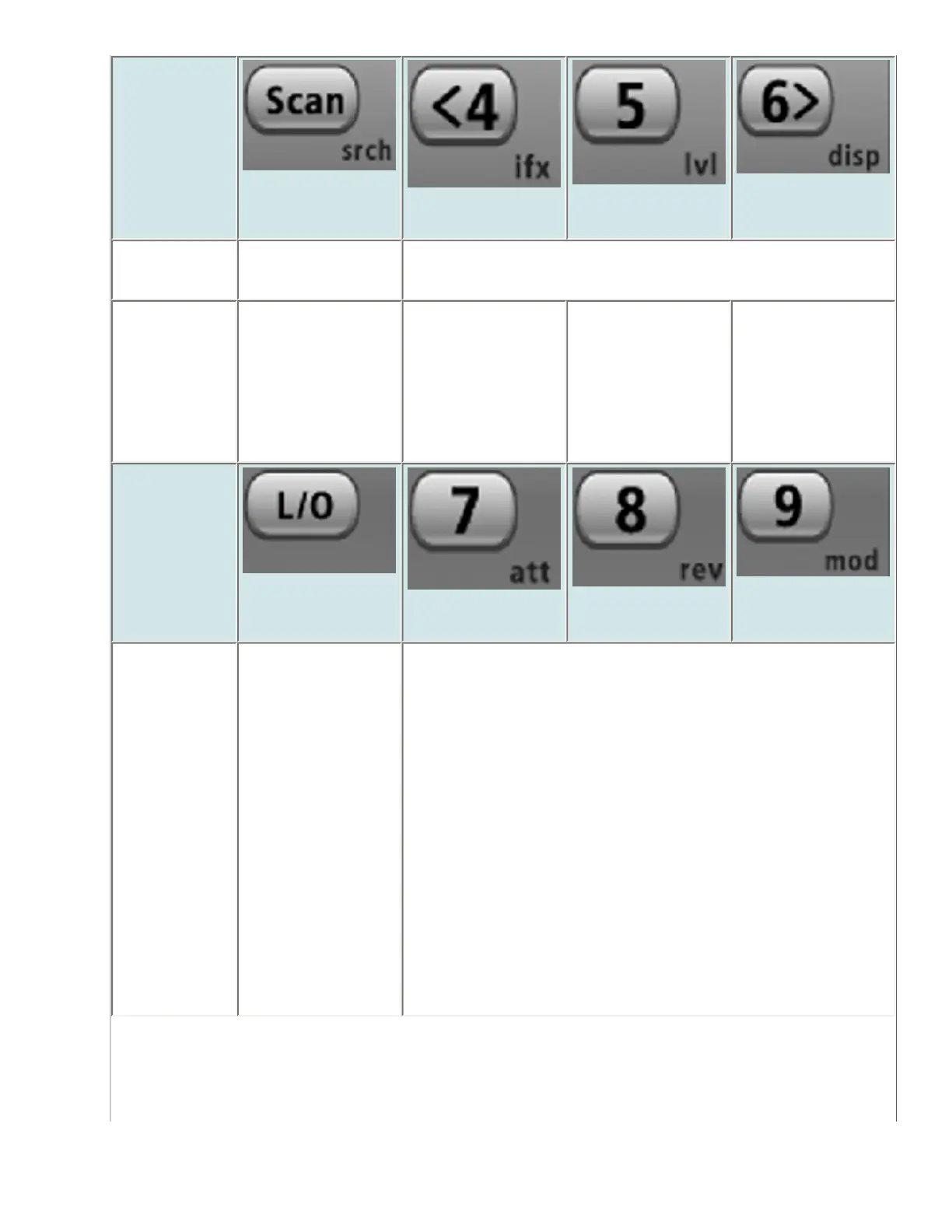
Scan (Search)
4 (IF exchange)
5 (Volume
offset)
6 (Display
mode)
Tap Enter Scan
mode.
Enter the number on the key
FUNCTION
+ Tap
Enter Search
mode.
Switch to an
alternate
intermediate
frequency to
avoid
interference.
Change the
volume offset for
the current
signal.
Rotate through
the three
available display
modes.
Key Name
(2nd
operation)
Action on:
Lockout
7 (Attenuation)
8 (Reverse
freq.)
9 (Modulation)
Tap Unlock the
current channel
or frequency if
locked.
If unlocked,
single-tap to
temporarily lock
or double-tap to
permanently lock
the current
channel or
frequency.
Enter the number on the key
file:///C|/Documents%20and%20Settings/POpitz/My%20Documents/temp/CDImage_090515/Manual/HoldMode.html (2 of 7)5/26/2009 11:16:31 AM

Table of Contents

Other manuals for Uniden BCD396XT

Related product manuals