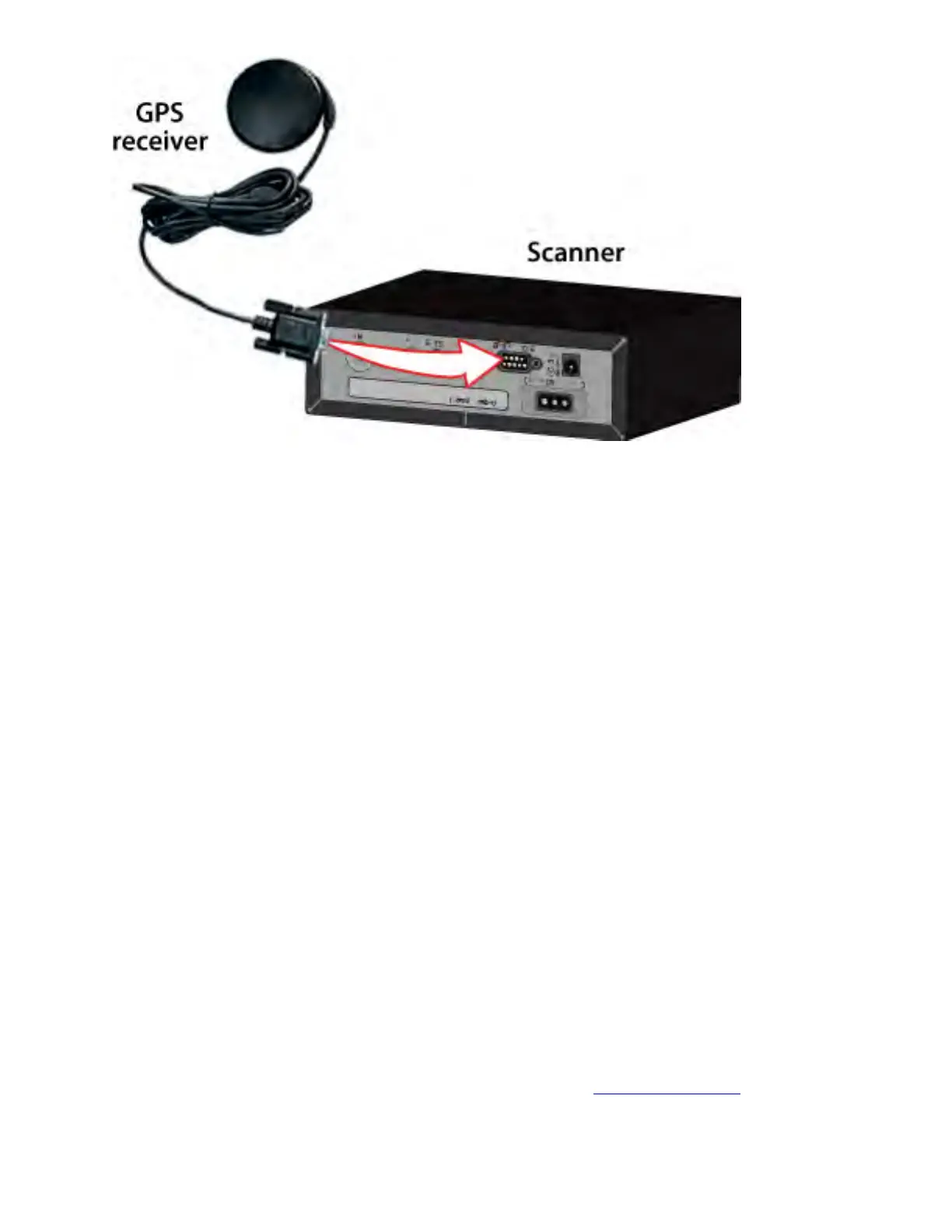
1. Plug your GPS receiver's RS232 cable directly into the DB9 connector on the
back of the scanner.
2. When the scanner recognizes the GPS input, it displays a confirmation message
and shows the GPS icon on the display.
3. If the GPS receiver does not have a lock on the satellites, the scanner displays
Searching for Satellite .
Troubleshooting
If you can't get the scanner to recognize the GPS receiver:
● Check the receiver's baud rate. Most compatible GPS receivers use a baud rate of
4800 bps, but it's possible your receiver is using a non-standard baud rate. Set the
scanner's baud rate to match the GPS receiver's.
● Check the receiver's output mode. Some receivers have proprietary signalling
modes that are not NMEA compliant, but you can usually set them to use a
NMEA compliant mode.
If the scanner recognizes the GPS receiver but doesn't lockout systems as you expected:
● Make sure the GPS receiver has a lock on the satellites.
● Check the location configuration for the sites and channel groups in the system.
1. For each site or channel group, go to the Set LocationInfo menu.
file:///C|/Documents%20and%20Settings/POpitz/My%20D...age_090515/Manual/MobileConnectingAGPSReceiver.html (2 of 3)5/26/2009 11:12:33 AM



 To Next Page