Key Name
(2nd operation)
Action on:
LOCKOUT
SCROLL - FUNCTION
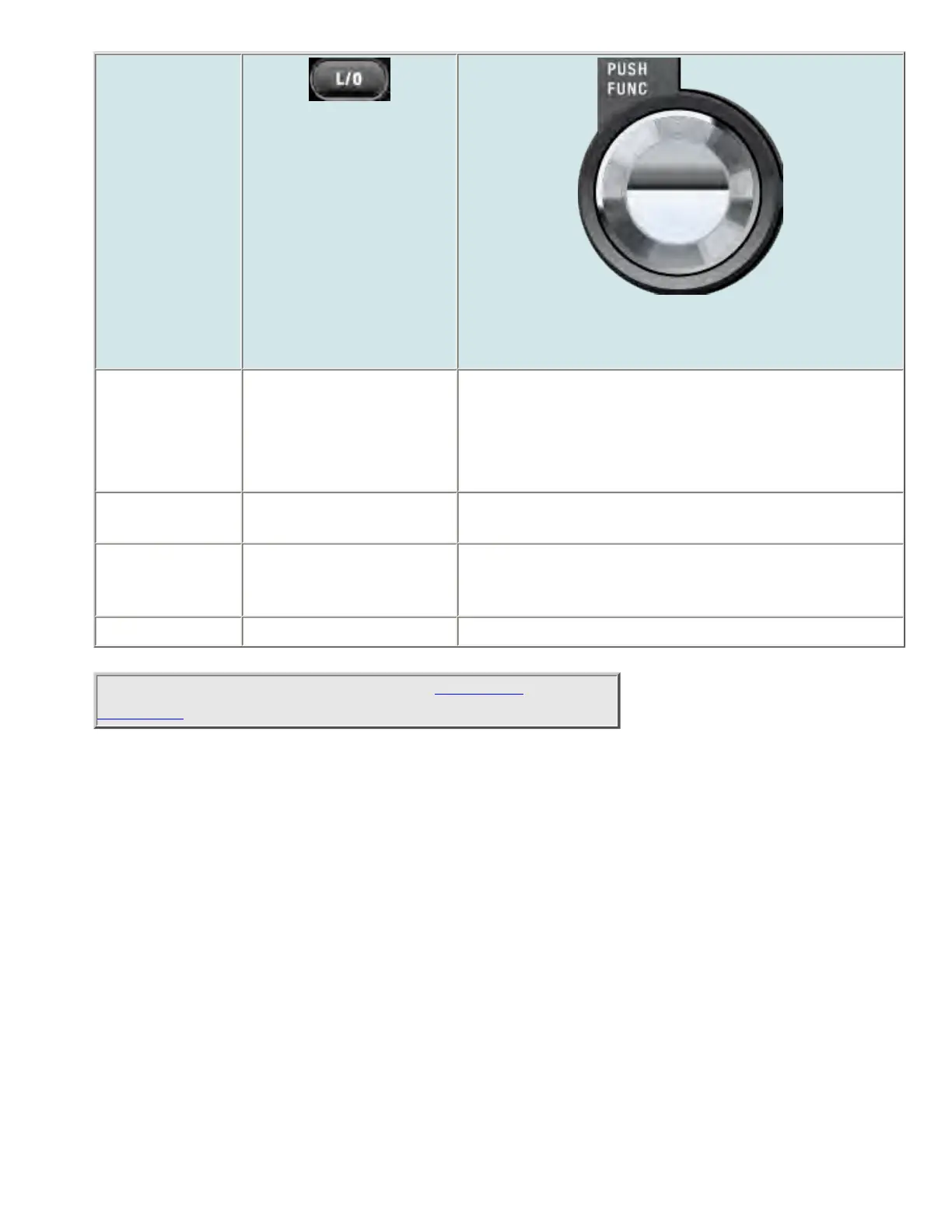
Rotate NA Change the marker frequency one step frequency per click.
In Band Scope Setting mode, change the selected
parameter (except CF).
Function +
Rotate
NA Change the marker frequency one "bar" per click.
Tap In Band Scope setting
mode, return to the normal
Band Scope mode.
Activate the FUNCTION mode for the next keypress.
Function + Tap Restart the Band Scope. NA
This page applies to the following scanner(s): BCD996XT
UsersGuide
file:///C|/Documents%20and%20Settings/POpitz/My%20...p/CDImage_090515/Manual/BCD996XTBandScopeMode.html (5 of 5)5/26/2009 11:12:45 AM



 To Next Page