Programming a Motorola System
To program a Motorola system, you'll need to program the required elements in following order:
Create a system
1. Go to the Program System menu and choose New System .
2. The scanner will prompt you for the System Type. Select MOT .
3. When the scanner prompts you confirm, tap YES .
4. The scanner creates the system with a default name. Select Edit Name if you want to change it.
5. If you need to change any of the system properties, you can do that now. Unless a property is
Required , you can operate the system without changing the default settings.
System properties
All of these options can be found under your scanner's Program System menu. If necessary, the sub-
menu and option name on each scanner are listed beside the property.
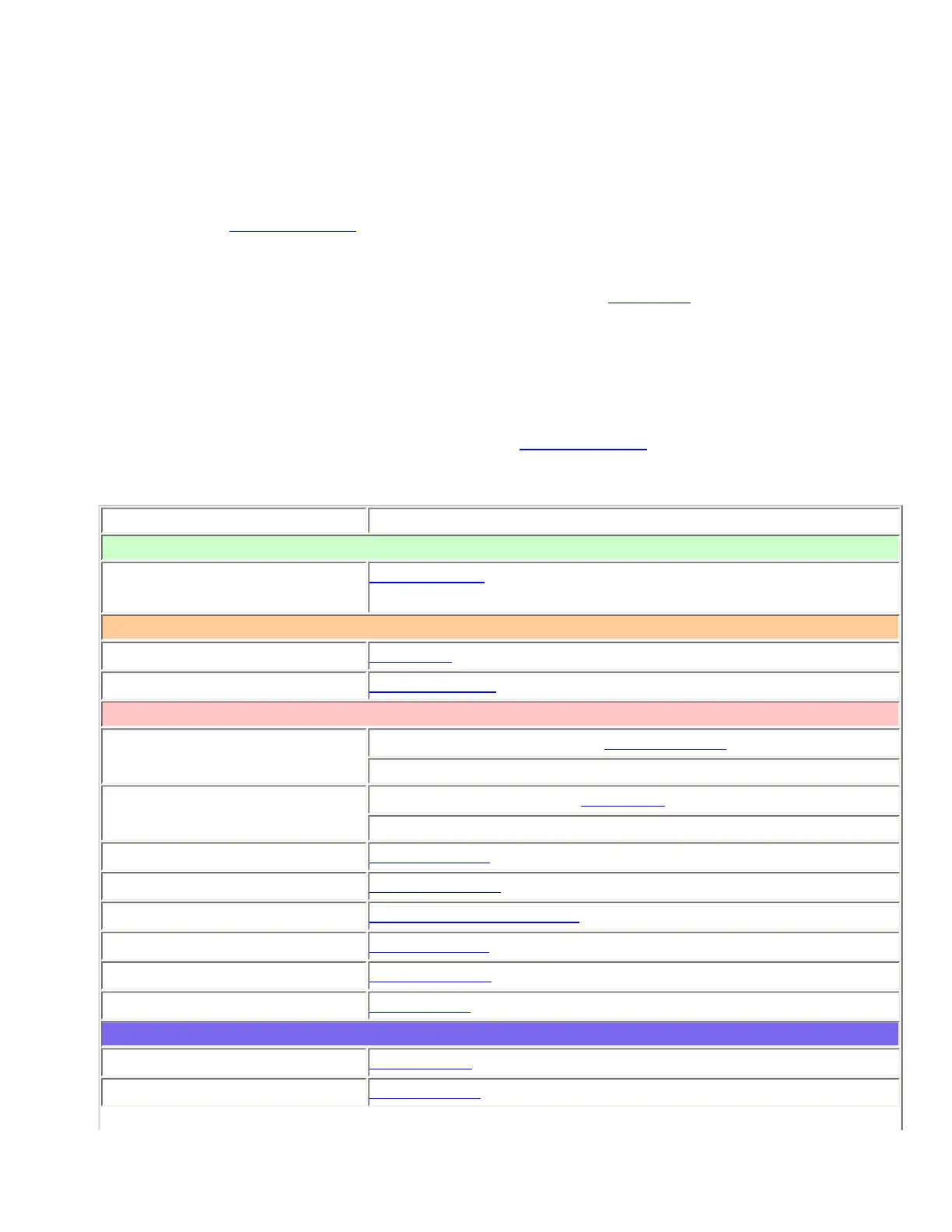
Property Option name
Required
Fleet map
Edit Fleet Map (Required for Motorola Type I or Type I/II Hybrid
systems only)
Recommended
Name
Edit Name
Number tag
Set Number Tag
Optional
Automatic Gain Control
(AGC)
BCD396XT and BCD996XT: Set Audio AGC
BC346XT and BCT15X: Not available
Record
BCD996XT and BCT15X: Set Record
BCD396XT and BC346XT: Not available
Delay time
Set Delay Time
Emergency alert
Emergency Alert
ID format
Set ID Format (DEC/HEX)
ID scan/search
ID Scan/Search
Priority ID scan
Priority ID scan
Status bit
Set Status bit
Available operations
Copy a system
Copy System
Delete a system
Delete System
file:///C|/Documents%20and%20Settings/POpitz/My%20D...p/CDImage_090515/Manual/MotorolaTrunkedSystems.html (4 of 8)5/26/2009 11:11:53 AM



 To Next Page