Thursday, May 14, 2009
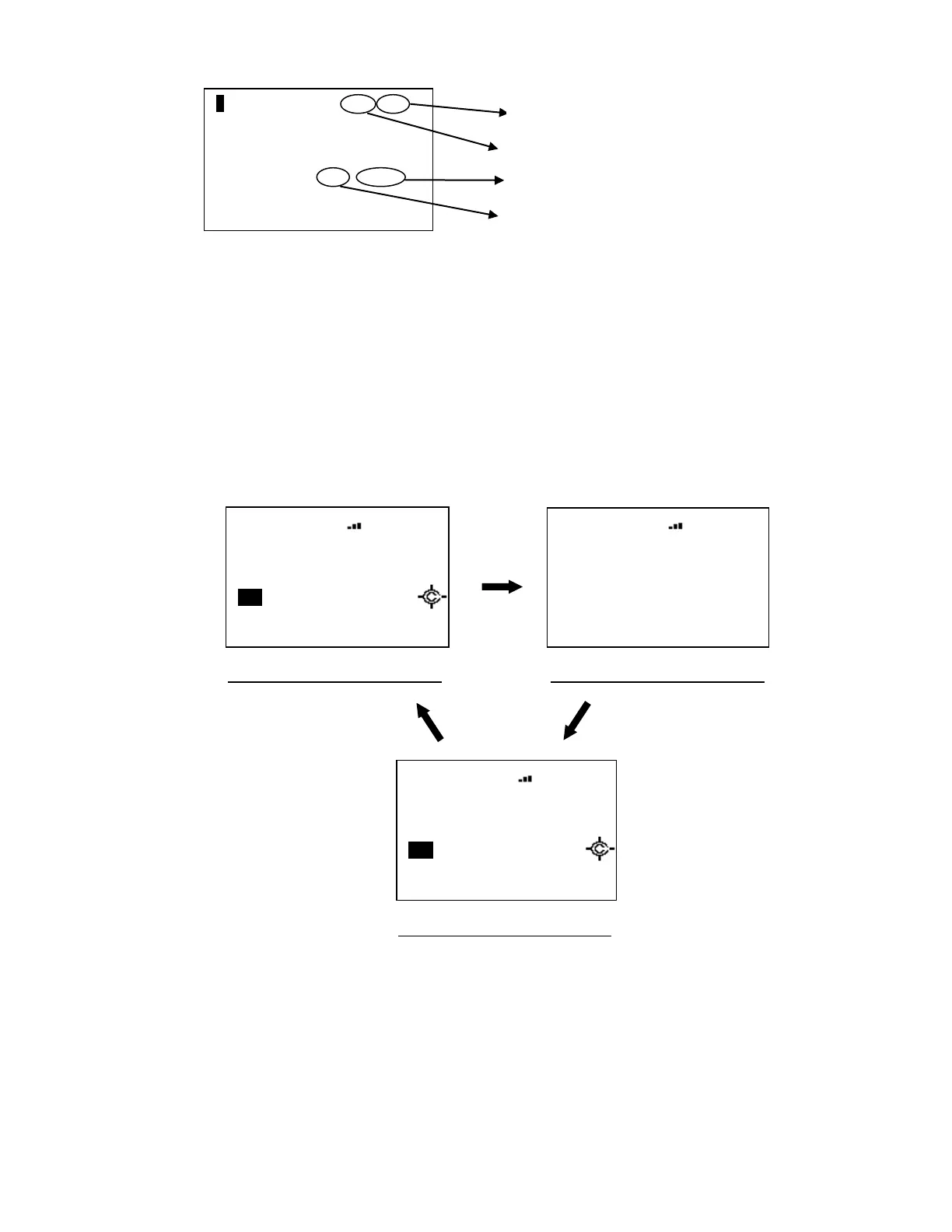
Press [6 / RIGHT / disp] in Function Mode to change the Display Mode.
The scanner displays the channel name on the second line.
In Display Mode 2, the scanner displays the current channel frequency under the channel name instead of
the priority channel icon, modulation icon, and attenuator.
In Display Mode 3, since the scanner can’t display the Trunking Activity Indicators for a conventional
system, it displays just like Mode 1 for conventional.
For example, the scanner displays as follows when the channel name for “162.4000MHz” is "Channel A".
In Display Mode 2, even if the Close Call setting is “CC Pri” or “CC DND”, the Close Call icon is not displayed
when CTCSS/DCS setting is set or tone data has been detected in CTCSS/DCS Search mode.
F HOLD T001. 001
Group 1
Channel A
AM I FX V - 3
S0: 1 - - - - - - - - -
GRP - - - 4 - - - - - -
HOLD
System 1 C
Channel A
162. 4000 C100. 0
S0: 1 - - - - - - - - -
GRP - - - - - - - - - -
Channel Name Display Mode 1 Channel Name Display Mode 2
Channel Name Display Mode 3
HOLD
System 1 C
Channel A
P NFM ATT C100. 0
S0: 1 - - - - - - - - -
GRP - - - - - - - - - -
HOLD
System 1 C
Channel A
P NFM ATT C100. 0
S0: 1 - - - - - - - - -
GRP - - - - - - - - - -



 To Next Page