Thursday, May 14, 2009
Hold on a Channel (TGID) in Trunked System:
*If there are two or more sites in the system, the same TGIDs will appear in every site. The scanner checks
the current site for the selected TGID.
When you hold on a channel in a trunked system and a C-Ch exists, the scanner displays as follows.
If the TGID you are holding on is stored into the system, first line alternately displays the site name and
channel group name. The second line displays the TGID Name. The V-Ch frequency is displayed under the
TGID display.
HOLD
Si te 1- 1 MOT
I D: 16524
851. 0125
S0: - - - 4 - - - - - -
GRP - - - - - - - - - -
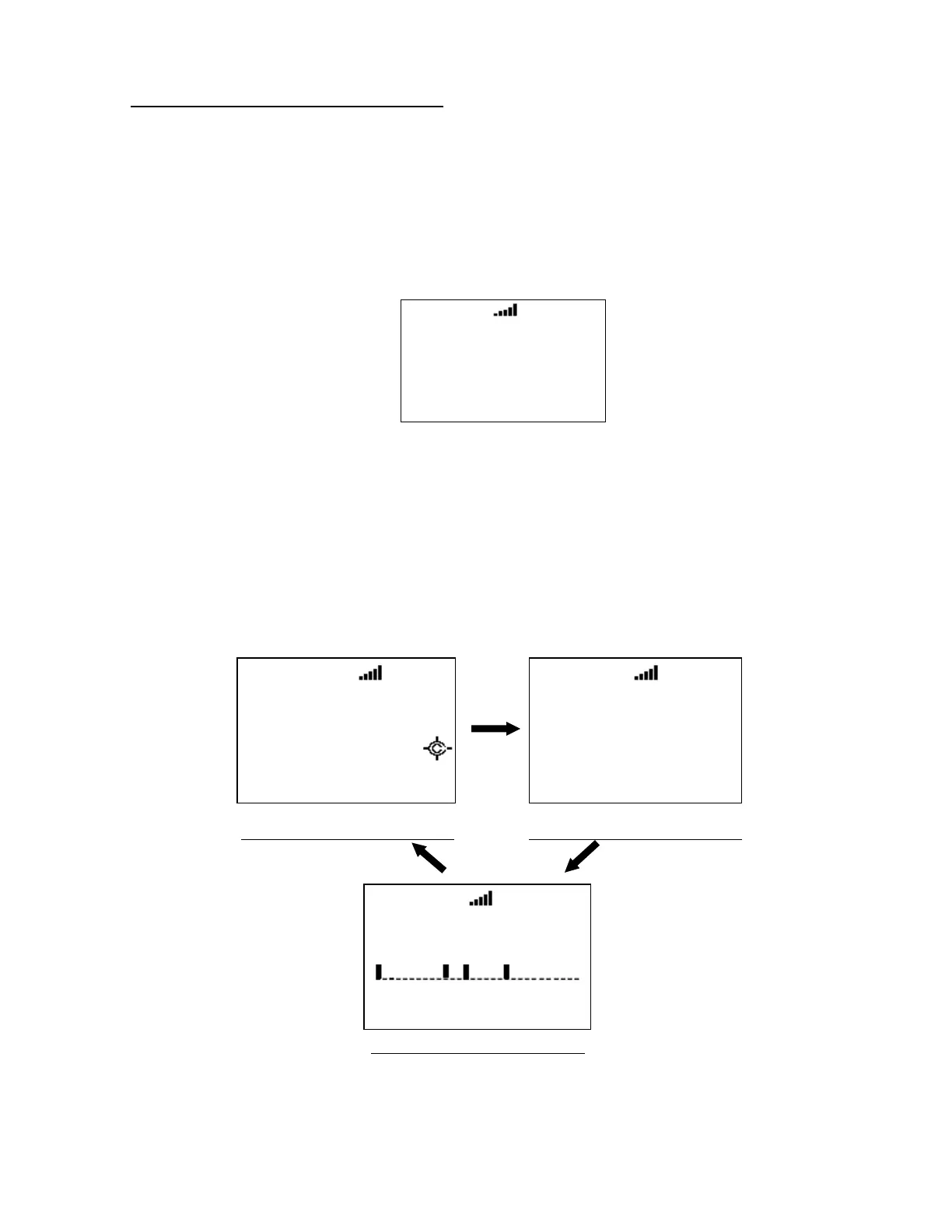
Press [6 / RIGHT / disp] in Function Mode to change the Display Mode.
In Display Mode 1, the scanner displays the TGID name on the second line and the V-Ch frequency under
the second line.
In Display mode 2, the scanner displays the TGID name on the second line and TGID under the second line.
In Display mode 3, the scanner displays the TGID name on the second line and trunking activity indicators
under the second line.
For example, the V-ch frequency is “851.0250MHz” and the channel name of “ID:16512” is "Police".
In Channel Name Display Mode 2 and 3, even if the Close Call setting is “CC Pri” or “CC DND”, the Close Call
icon is not displayed.
HOLD
Si te 2- 1 MOT
Poli ce
16512
S0: 1 - - - - - - - - -
GRP - - - - - - - - - -
Channel Name Display Mode 1 Channel Name Display Mode 2
Channel Name Display Mode 3
HOLD
Si te 2- 1 MOT
Poli ce
S0: 1 - - - - - - - - -
GRP - - - - - - - - - -
HOLD
Si te 2- 1 MOT
Poli ce
851. 0250
S0: 1 - - - - - - - - -
GRP - - - - - - - - - -



 To Next Page