Thursday, May 14, 2009
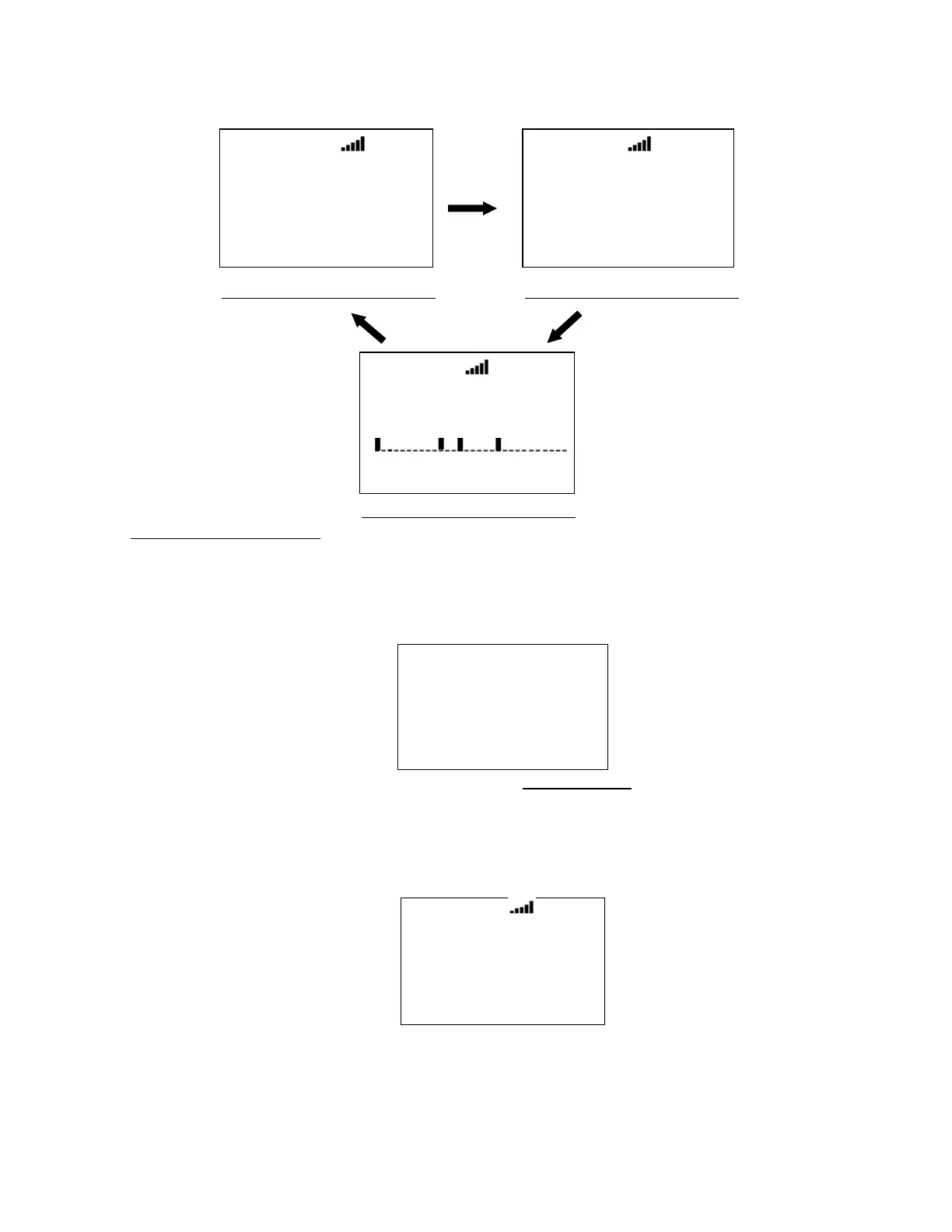
For example, "ID:0-01-063" for the LTR System displays in Channel Name Display Mode 2.
Hold on System Frequency:
The scanner displays the system name and System ID on the first line. It displays the trunk frequency on
the second line.
For example, if 935.0125 MHz in "Site 3-1 MOT" belonging to Quick Key 1 is selected, the scanner displays:
HOLD
Si te 3- 1 MOT
935. 0125MHz
NFM
S0: 1 - - - - - - - - -
GRP - - - - - - - - - -
Press [E / yes / gps] to go to the System Editing menu at System Settings.
When the scanner receives a TGID, it displays the received TGID on the second line. If the TGID is already
stored into the system and it is named, the channel name is displayed instead of the TGID. The holding
trunked frequency is displayed under the TGID display.
HOLD
SI D: 01
I D: 01- 012
851. 0125
S0: 1 - - - - - - - - -
GRP - - - - - - - - - -
*In Motorola System, System ID is displayed as "SID:xxxxh-yyzz".
“xxxxh” means System ID. “yy” means Sub System ID. This is always is 00 for Motorola analog systems. “zz”
means SITE ID.
HOLD
System 3 L
ID:0- 01- 063
512. 0000
S0: 1 - - - - - - - - -
GRP - - - - - - - - - -
HOLD
System 3 L
ID:0- 01- 063
0 - 0 1 - 0 6 3
S0: 1 - - - - - - - - -
GRP - - - - - - - - - -
Channel Name Display Mode 1 Channel Name Display Mode 2
Channel Name Display Mode 3
HOLD
System 3 L
ID:0- 01- 063
S0: 1 - - - - - - - - -
GRP - - - - - - - - - -



 To Next Page