Special keys
● Turn the SELECT-VOLUME-SCROLL knob to change the direction of the
search.
● While monitoring a channel, turn the SELECT-VOLUME-SCROLL knob to
resume searching.
● In Custom Search mode, FUNCTION + turn the SELECT-VOLUME-SCROLL
knob to select a custom search range. The scanner starts at the custom search range
you select here.
● FUNCTION+ tap MENU to go to the Search for... menu.
● During a Quick Search, FUNCTION+ tap MENU to go to the Srch/CloCall Opt
menu.
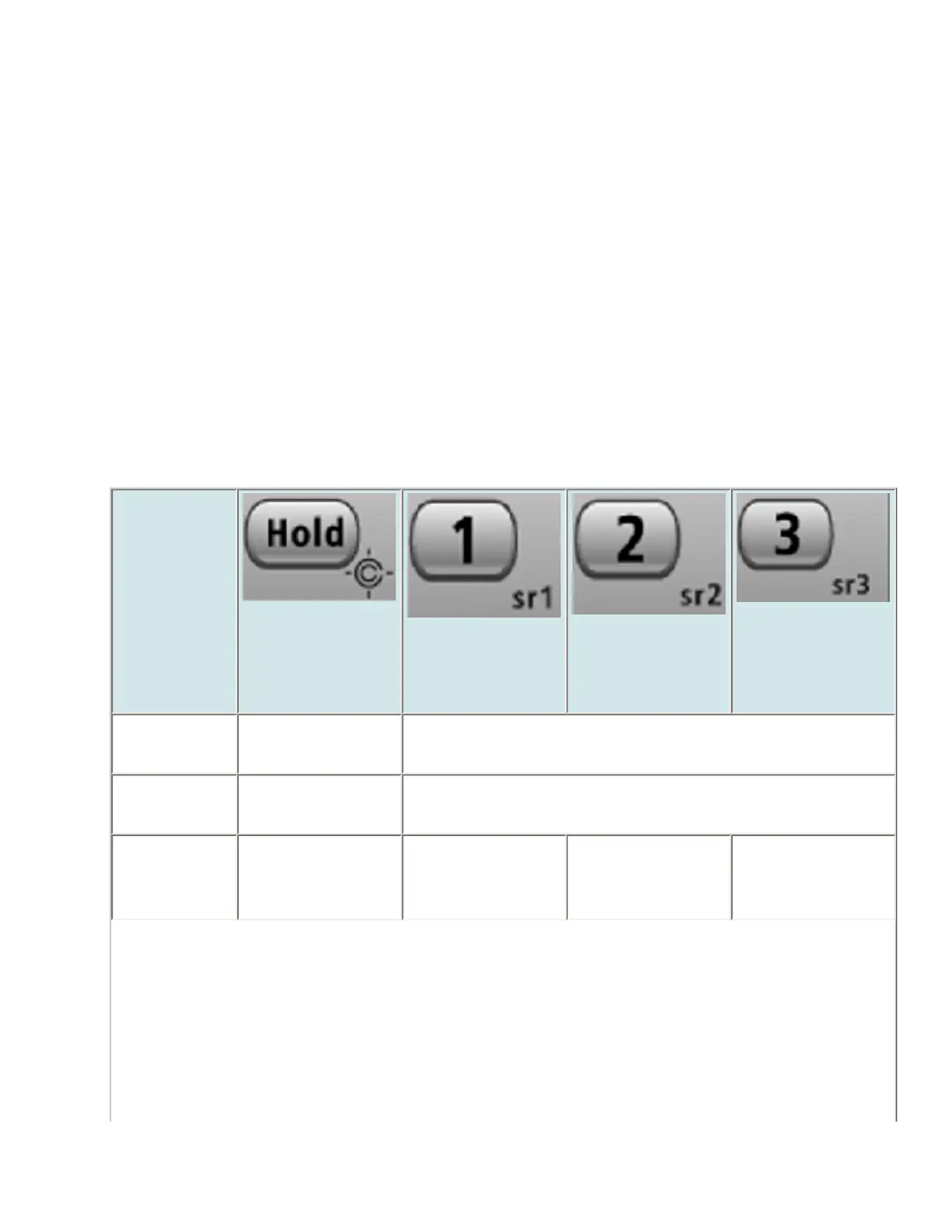
Keypad controls
Key Name
(2nd
operation)
Action On
HOLD (Close
Call)
1 (Search 1)
2 (Search 2)
3 (Search 3)
Tap Enter Hold
mode.
Disable the custom search range assigned to this key.
Tap again to enable.
FUNCTION
+ Tap
Toggle Close
Call modes.
Start the search range assigned to this Search Key.
FUNCTION
+ Press &
hold
Enter Close Call
Only mode.
NA NA NA
file:///C|/Documents%20and%20Settings/POpitz/My%20Documents/temp/CDImage_090515/Manual/ScanMode.html (7 of 10)5/26/2009 11:14:57 AM



 To Next Page