EasyManua.ls Logo

Uniden BCD396XT - Page 875

Uniden BCD396XT
1059 pages
Print Icon
To Next Page IconTo Next Page
To Previous Page IconTo Previous Page
Loading...
ScanMode < UnidenMan4 < TWiki
FUNCTION
+ Tap
Review the list
of locked out
frequencies.
Toggle the
attenuator state
for this channel.
NA Change the
modulation.
FUNCTION
+ Press &
hold
NA Toggle the
attenuator state
for all signals.
Show the
repeater reverse
frequency for the
current
frequency (the
scanner returns
to the original
frequency when
you release the
key).
NA
Key Name
(2nd
operation)
Action on:
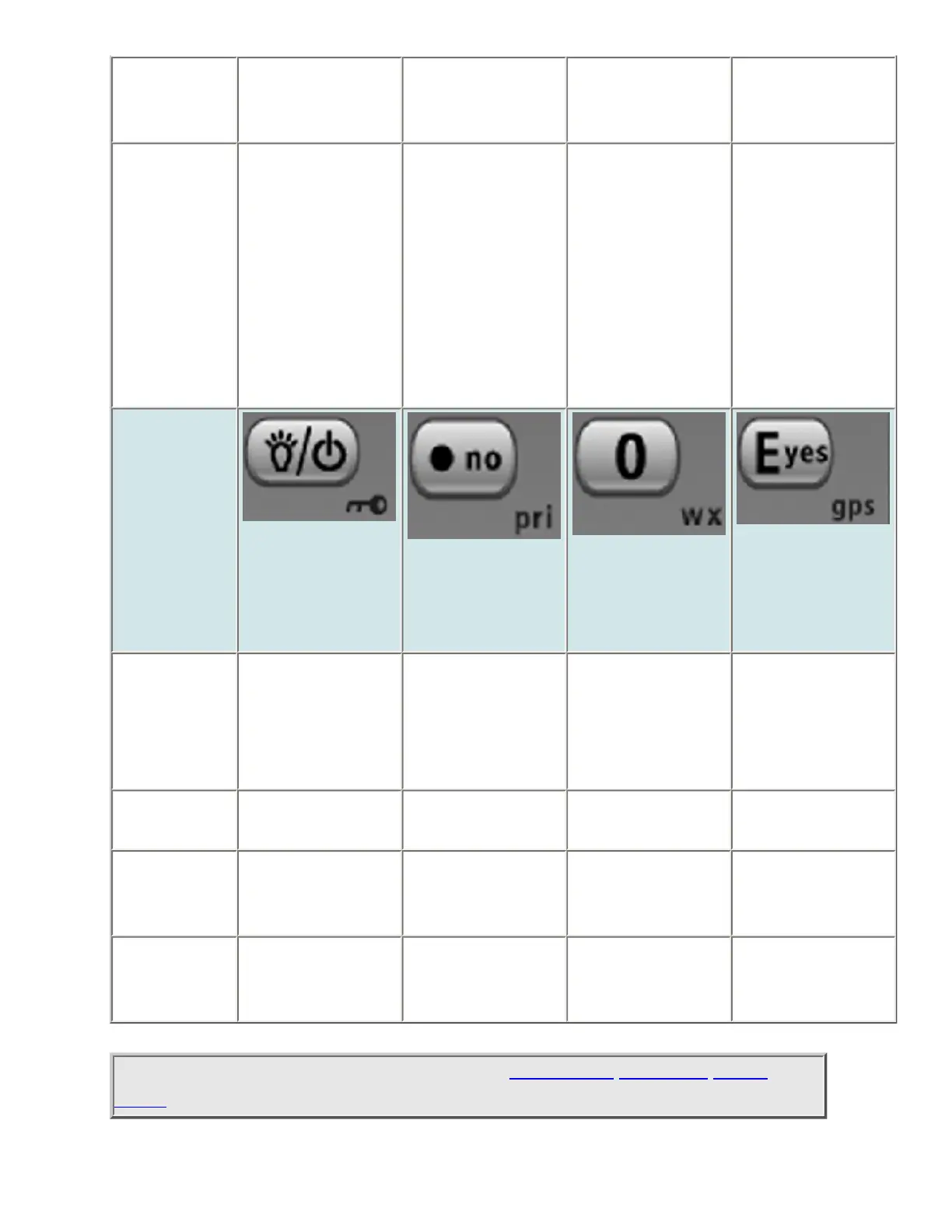
Backlight
(Power, Lock)
No (Decimal,
Priority)
0 (Weather)
Yes (Enter,
GPS)
Tap Turn on the LCD
backlight.
During a system
message: Cancel
the message and
exit that screen.
Disable the
search range
assigned to this
key. Tap again to
enable.
Store the current
frequency.
Press & hold Turn the scanner
on or off.
NA NA NA
FUNCTION
+ Tap
Lock or unlock
the keypad.
NA Change the WX
Alert Priority
settings.
Enter GPS mode.
FUNCTION
+ Press &
hold
NA NA Enter Weather
mode.
NA
This page applies to the following scanner(s): BCD396XT BC346XT Users
Guide
file:///C|/Documents%20and%20Settings/POpitz/My%20Documents/temp/CDImage_090515/Manual/ScanMode.html (9 of 10)5/26/2009 11:14:57 AM

Table of Contents

Other manuals for Uniden BCD396XT

Related product manuals