Press &
Hold
Go to Close Call
Only mode.
NA NA Hold on the current
system.
If already holding on
a system, resume
normal scanning.
FUNCTION
+ Tap
Go to Fire Tone-
Out Mode.
Go to the P25 status
mode.
When scanning a
trunked system,
toggle between ID
Scan and ID Search
mode.
When scanning a
conventional system,
go to Quick Search
mode.
Hold on the current
channel.
Key Name
(2nd operation)
Action on:
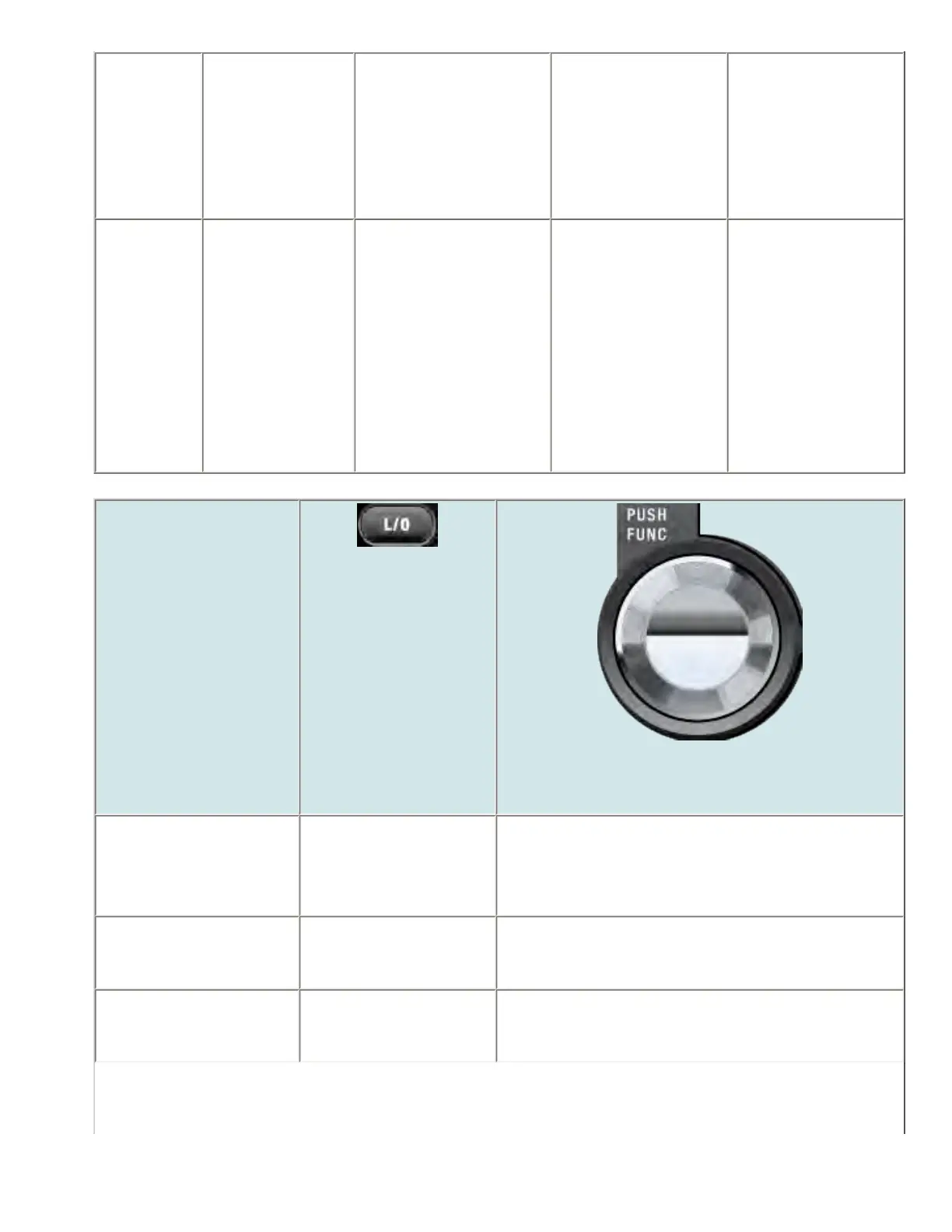
LOCKOUT
SCROLL - FUNCTION
Rotate NA Change scan direction.
If stopped on a channel, resume scanning.
Tap If stopped on a channel,
temporarily lockout the
channel.
Activate the FUNCTION mode for the next keypress.
Double Tap If stopped on a channel,
permanently lockout the
channel.
NA
file:///C|/Documents%20and%20Settings/POpitz/My%20...s/temp/CDImage_090515/Manual/BCD996XTScanMode.html (5 of 9)5/26/2009 11:15:46 AM



 To Next Page