❍ the group containing it is locked
❍ its Set Lockout field is set to Locked Out or Temporary L/O
Key operation in Scan mode
Special keys
● Turn the SCROLL knob to change the direction of the scan.
● While monitoring a channel, rotate the SCROLL knob or press SCAN to resume scanning.
● FUNCTION + turn the SCROLL knob to select a system. The scanner starts scanning at the system
you select here.
● FUNCTION + tap MENU to edit the current system.
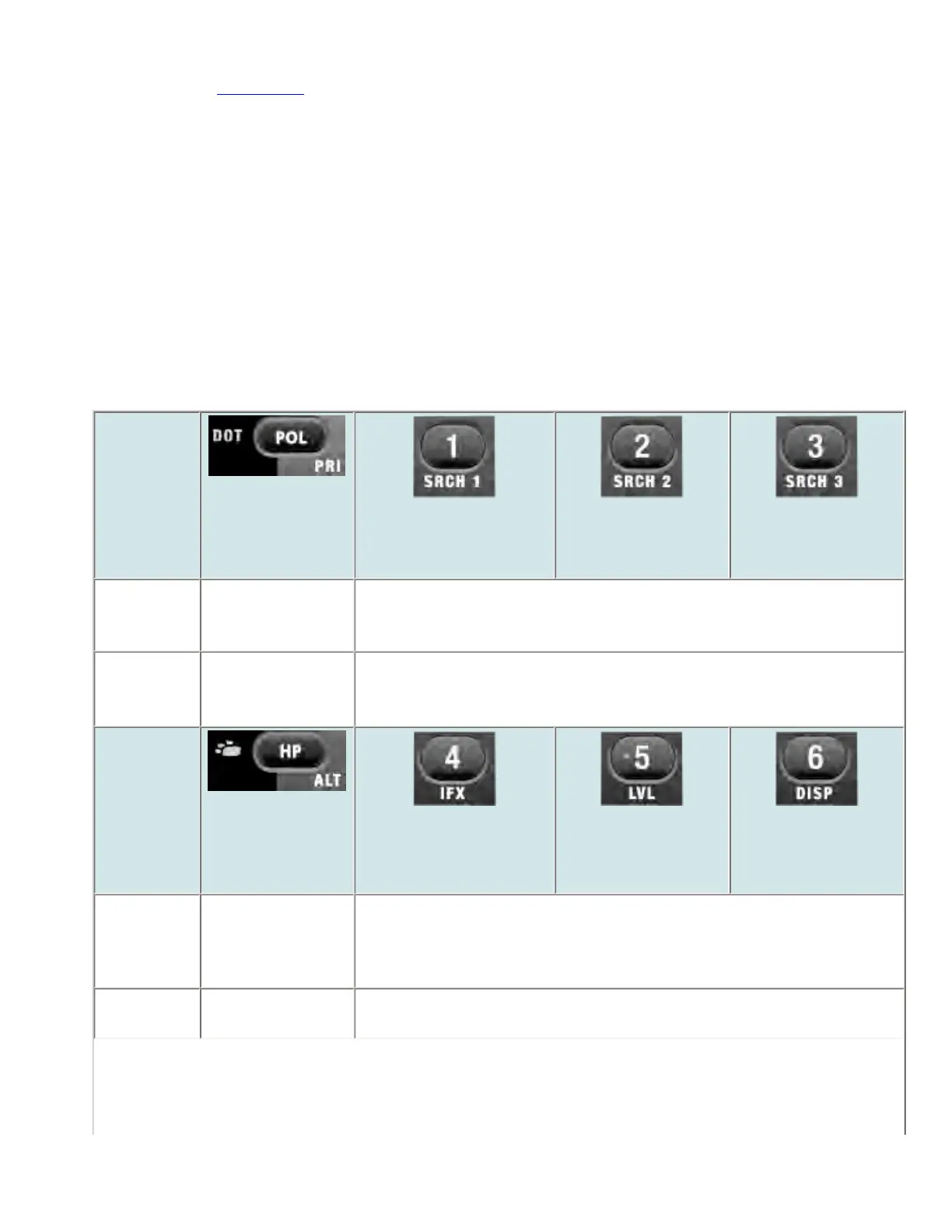
Keypad controls
Key Name
(2nd
operation)
Action On
Police / Priority
1 (Search 1)
2 (Search 2)
3 (Search 3)
Tap Toggle DOT and
Police State-by-
State search mode.
Disable the systems or sites assigned to this System/Site Quick Key
(SQK). Tap again to enable.
FUNCTION
+ Tap
Toggle priority
modes.
Disable the channel groups in the current system assigned to this Group
Quick Key (GQK). Tap again to enable.
Key Name
(2nd
operation)
Action on:
Highway Patrol /
Alert
4 (IF exchange)
5 (Level offset)
6 (Display mode)
Tap Toggle Highway
Patrol / Beartrack
Warning System
modes.
Disable the systems or sites assigned to this System/Site Quick Key
(SQK). Tap again to enable.
FUNCTION
+ Tap
Toggle Alert Plus
mode.
Disable the channel groups in the current system assigned to this Group
Quick Key (GQK). Tap again to enable.
file:///C|/Documents%20and%20Settings/POpitz/My%20...nts/temp/CDImage_090515/Manual/BCT15XScanMode.html (3 of 9)5/26/2009 11:16:22 AM



 To Next Page