Vectorworks 2010 Products 13
Vectorworks Spotlight 2010 Getting Started Guide
Making a copy of the Spotlight Workspace gives you an excellent foundation on which to build and you always have the original to go
back to for reference. You can name the copy whatever you like to differentiate your workspace from the original.
Most users have several of their own workspaces. Typically at least one for use on a laptop and one for use with a larger screen. Many
lighting designers like to gather all of the lighting commands into a single top level menu.
Over time you may nd additional tools or plug-ins that you would like to add to Vectorworks. Some come with their own workspace.
Other add-ons need to be, well, added-on to any workspace where you might want to use them.
For example, lighting designers, may be interested in utilizing the
visualization capabilities of ESP Vision (http://espvision.com) and
would want to modify a workspace. If you work in television or
corporate theatre, you will notice (soon), the Video Screen
capabilities available in the Spotlight Toolset. Developer Andrew
Dunning also offers a more powerful commercial version, and if this
is your eld...
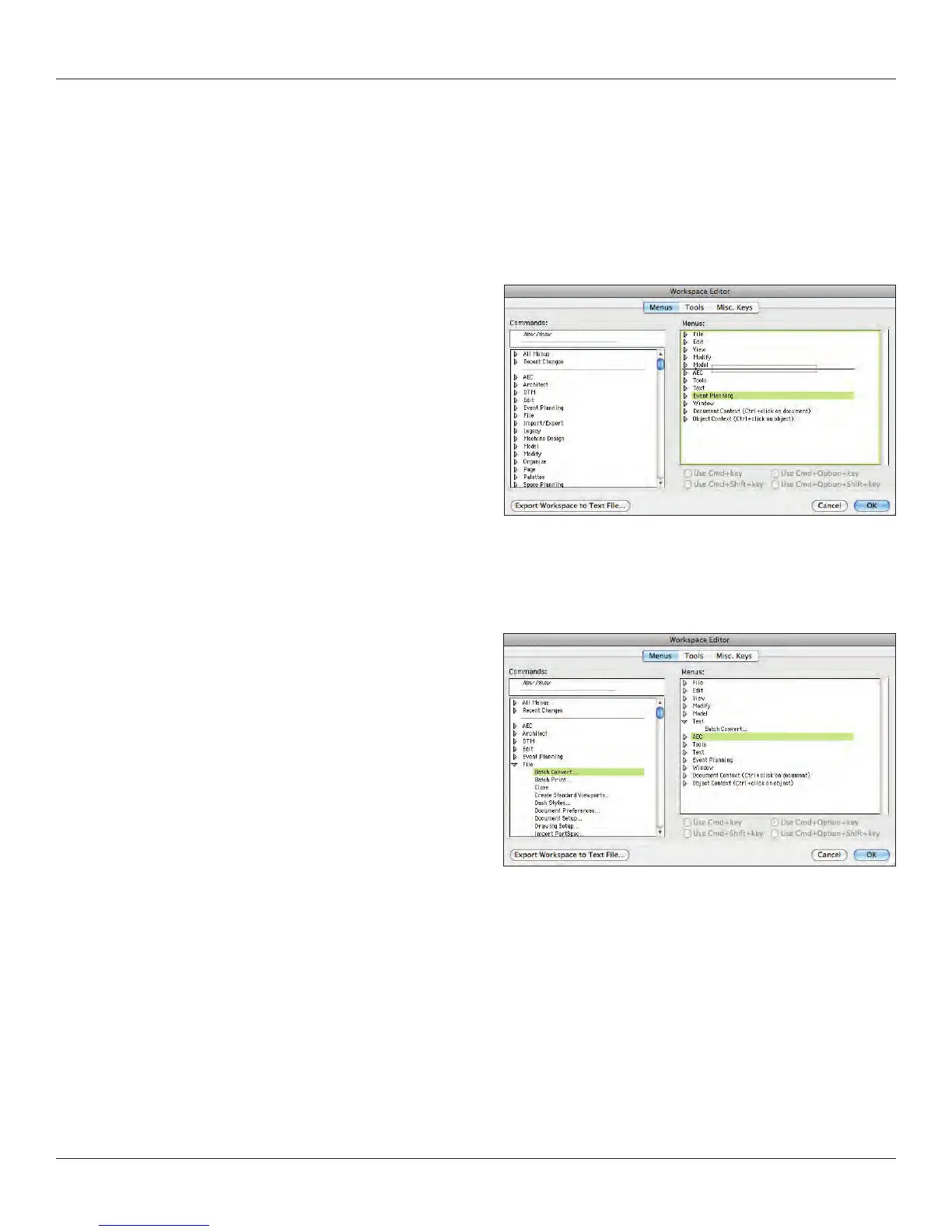
From the workspace editor, we will make a copy of the Spotlight
Workspace just to see how this is done. You will now have a
window with 3 tabs that allow you to edit the Menus, Tool sets and
Miscellaneous Keys.



 To Next Page