14 Vectorworks 2010 Products
Vectorworks Spotlight 2010 Getting Started Guide
Grab the New Menu from the left column and drag over to the right.
Name it. Note that you can readily rename the other menus just as
you can rename a le. You can also delete a Menu by selecting and
hitting the delete key.
Once you have a new menu, you can drag other items from the left
column into your new menu, and arrange them as you like.
You can also edit the contextual menus to readily access an often
used tool from the right mouse button.
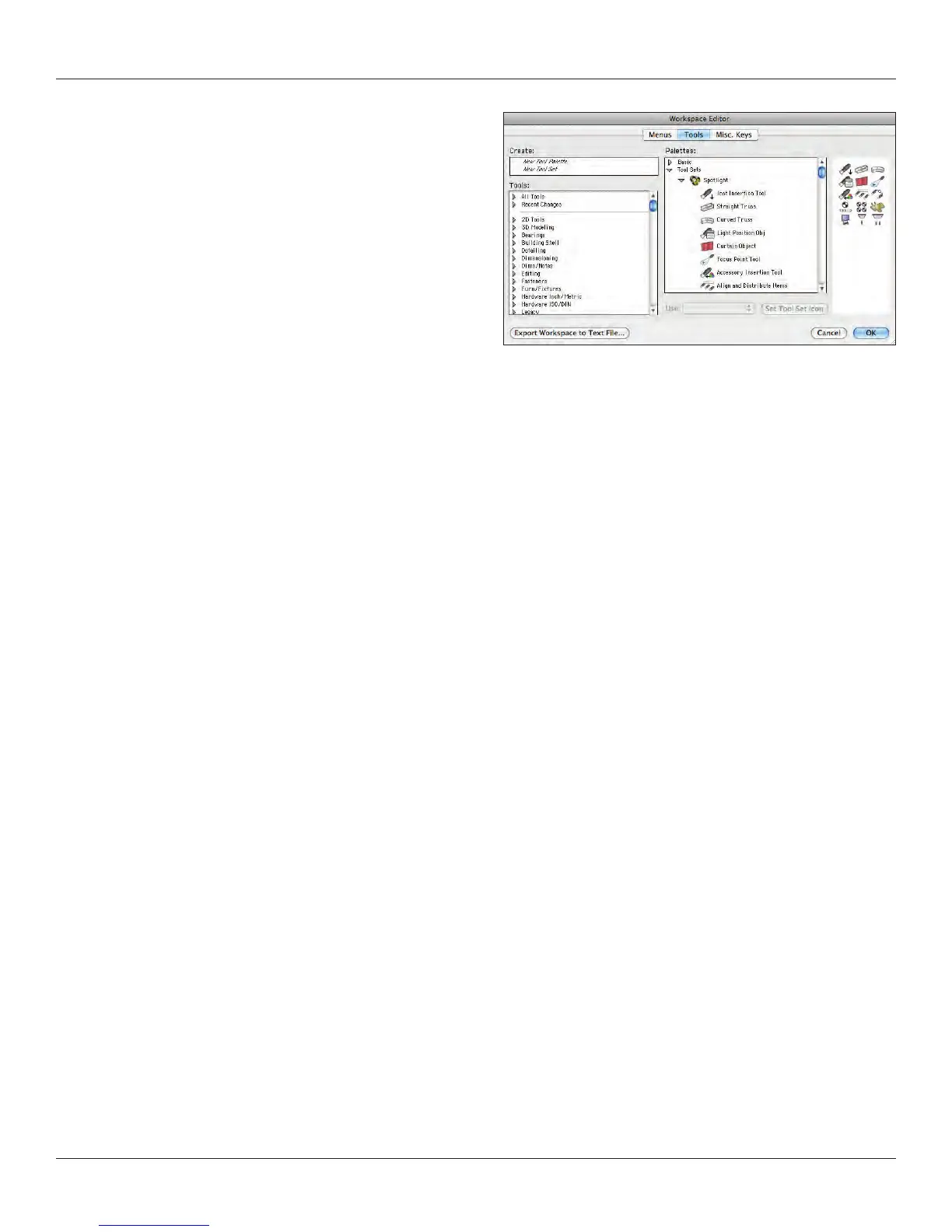
From the Tools Tab, you can modify your palettes in much the same
way. You can totally reorganize the tool sets to meet your work ow
and needs.
In both cases, you can alter the keystrokes required to bring up a
specic tool. In Miscellaneous Keys, you can adjust other
commands, some of which we’ll discuss a bit later.
Experiment a bit with editing a copy of a workspace. Make sure that
you have your original Spotlight workspace to go back to, at least
until you nish working through this book.



 To Next Page