24 Vectorworks 2010 Products
Vectorworks Spotlight 2010 Getting Started Guide
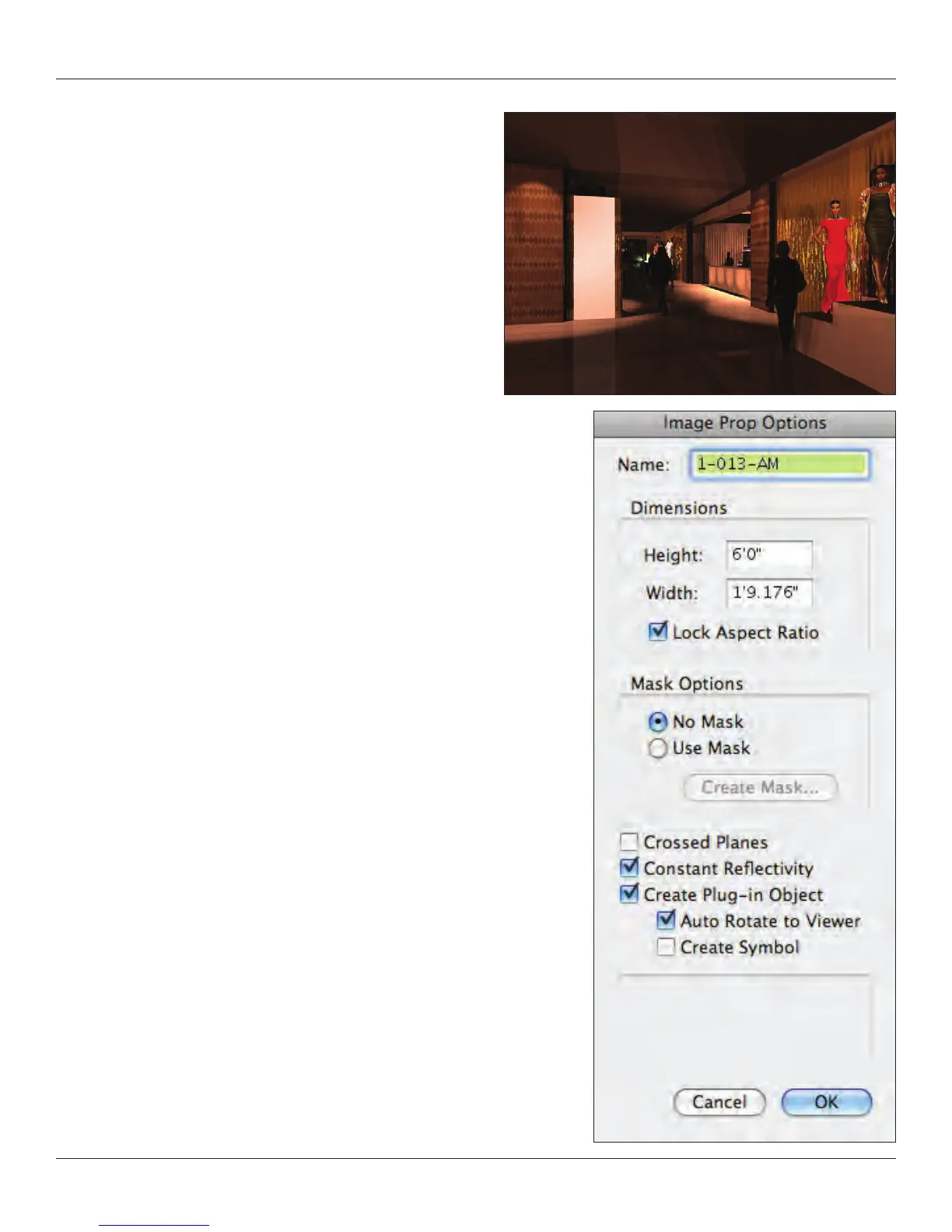
I created the conceptual drawing at right with my colleague,
lighting designer Shawn Kaufman. The image is my model with
Shawn’s use of the Spotlight Tools to light the model. This concept
was developed quickly and evolved. I masked some of the fashion
gures with white and then changed the background, so you see a
bit of the white outline.
If you save with a channel or a mask, you cannot use the JPEG
le format. Consider .PNG or .PSD formats.
OK, now you have an image you can work with, we need to bring
that image into Vectorworks.
Go to Model>Create Image Prop and you will see a standard
open le dialogue. Find your le and select it. Notice that if you
saved your le as actual size, Vectorworks knows this. Also notice
that you adjust the size of the image prop at this time.



 To Next Page