ArcLight Hub User’s Guide
Screen Descriptions for NMS Client
3-54 1081006 Rev. 001
3.3.3 Window
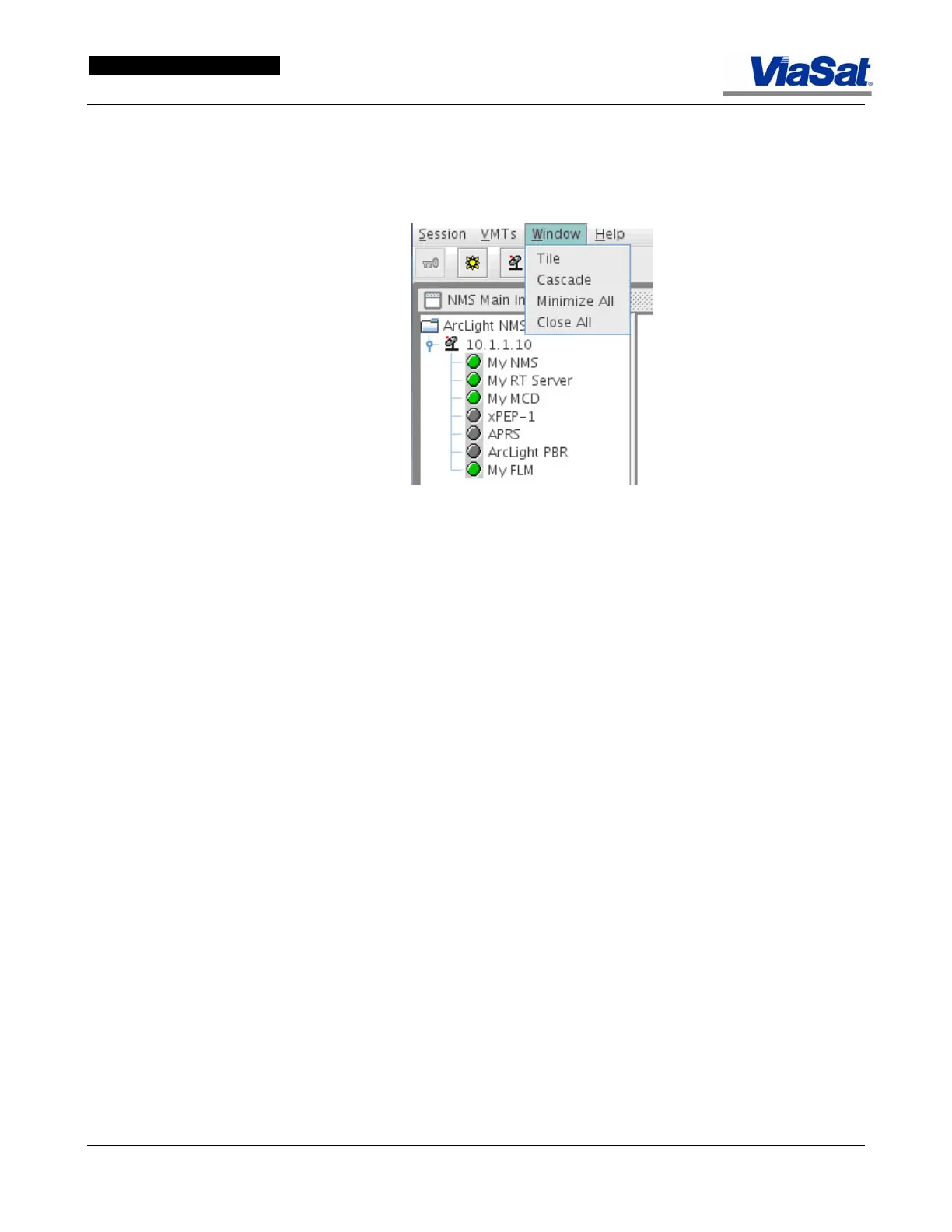
The Window drop down menu is shown in Figure 3-36.
Figure 3-36. Window Drop-down Menu.
Tile: Select Tile to size and group all open windows so that they fit on
the screen.
Cascade: Select Cascade to display all open windows in a descending
array on the screen.
Minimize All: Select Minimize All to close all open windows and display
their icons on the lower menu bar.
Close All: Select Close All to close all open windows.



 To Next Page