ArcLight Hub User’s Guide
Screen Descriptions for NMS Client
3-96 1081006 Rev. 001
3.3.16 Managing ArcLight Components
The following sections describe how to use the NMS to create, edit,
configure, and delete ArcLight Hub components.
3.3.16.1 Managing the ArcLight Components using the Network Management System (NMS)
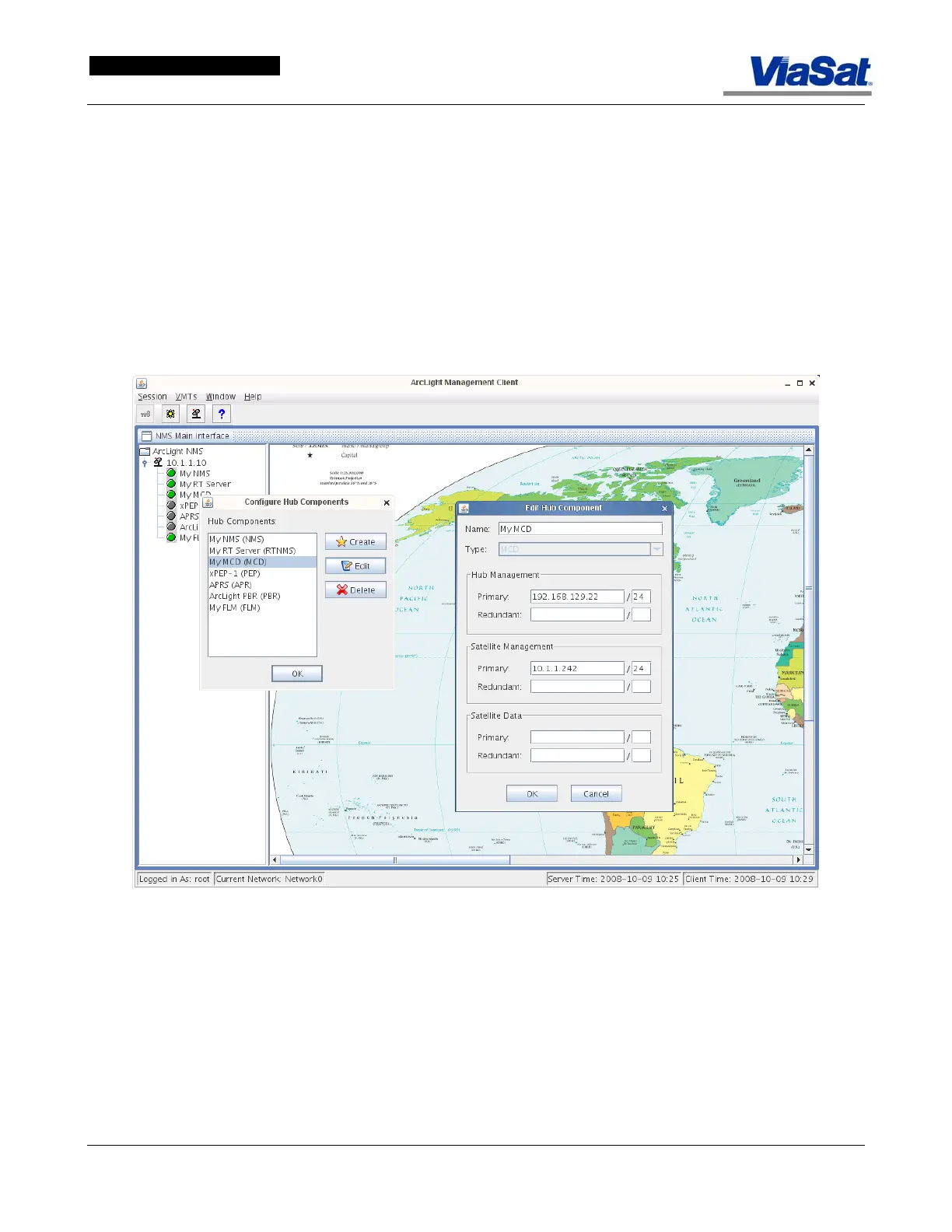
The NMS components are accessed by right-clicking on the components
listed in the tree list of the the ArcLight hub diagram, as shown in
Figure 3-61.
Figure 3-61. NMS Edit Component Screen for MCD
In the “tree view” to the left of the map screen the component names
are listed that have been added to the NMS view. A component can be
assigned any arbitrary name (my HC, Ocean Hub HC, etc.), so it is
important to retain the component type in the name (i.e., HC, FLM, etc.,
to avoid confusion). To work with a component, right-click on the
component name in the tree-list, and select the component in the
Configure Hub Components list. Then click on Create, Edit, or Delete,
depending on the desired action.



 To Next Page