ArcLight Hub User’s Guide
Screen Descriptions for NMS Client
Rev. 001 1081006 3-135
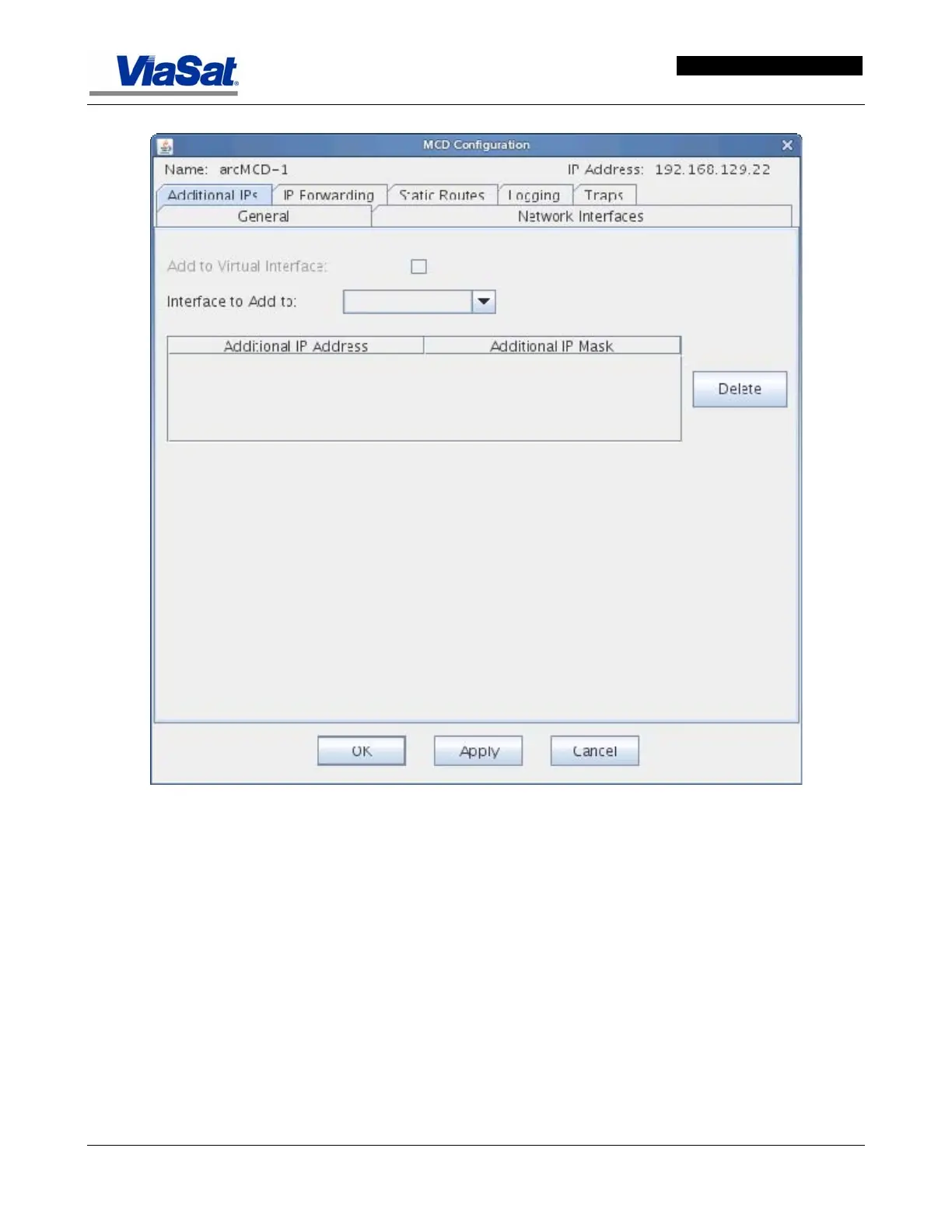
Figure 3-82. MCD Configuration Screen – Additional IPS Tab.
Name - displays the name of the ArcLight MCD and identifies if it is a
MCD I or MCD II.
IP Address - displays the hub management IP address of the ArcLight
MCD
Additional IPs Tab:
Add to Virtual Interface - check this box to view VLAN interfaces to
which additional IP addresses may be assigned. If unchecked, the
dropdown list will display physical interfaces. For Hubs with MCD I
configurations this text and the check box are grayed out and the
“Interface to Add to” pull down list area will display only physical
interfaces.


 To Next Page