ArcLight Hub User’s Guide
Initial Network Configuration
2-4 1081006 Rev. 001
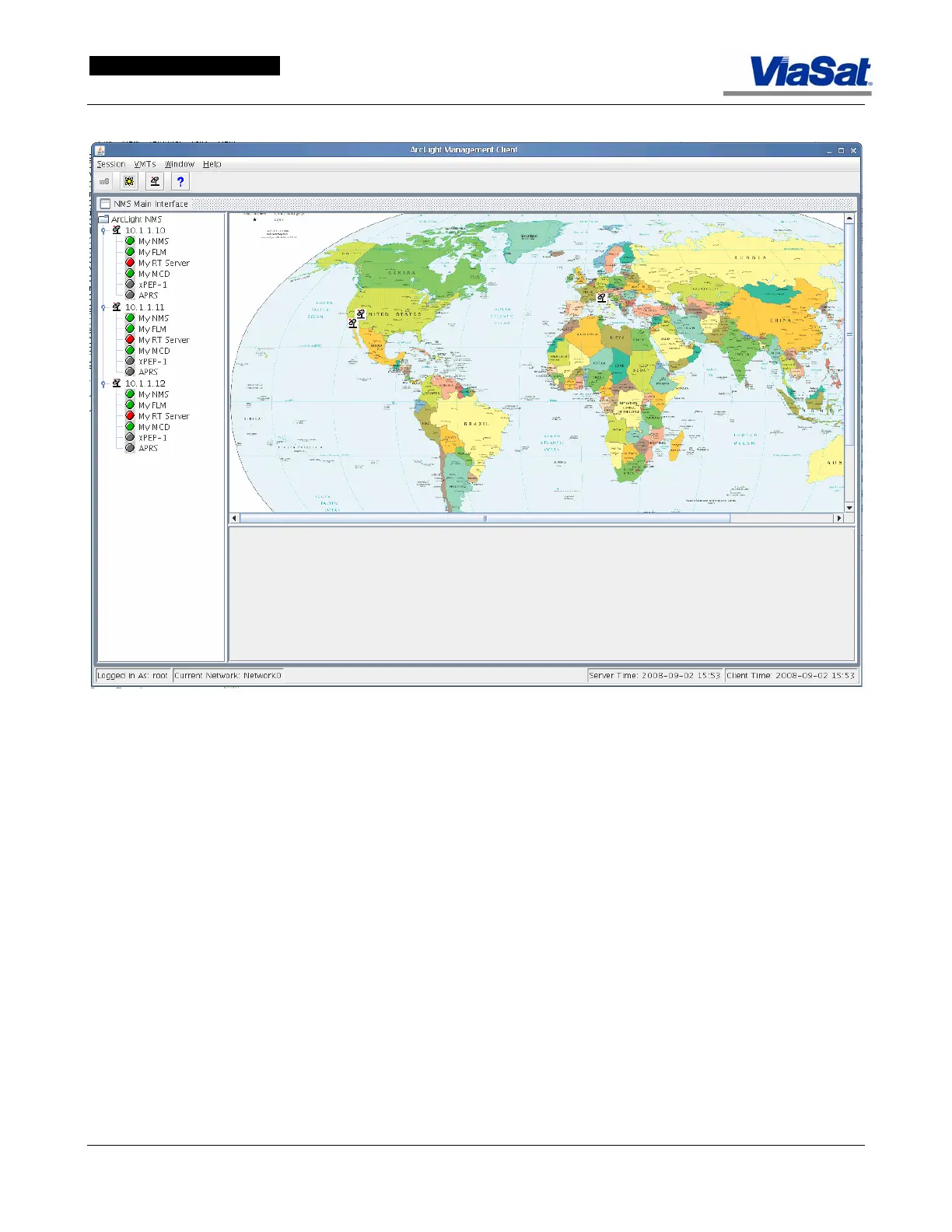
Figure 2-3. ArcLight Management Client Screen – Three Hub Systems Displayed.
Multiple hub networks are now supported.
Figure 2-3 shows the
ArcLight Management Client screen with three hub network icons
displayed on the map and listed on the left tree view.
To configure a hub, right-click on the hub address (for example:
10.1.1.10) and a Manage Hub Components screen appears (
Figure 2-4).
A password and operator account has already been created for the new
hub installation. Use the Session pull down menu and select Log In. A
Log In popup window will be displayed.
To determine the software version of a hub, select the hub as displayed
in the left column (or click on the hub icon displayed on the map), this
will show the Manage Hub popup panel. Then select About This Hub to
display the ArcLight NMS Client Version popup panel, shown in
Figure
2-5.



 To Next Page