ArcLight Hub User’s Guide
Screen Descriptions for NMS Client
3-122 1081006 Rev. 001
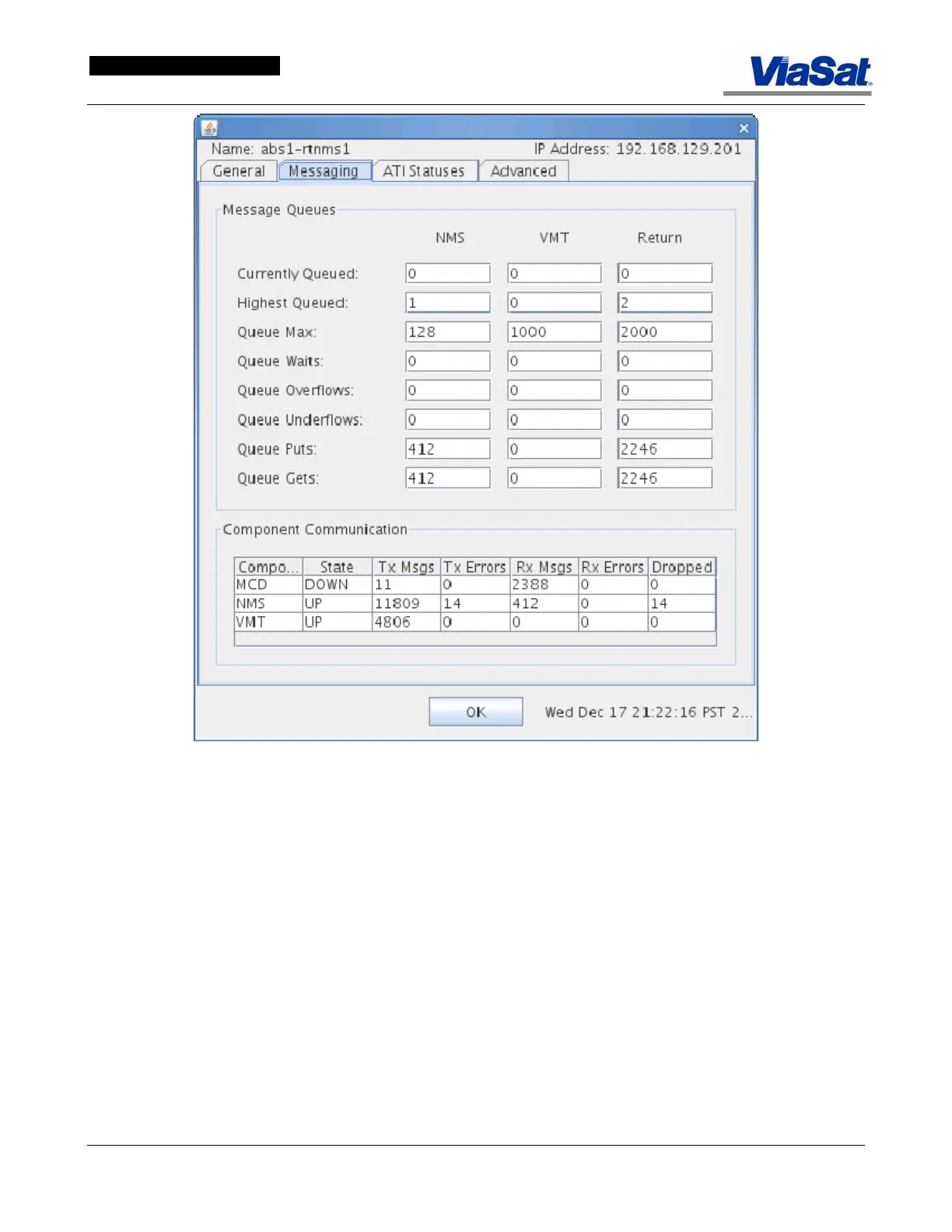
Figure 3-75. RtNMS Screen Messaging Tab.
Messaging Tab:
Message Queues panel:
Columns: These display the message queue categories for the NMS,
VMT, and Return (messages).
Currently Queued: These fields display how many messages are
queued for each category.
Highest Queued: This field displays the highest number of messages
that have been q ueued during the interval.
Queue Max: This field displays the setting for the maximum number of
messages that can be queued in each category.
Queue Waits: This field displays the number of queue waits that have
occurred for each category.


 To Next Page