ArcLight Hub User’s Guide
Screen Descriptions for NMS Client
Rev. 001 1081006 3-73
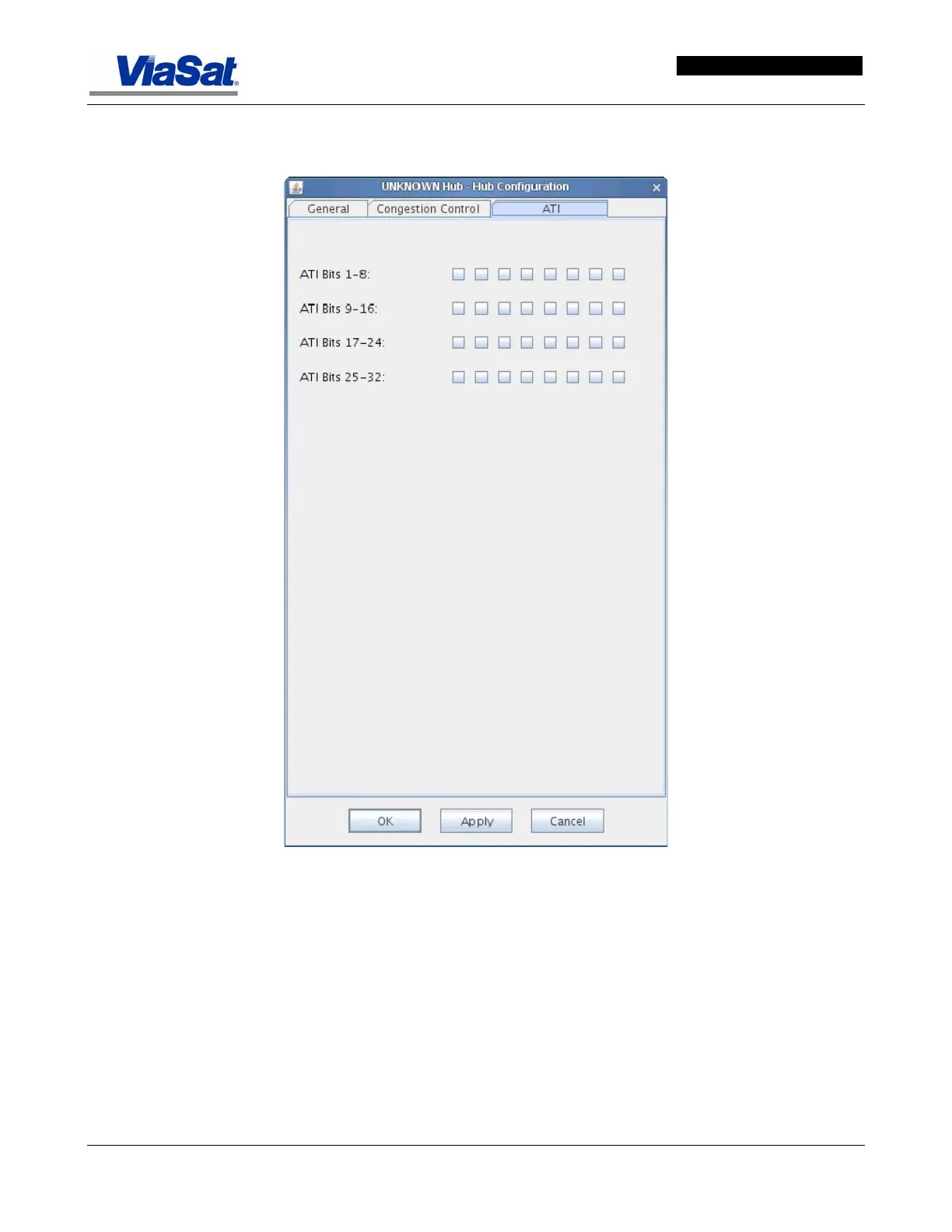
3.3.6.4 Hub Configuration Screen – ATI Tab
Figure 3-47. Hub Configuration Screen – ATI Tab.
The ATI tab screen is used for configuration of the automated transmit
inhibit (ATI) parameters. Used mainly in defining which ATI site(s) is ON
or not. If an ATI site is on then the region it defines will be a Transmit
Inhibit Zone. If the ATI Action is enabled for a particular database item,
then the VMT will inhibit transmitting within line of sight of that
location. If the ATI Action is disabled, then the VMT will not inhibit
transmit due to ATI.



 To Next Page