ArcLight Hub User’s Guide
Component Operating Procedures
5-100 1081006 Rev. 001
• ENTER Enters currently displayed choice, e.g., a function or
yes/confirmation to save changes
• CLR Clears the current selection/choice and returns to the last
saved value
• TIME Displays the current time. This can also be used to exit a
function without saving changes.
• STATUS Displays the clock status and time. Can be used to exit
a function without saving changes.
• MENU Displays first item in function menu. Use UP/DOWN
ARROWs to display other functions.
Refer to the Xli IEEE 1588 Clock User Guide for additional information
on the operation of the 10 MHz Reference.
5.26.2 Installation procedure
Refer to the User’s Manual available from
http://www.symmetricom.com for installation information.
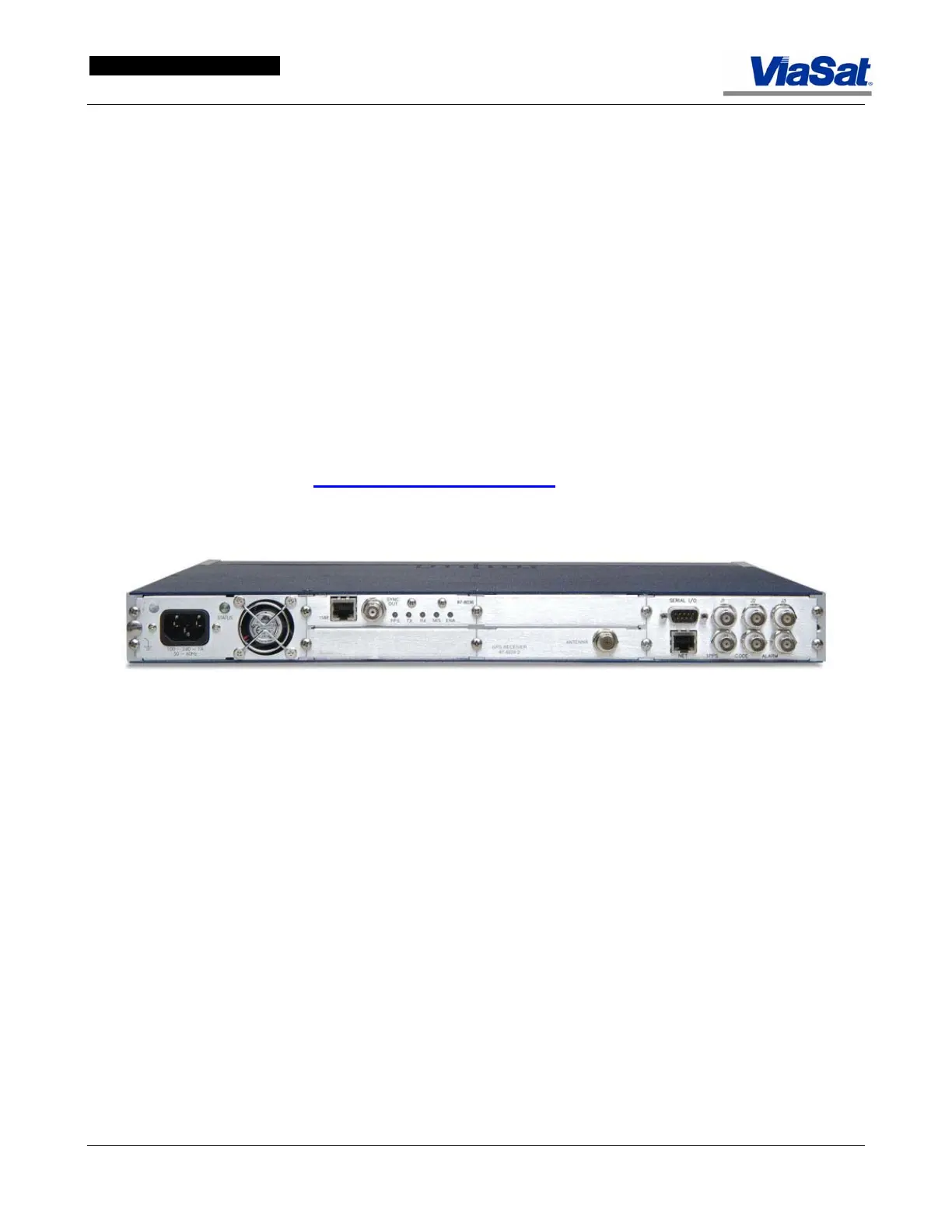
Figure 5-69. Rear panel View, 10 MHz Reference.



 To Next Page