ArcLight Hub User’s Guide
Screen Descriptions for NMS Client
Rev. 001 1081006 3-17
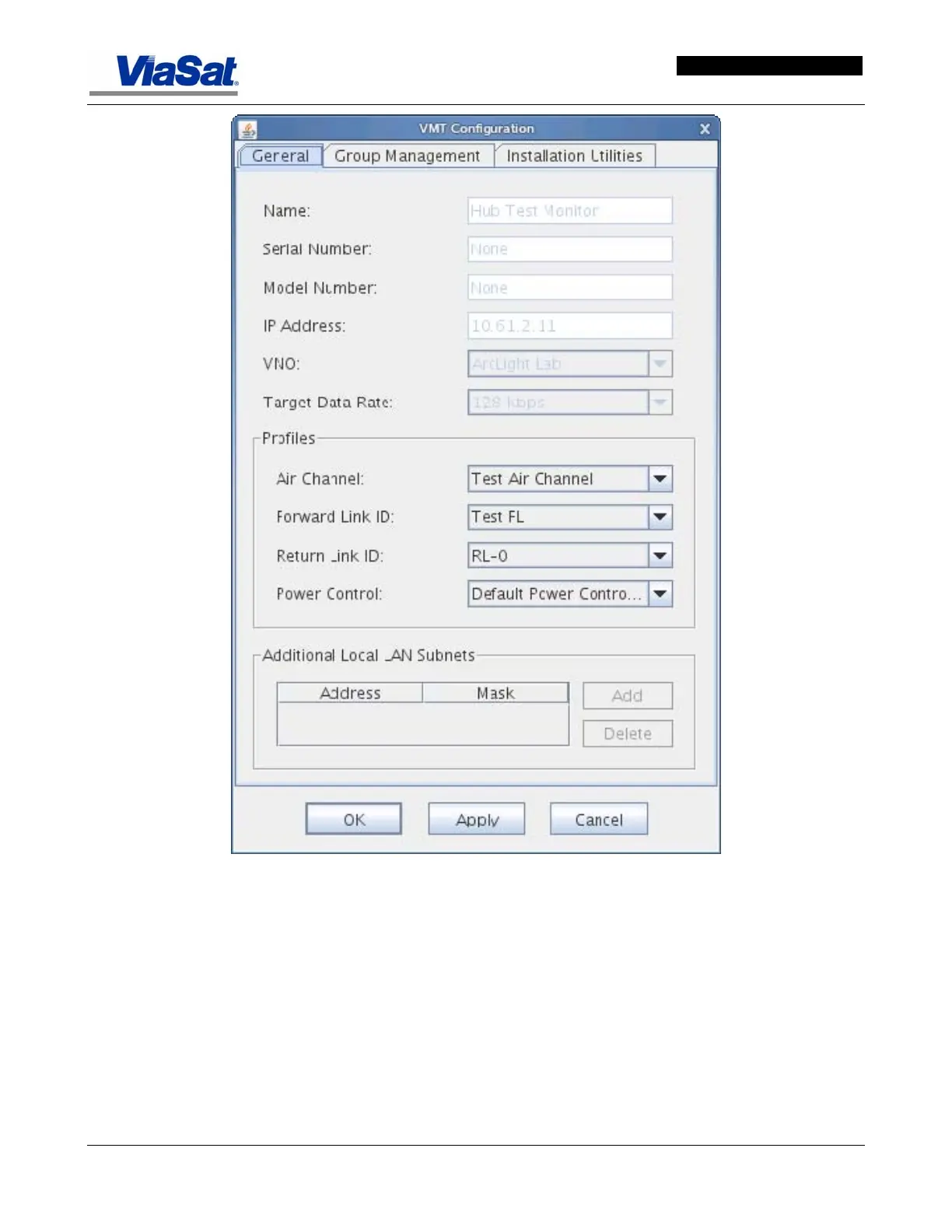
Figure 3-14. VMT Configuration Screen – General Tab.
General Tab data item descriptions:
Name - this is the name of the site to identify the location of the VMT. If
a site has multiple terminals add a number i.e., Atlanta-2, or some
other identifier.
Serial Number - this is the serial number of the VMT at the location
specified in the Site Name field. The serial number is located on the
back panel of the VMT. It should also be included in the NDD [1].
Model Number - the model number of the VMT identified in the Serial
Number field. The model number is located on the back panel of the
VMT.



 To Next Page