ArcLight Hub User’s Guide
Component Operating Procedures
Rev. 001 1081006 5-61
5.12.2.4 External Reference Interface
The VPCMA-70 is provided a reference by the hub. This reference is
distributed to all of the hub components. The input reference
requirements to the VPCMA-70 are listed in
Table 5-12.
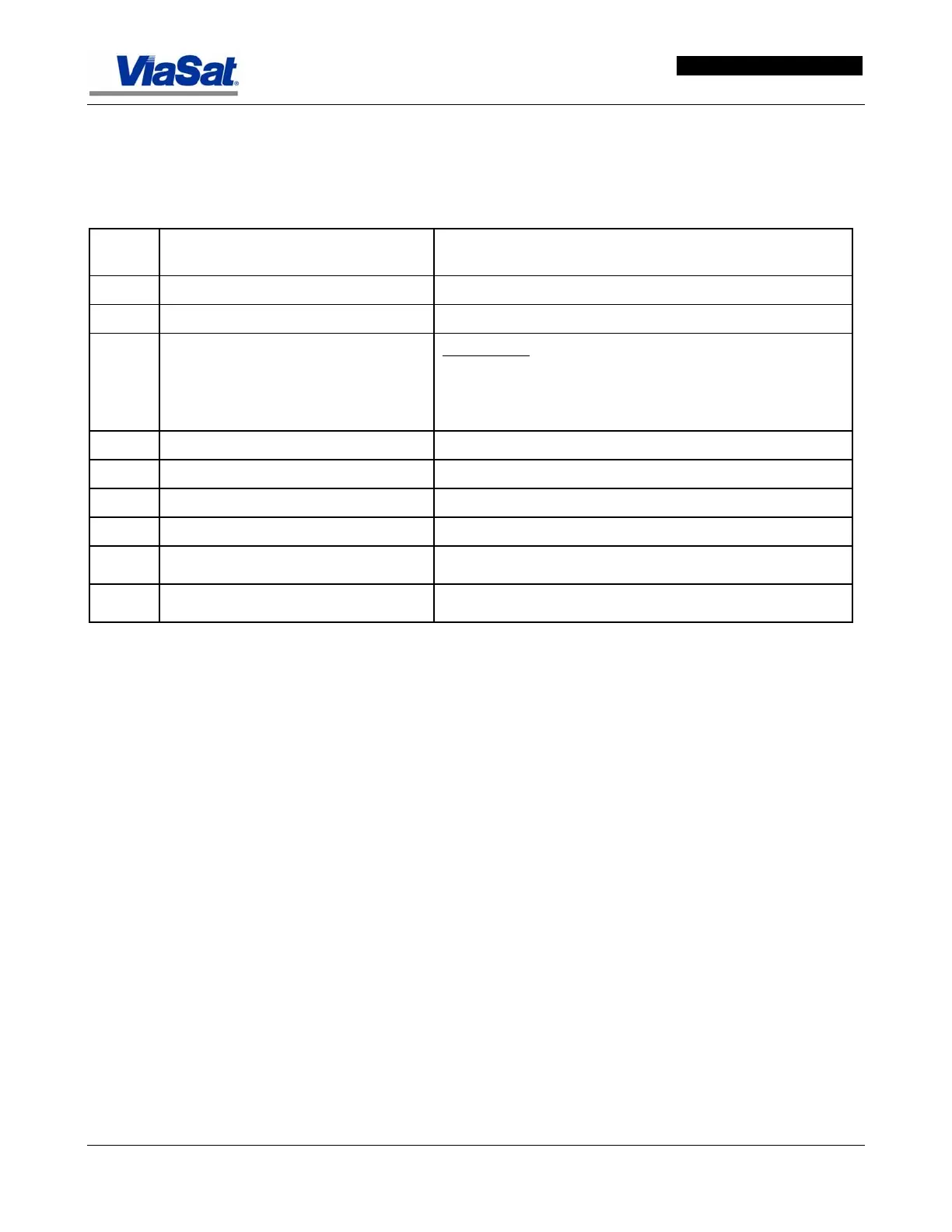
Table 5-16. PCMAHC Reference Specification
Spec.
No.
Description Limits
1 Reference frequency 10 MHz
2 Reference frequency stability Stability over time and temperature: +/- 0.05 ppm
3 Reference phase noise mask Freq offset
100 Hz: -110 dBc/Hz
1 kHz: -130 dBc/Hz
10 kHz to 10MHz -140 dBc/Hz
4 Waveform Squarewave
5 Level TTL into 50 ohms
6 Duty cycle 50% +/- 5%
7 Input return loss >14 dB
8
Input impedance 50 ohm
9
Connector BNC female (50 ohms)
5.12.3 Installation
5.12.3.1 Hardware Installation
Please refer to the ArcLight Hub Installation Manual for VPCMA-70
cabling and rack placement instructions.
5.12.3.2 Software Installation
Please refer to the ArcLight VPCMA software release-specific Installation
and Upgrade Procedure documentation available on the ArcLight Hub
Software release CD-ROM for software installation and upgrade
procedures. VPCMA-70 runs the Embedded Linux OS.
5.12.4 Configuration
The VFLM-70 is configured using its front panel. The essential
parameters are the IP address and subnet mask of its Ethernet
interface as well as various satellite interface parameters. The VPCMA-
70 is usullay configured with an IP address at the main Hub subnet
10.1.1.0/24, e.g. 10.1.1.70/24.
The VPCMA-70 is initially configured locally using the front panel
controls and display. After initial set up and configuration of network
parameters, the PCMAHC may be reconfigured from the front panel or
remotely using an external SNMP manager software via its Ethernet
interface.



 To Next Page