ArcLight Hub User’s Guide
Screen Descriptions for NMS Client
3-120 1081006 Rev. 001
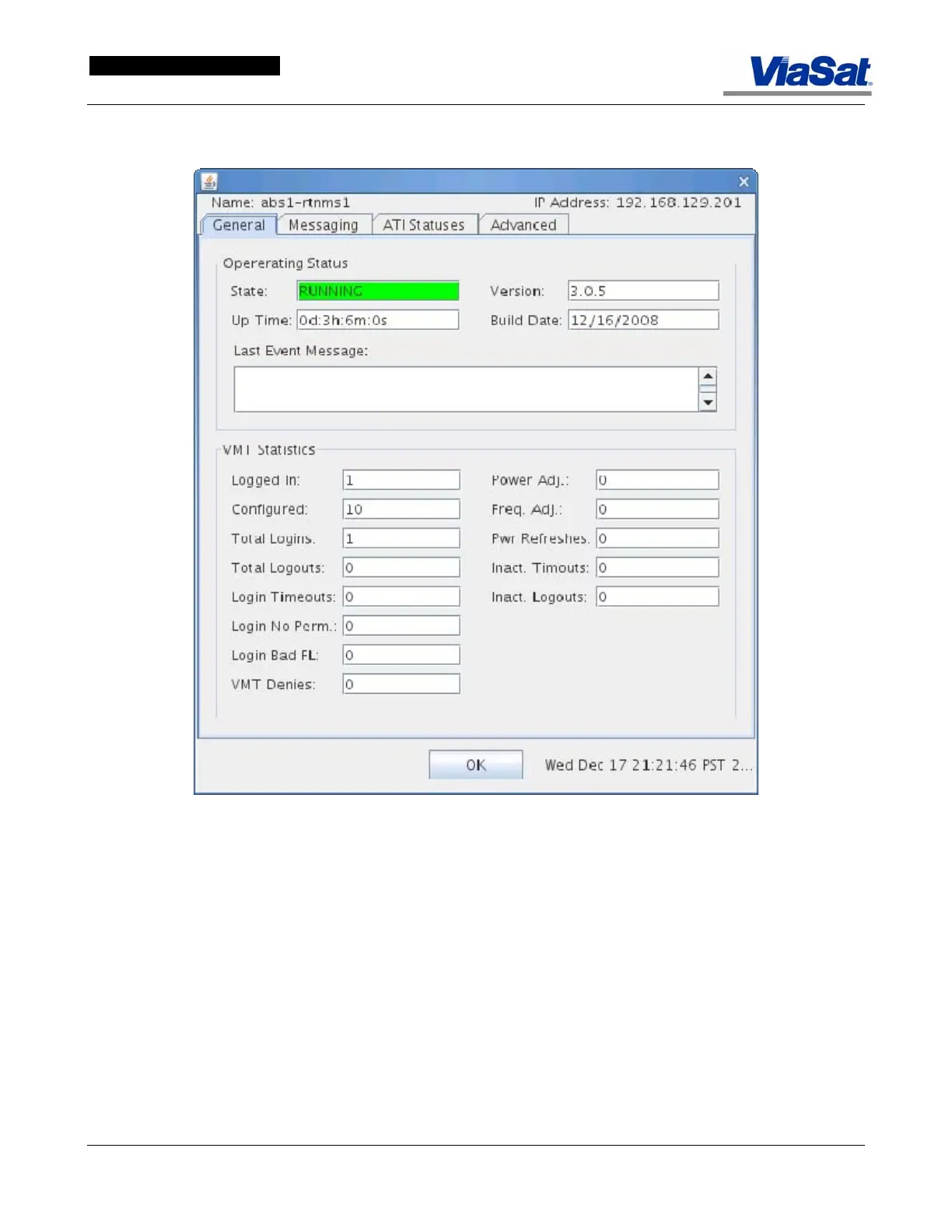
3.3.16.3.3 Real_Time NMS Status Screen
Figure 3-74. RtNMS Screen – General Tab.
General tab:
Operating Status panel:
State: This field displays the operating state of the RtNMS. If
conditionals are normal this field is green. If there is an error, the field
is red and the Error state is displayed.
Up Time: This field displays the time the RtNMS has been running in
hours, minutes and seconds.
Version: This field displays the currently executing software version of
the RtNMS.
Build Date: This field displays the build date of the software.
Last Event Message: This field displays the last RtNMS message event.



 To Next Page