ArcLight Hub User’s Guide
Screen Descriptions for NMS Client
3-2 1081006 Rev. 001
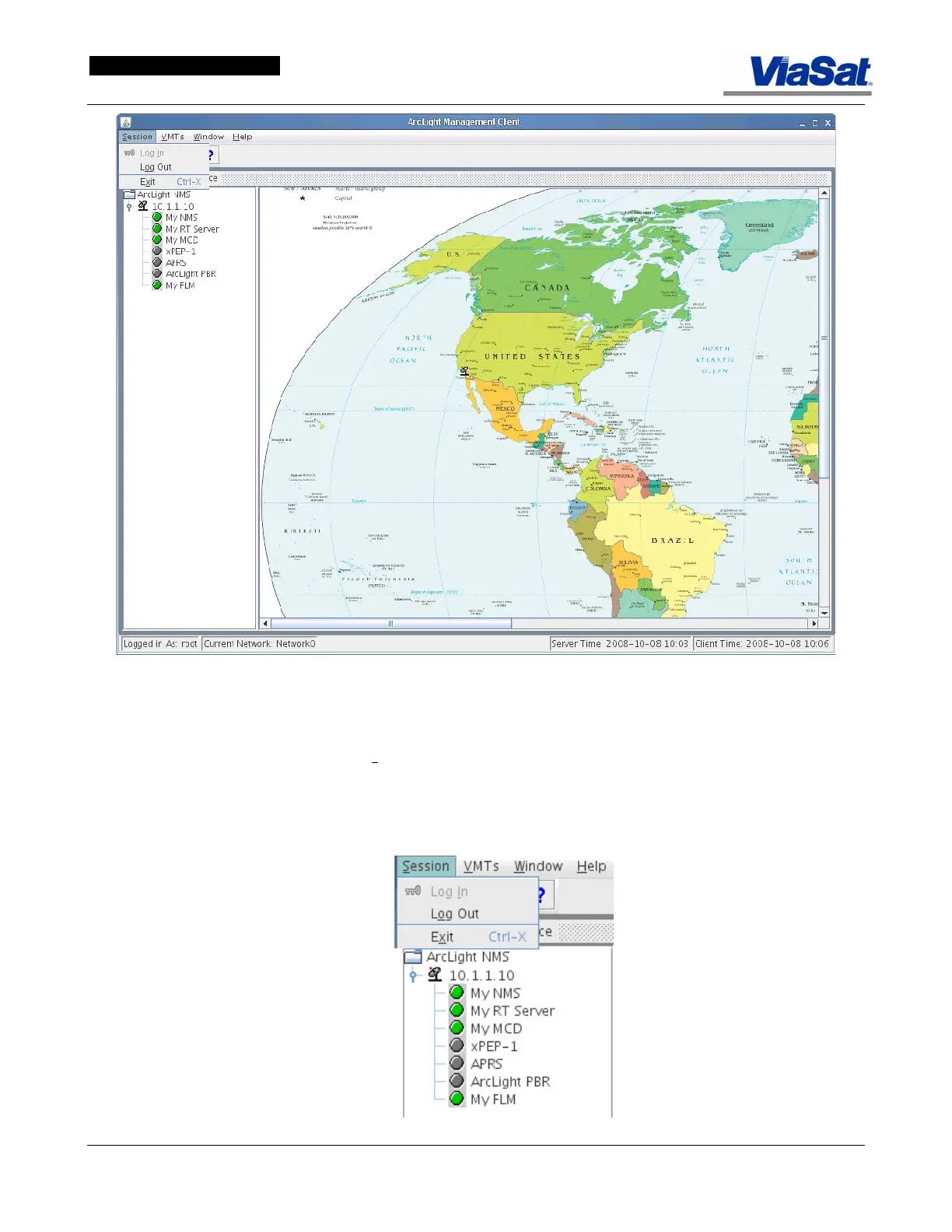
Figure 3-1. Login Screen – One Hub in Configuration.
The Login dialog appears automatically when the NMS Client is started.
To display the Login screen in the foreground of
Figure 3-1, select
Session in the main menu bar to display the drop-down menu and click
on Log I
n. Observe the key symbol preceding the Log In menu item.
This indicates a shortcut to the Login screen. The user may also click
on the Key Icon on the Tool bar immediately under the main menu bar
to display the Login screen.
Figure 3-2. Session Drop-down Menu.



 To Next Page