ArcLight Hub User’s Guide
Screen Descriptions for NMS Client
Rev. 001 1081006 3-19
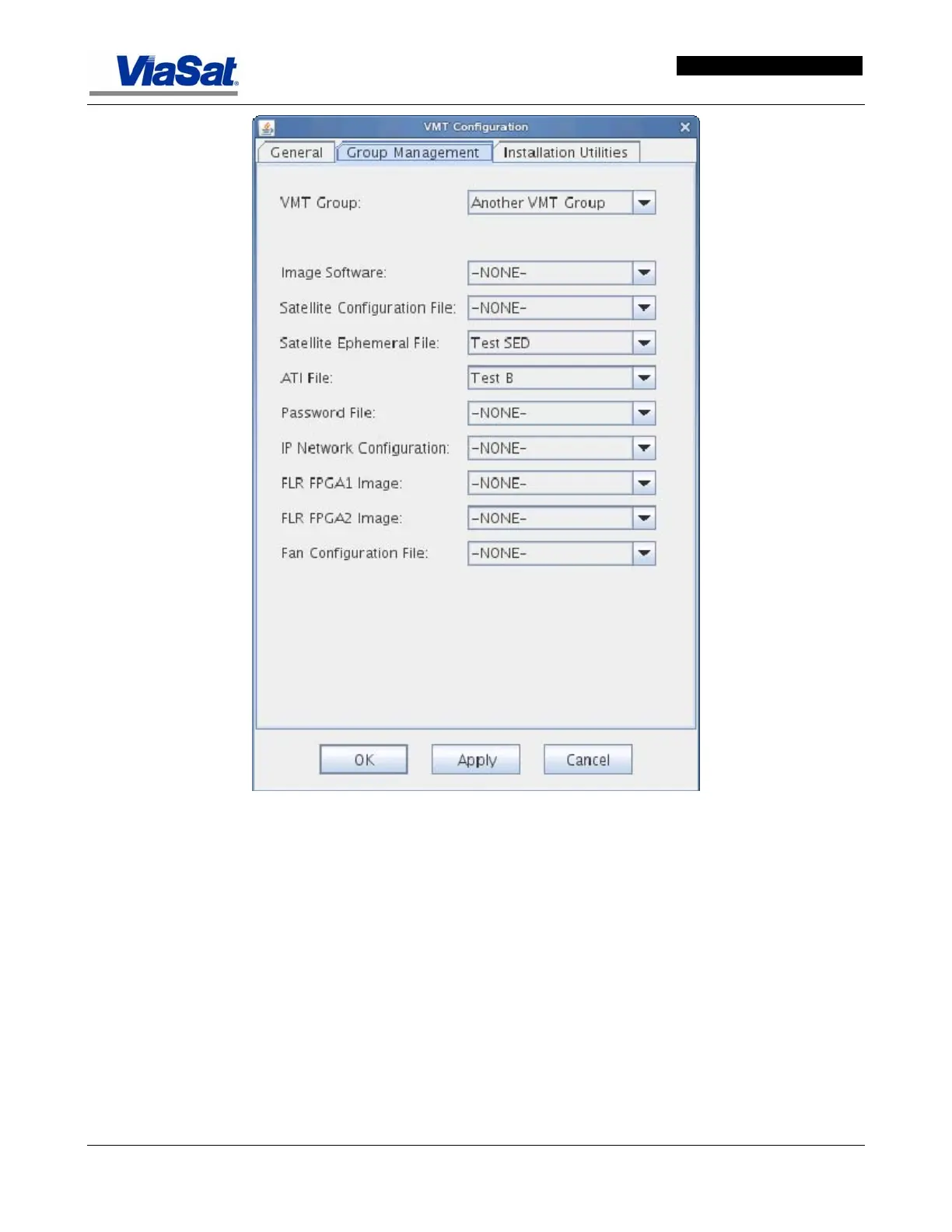
Figure 3-15. VMT Configuration Screen – Group Management Tab.
Group Management Tab Data Item Descriptions -
VMT Group - select the name of the group to which the VMT is to be
assigned by selecting a group name from the pull down list.
Image Software – select the image software to be used from the pull
down list.
Satellite Configuration File – this is the satellite configuration file
(.sscf) that a VMT is supposed to have downloaded. Select the satellite
configuration file from the pull down list.
Satellite Ephemeral File – this is the satellite ephemeral configuration
file (.sed) that a VMT is supposed to have downloaded. Select the file
from the drop down list.



 To Next Page