ArcLight Hub User’s Guide
Screen Descriptions for NMS Client
3-28 1081006 Rev. 001
3.3.2.5 Manage VMT Profiles…
3.3.2.5.1 IP Network Configuration Screens
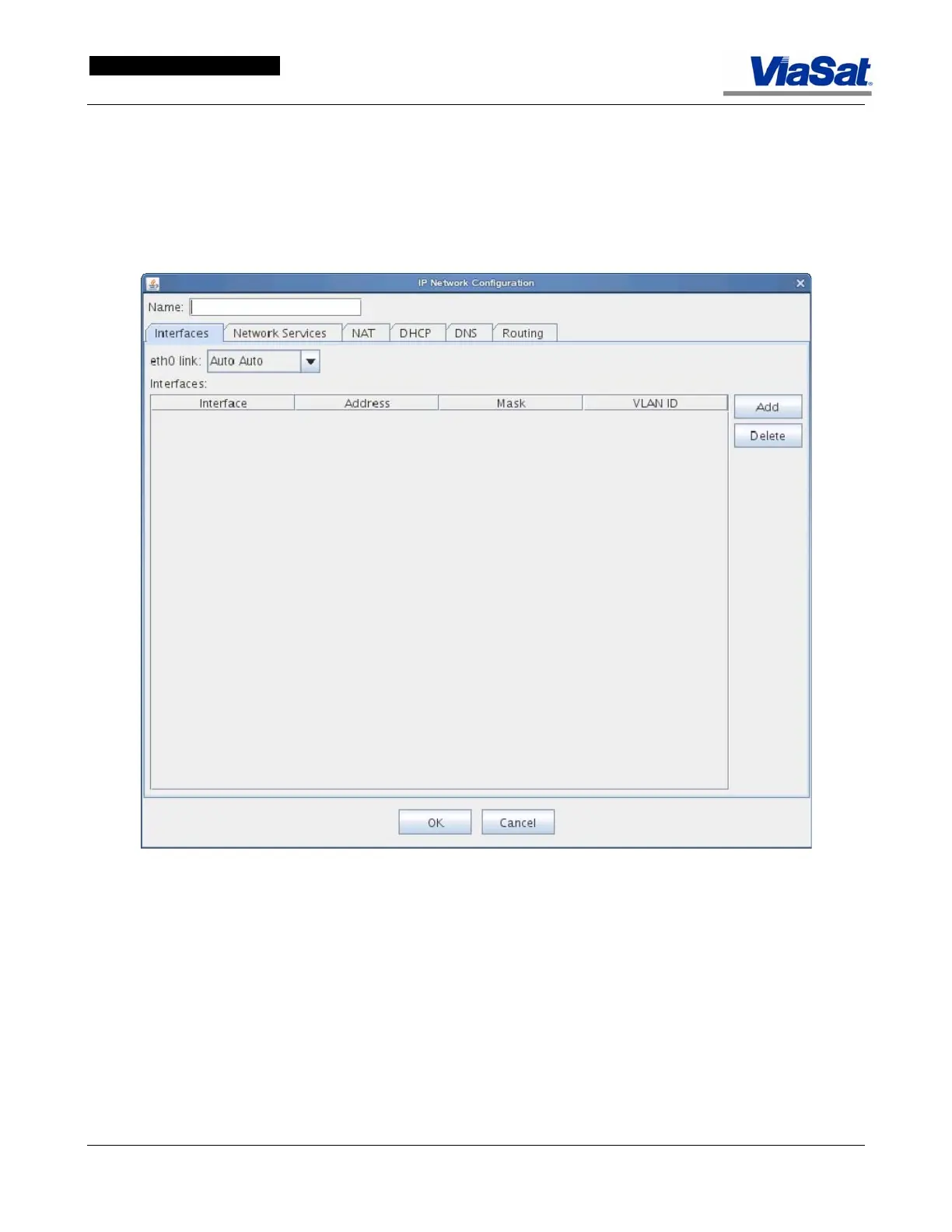
The IP Network tab screens are presented and explained below:
Figure 3-21. IP Network Configuration screen – Interfaces Tab.
Name – Enter the name of the IP Network Configuration in this field.
Interfaces Tab
The IP Network Configuration screen Ethernet Interfaces tab permits
the operator to specify an Ethernet link and interface, and to add and
delete interfaces from the
eth0 link – select an Ethernet link from the pull down list.
Interfaces – This panel lists the interface name, address, Mask, and
Virtual Local Area Network ID.



 To Next Page