ArcLight Hub User’s Guide
Component Operating Procedures
Rev. 001 1081006 5-3
5.3 ArcLight Blade System
5.3.1 Overview
The ArcLight Blade System (ABS) chassis contains ArcLight servers
(primary and spare, as needed) for the Multi-Circuit Demodulator-II
(MCD-II) Network Management System (NMS), Real-time Network
Management System (RtNMS), Support server and Monitor Server.
Another server which may be included is the Network Performance
Test Server (NPTS). A Network Storage Array (NAS) is an optional
add-on to the configuration. Refer to the ABS Setup and Installation
Guide provided with the ABS delivered with your ArcLight system
for additional installation and troubleshooting instructions.
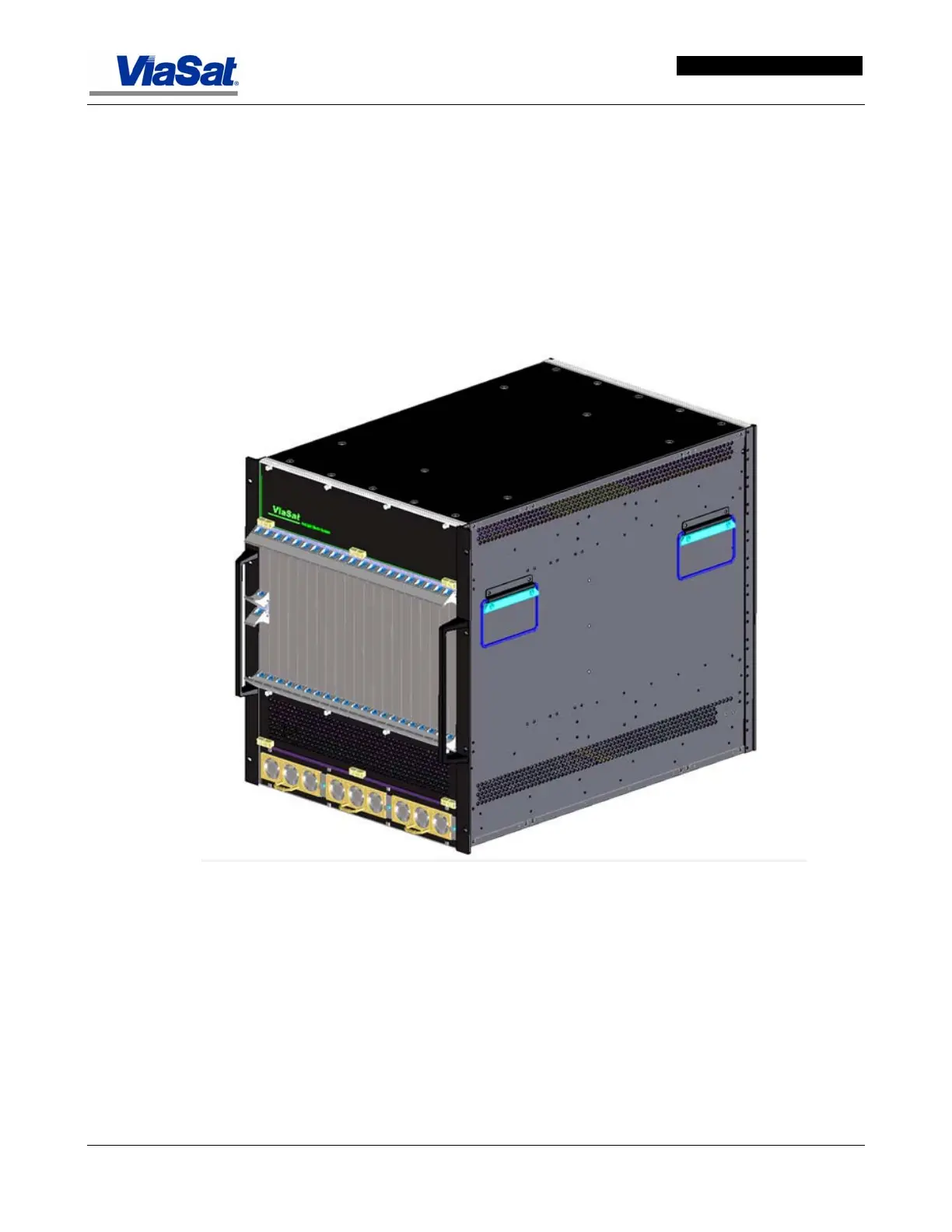
Figure
5-1 shows a perspective view of an ABS unit without the rack.
Figure 5-1. ArcLight Blade System.
Before installing the ABS enclosure into the rack, remove all server
cards, power supplies and fan assemblies. Because a fully populated
enclosure is very heavy, remove the blade components to make moving
and installing the enclosure easier. Four people should work together
during the installation of the ABS in the cabinet enclosure.


 To Next Page