ArcLight Hub User’s Guide
Other Network Management Facilities
4-6 1081006 Rev. 001
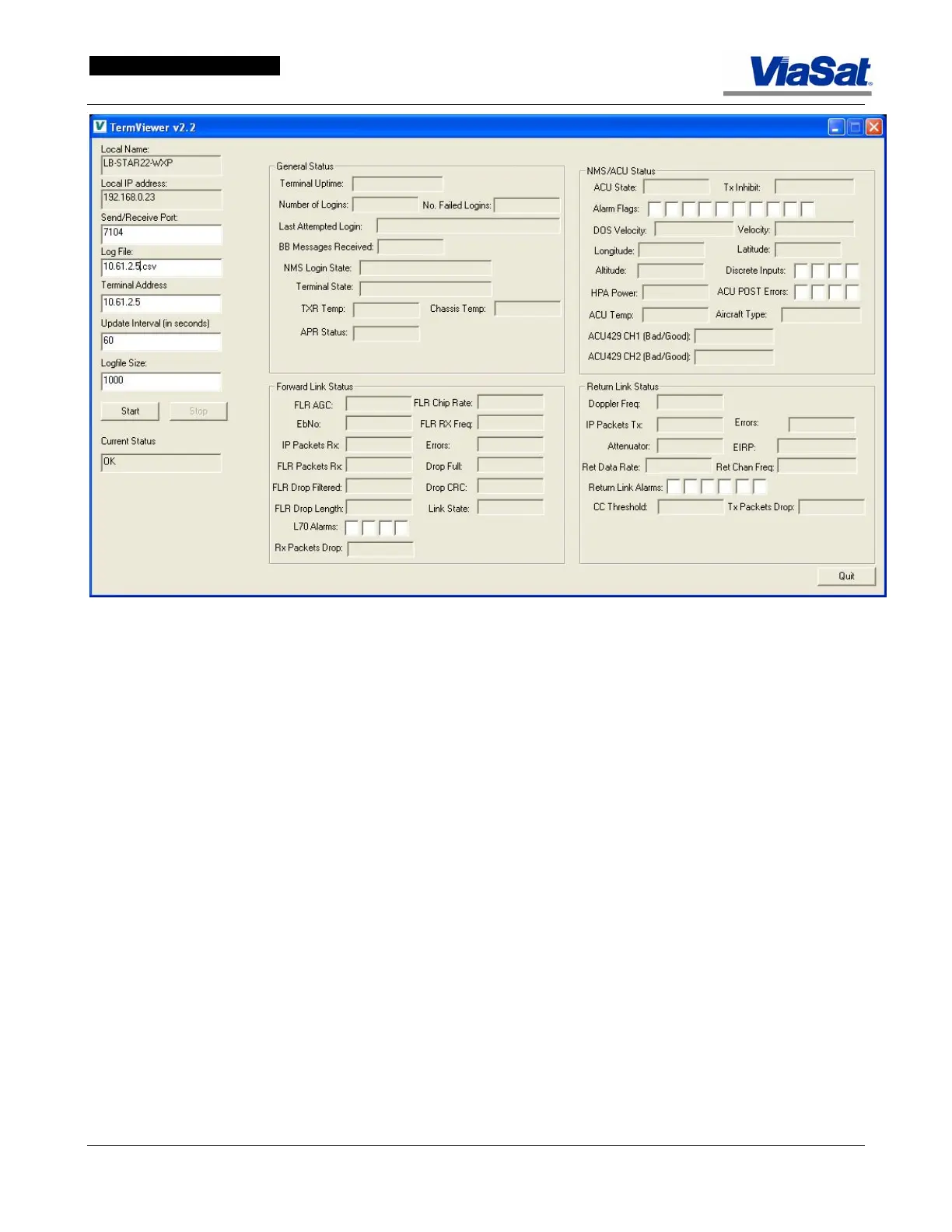
Figure 4-2. TermViewer Status Screen – Log File Entered.
In
Figure 4-2, the name of the Log File and the Terminal Address have
been entered. To view the terminal status, click the Start button.



 To Next Page