ArcLight Hub User’s Guide
Screen Descriptions for NMS Client
3-158 1081006 Rev. 001
3.3.16.6 Hub Canceller (HC)
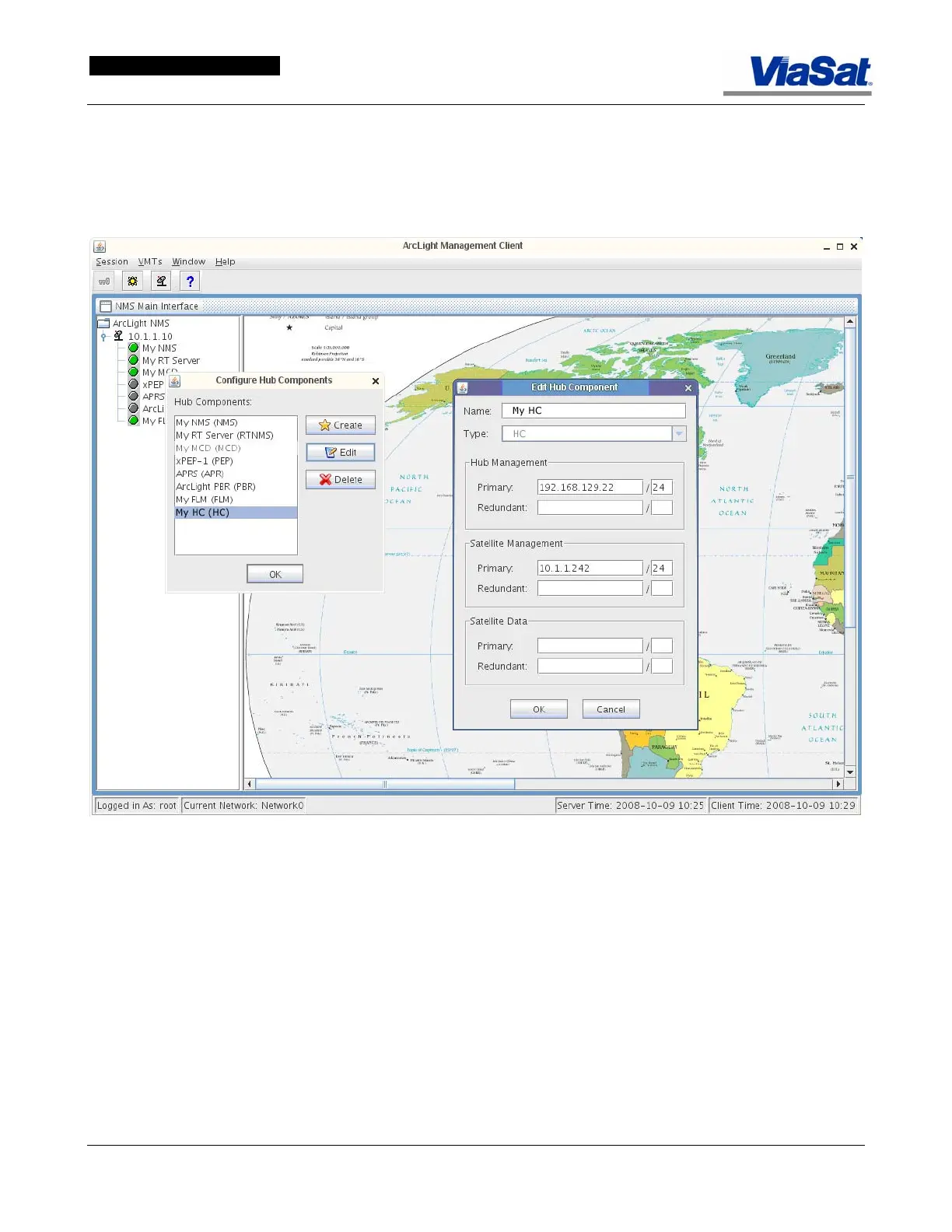
The HC Adminstration screen is accessed by clicking on the HC icon in
the ArcLight hub diagram tree list, as shown in
Figure 3-95, or by
selecting HC from the Hub popup menu when “Manage Component
Membership” is selected.
Figure 3-95. HC Edit Component Screen.



 To Next Page