ArcLight Hub User’s Guide
Screen Descriptions for NMS Client
Rev. 001 1081006 3-75
3.3.7 Manage Satellites
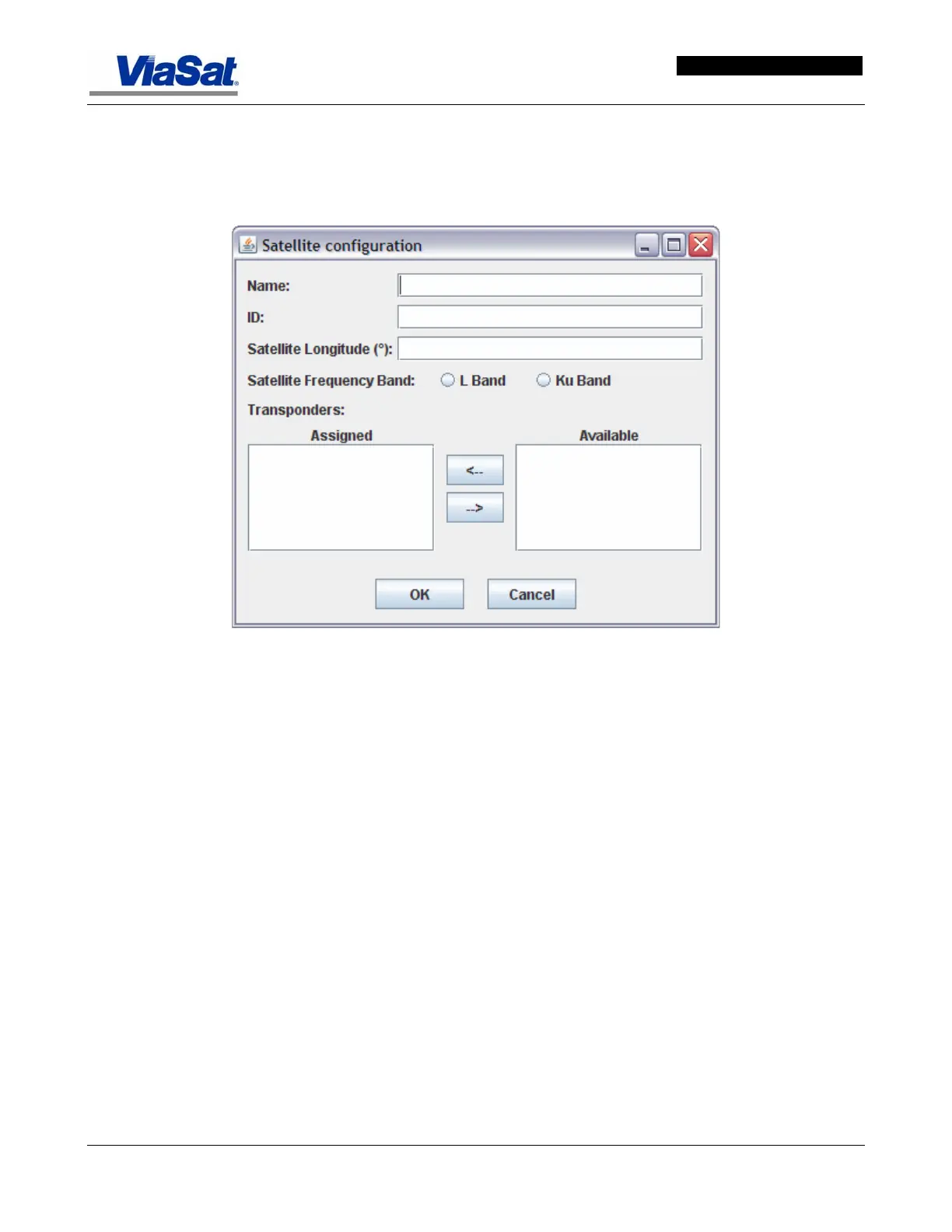
Selecting “Manage Satellites” opens the Satellite Configuration
screen, which is presented and described below:
Figure 3-48. Manage Satellites – Satellite Configuration Screen.
Name: Enter name of satellite.
ID: Enter ID of satellite
Satellite Longitude: Enter Satellite longitude in degrees
Satellite Freq. Band: Click on appropriate radio button for L band
or Ku Band.
Transponders: View list of available transponders in the Available
list. Use the arrow keys to move transponders from Available List to
Assigned List.
OK – Click on this button to close the screen.
Cancel – Click on this button to erase any new entries made on the
open screen, close the current screen and revert to the next higher-level
screen in the hierarchy. The next time the screen is opened the values
that existed before the current editing session will appear. The Cancel
button will not undo use of the OK or Apply buttons.


 To Next Page