ArcLight Hub User’s Guide
Component Operating Procedures
5-10 1081006 Rev. 001
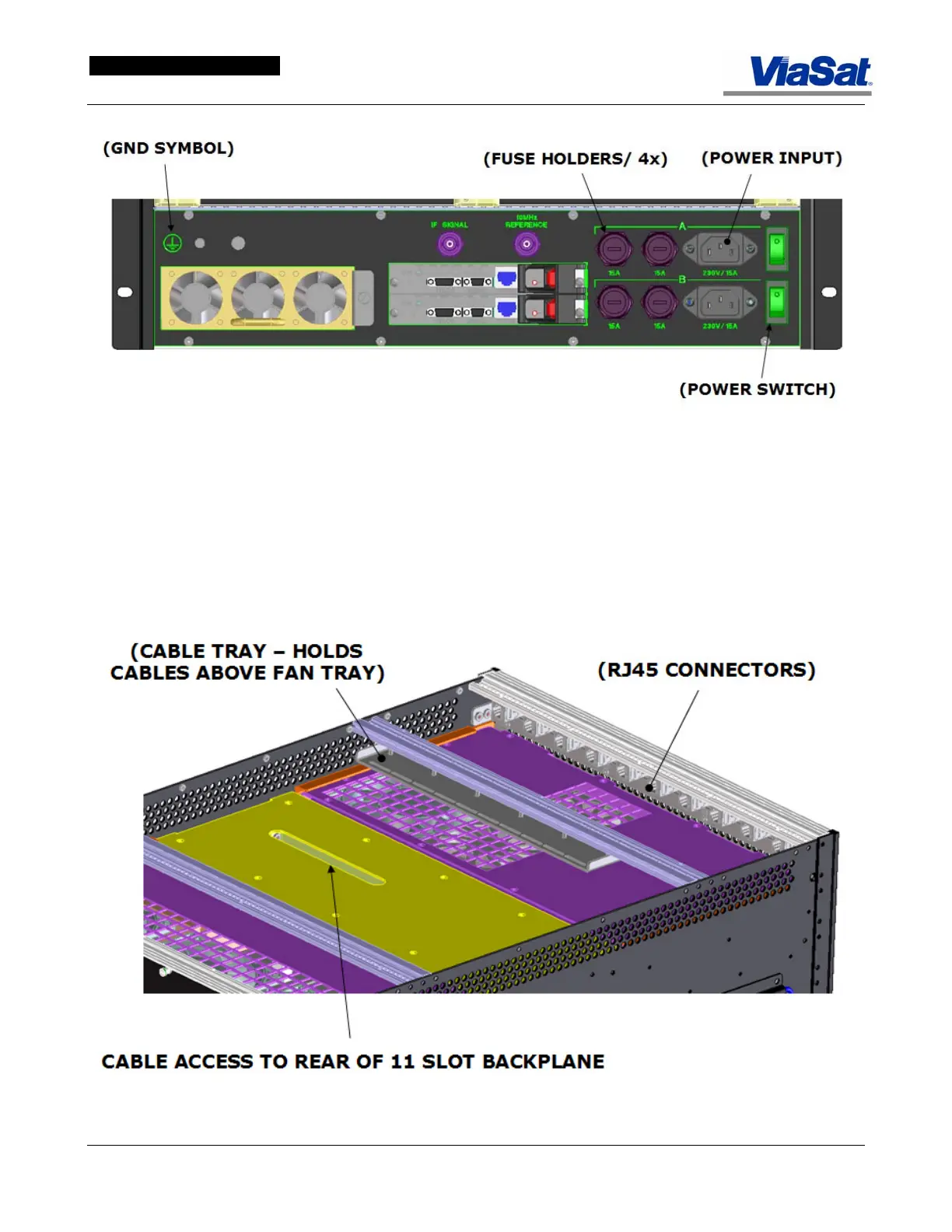
Figure 5-9. ABS Rear Panel Power Input, Fuses and Switches.
The ABS has On/Off switches in addition to power plugs. Once a
power plug has been inserted and the ABS is ready for operation,
make sure that the power switches are set to ON. Each of the four
power supplies can be removed and replaced. There are three power
supplies located at the lower front of the ABS and one at the rear of
the ABS.
Figure 5-10. ABS Cable Management.



 To Next Page