ArcLight Hub User’s Guide
Screen Descriptions for NMS Client
Rev. 001 1081006 3-15
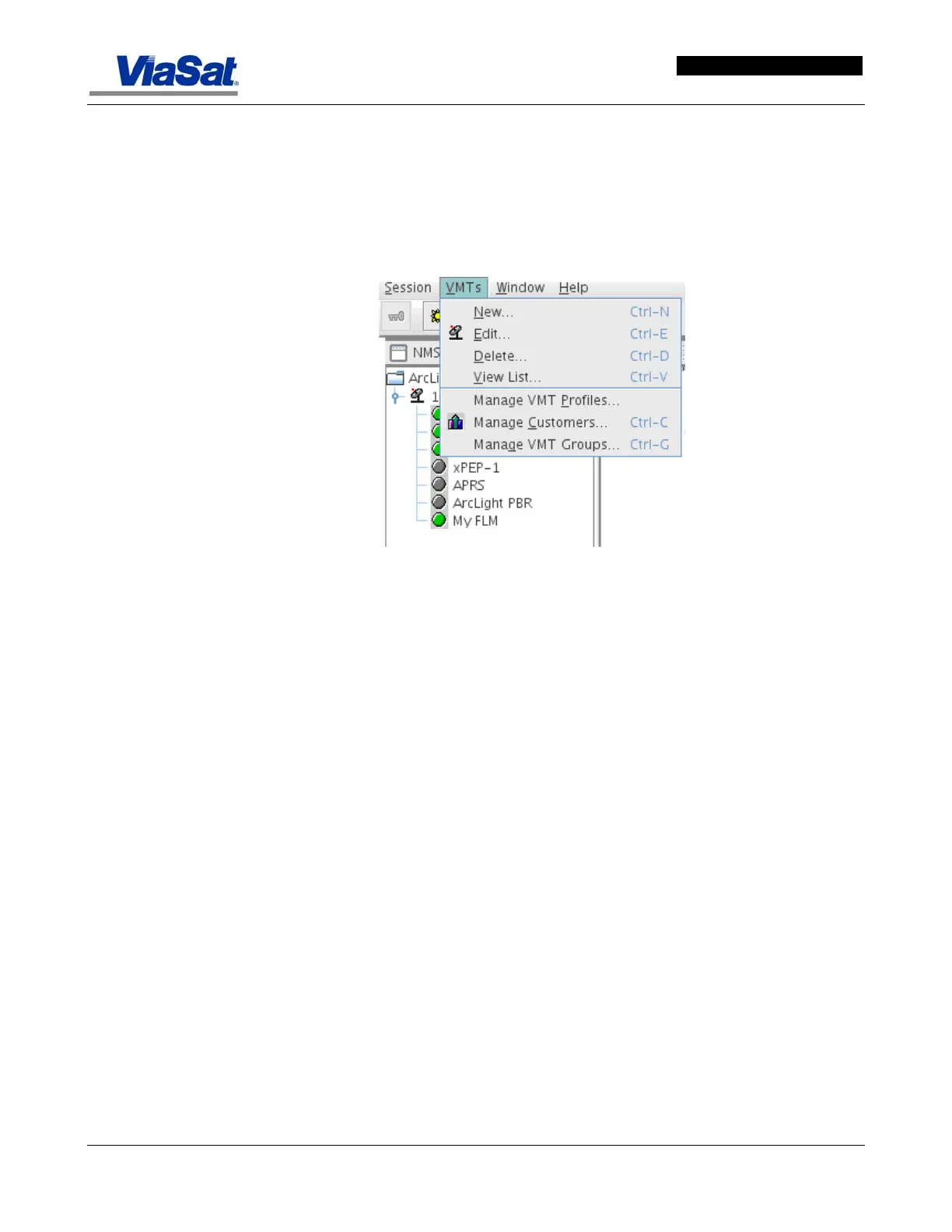
3.3.2 VMTs
The VMTs drop down menu allows the addition, editing, deletion,
and managing of VMTs associated with an ArcLight system. The
screen layout and content varies depending on whether the VMT
and/or Group is being edited on a NOC or a Hub. Screens for both
situations are presented and identified in this section.
Figure 3-13. VMTs Drop-down Menu.



 To Next Page