ArcLight Hub User’s Guide
Screen Descriptions for NMS Client
3-6 1081006 Rev. 001
3.2 GUI Navigation
Once the ArcLight Management Client screen is displayed, several
alternatives are available for navigation through the GUI screens. These
techniques are described in the following sections.
3.2.1 Main Menu Bar
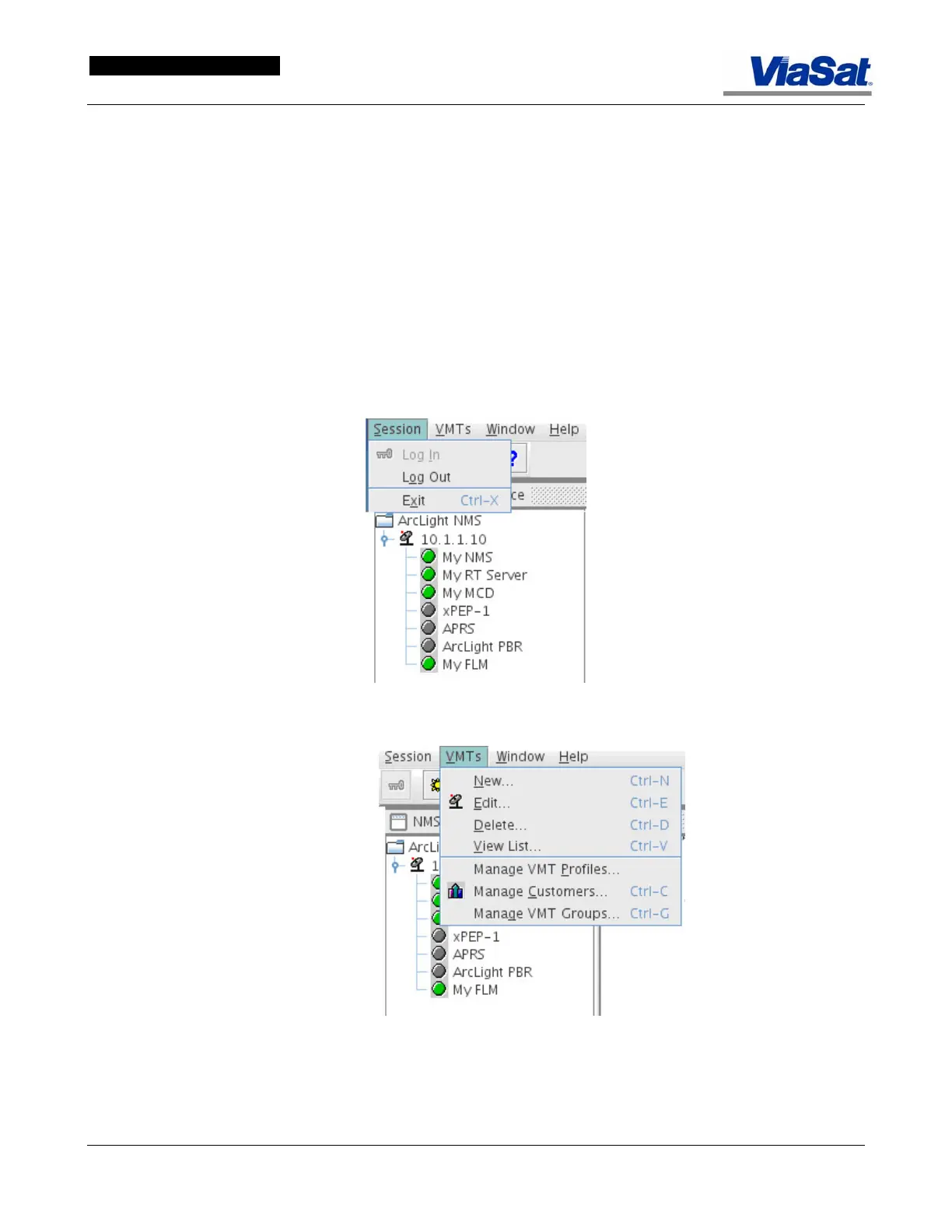
Use the main menu bar or the shortcut keys shown on the drop-down
menu items. These drop-down menus are shown in
Figure 3-2, and
Figure 3-5 through Figure 3-8. The Window and Help dropdown
menus are shown in
Figure 3-7 and Figure 3-8. The menu selection
items with icons correspond to the shortcuts available for direct display
using the Tool Bar Icons.
Figure 3-5. Session Drop-down Menu.
Figure 3-6. VMTs Drop-down Menu.



 To Next Page