OM EZ38 us 1.1 * ez38b500.fm 5-9
5
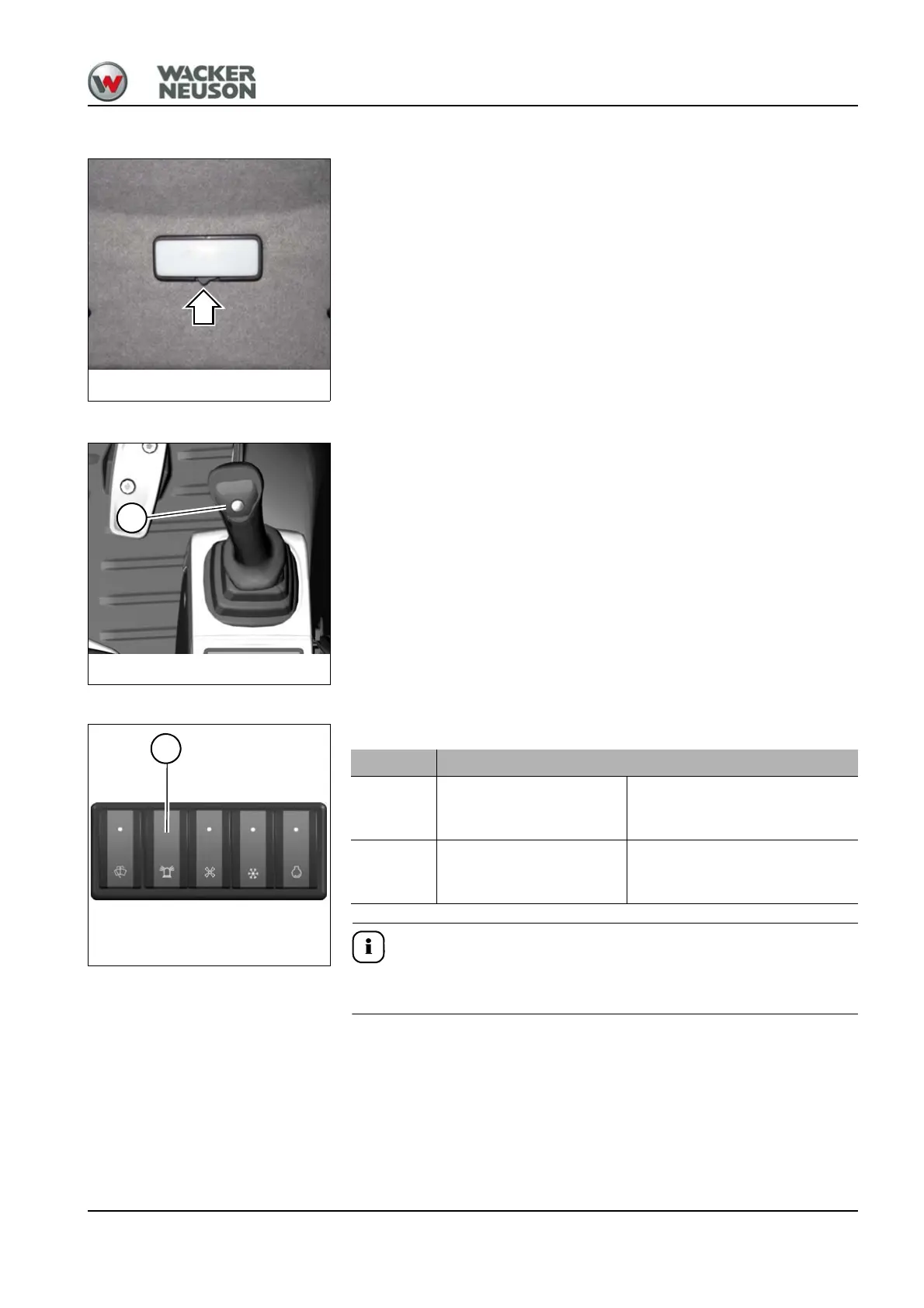
Interior light
Switched on:
Press the switch to the left.
Switched off:
Press the switch to the center position or to the right.
Horn
Press button 5 on the right-hand control lever to actuate the horn.
Rotating beacon (option)
The switch is located on the right-hand switch panel.
Observe the legal regulations of your country for operating the rotating
beacon.
Position Function
ON Press switch 44 down
Rotating beacon switched on,
the indicator light in switch 44
illuminates
OFF Press switch 44 up
Rotating beacon switched off,
the indicator light in switch 44
goes out










 To Next Page