5-26 OM EZ38 us 1.1 * ez38b510.fm
5
Swiveling the boom
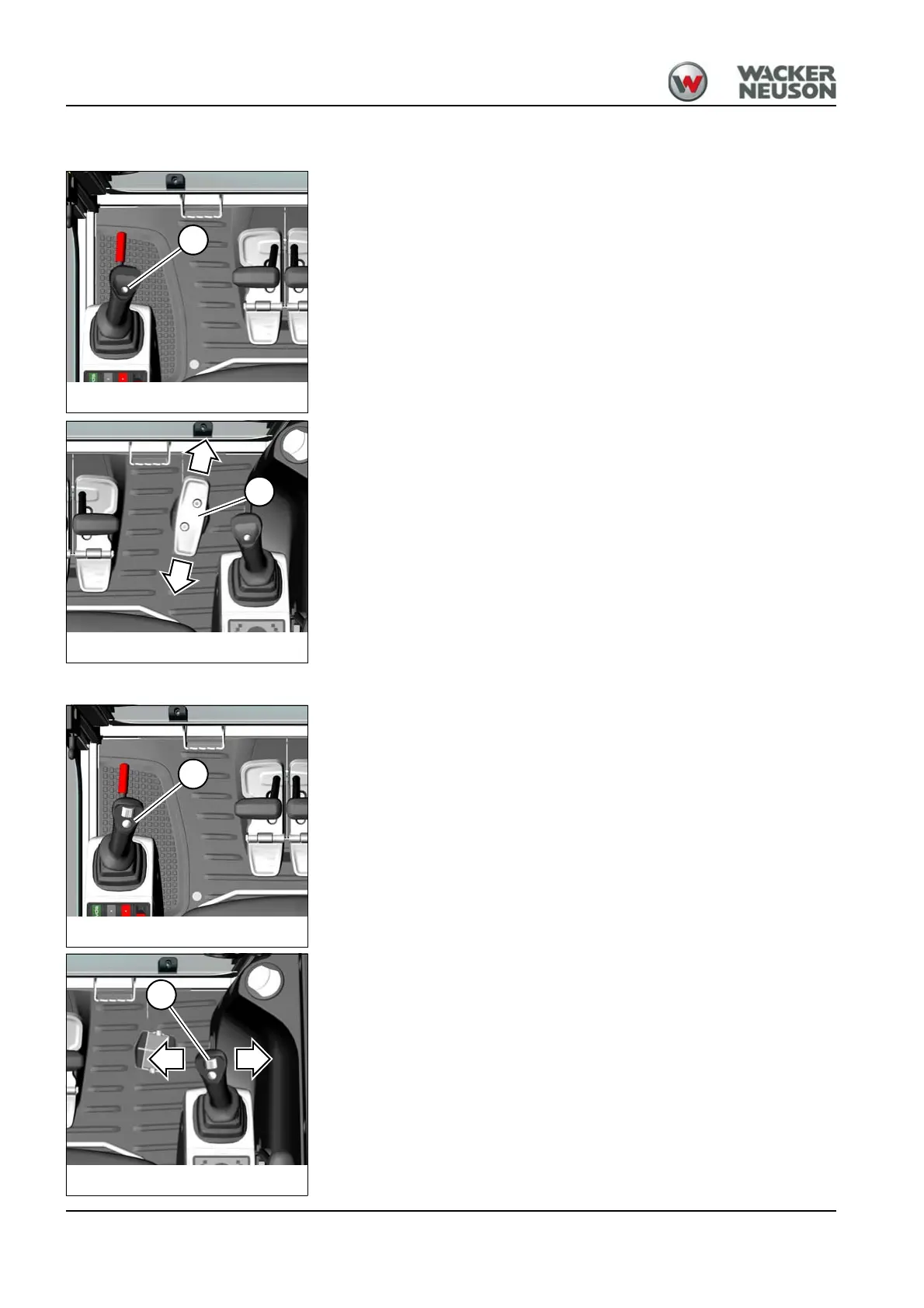
Press and hold button A on the left-hand control lever base.
Swiveling the boom to the right:
Press pedal 2 forward.
Swiveling the boom to the left:
Press pedal 2 backward.
Swiveling the boom (proportionally controlled)
1. Turn the rotary switch on the right-hand control lever base to the
required position.
2. Press and hold button A on the left-hand control lever base.
Swiveling the boom
Swiveling the boom to the right:
Push slide switch 23 on the right-hand control lever to the right.
Swiveling the boom to the left:
Push slide switch 23 on the right-hand control lever to the left.










 To Next Page