3-28 Using the Detector
Displaying system information
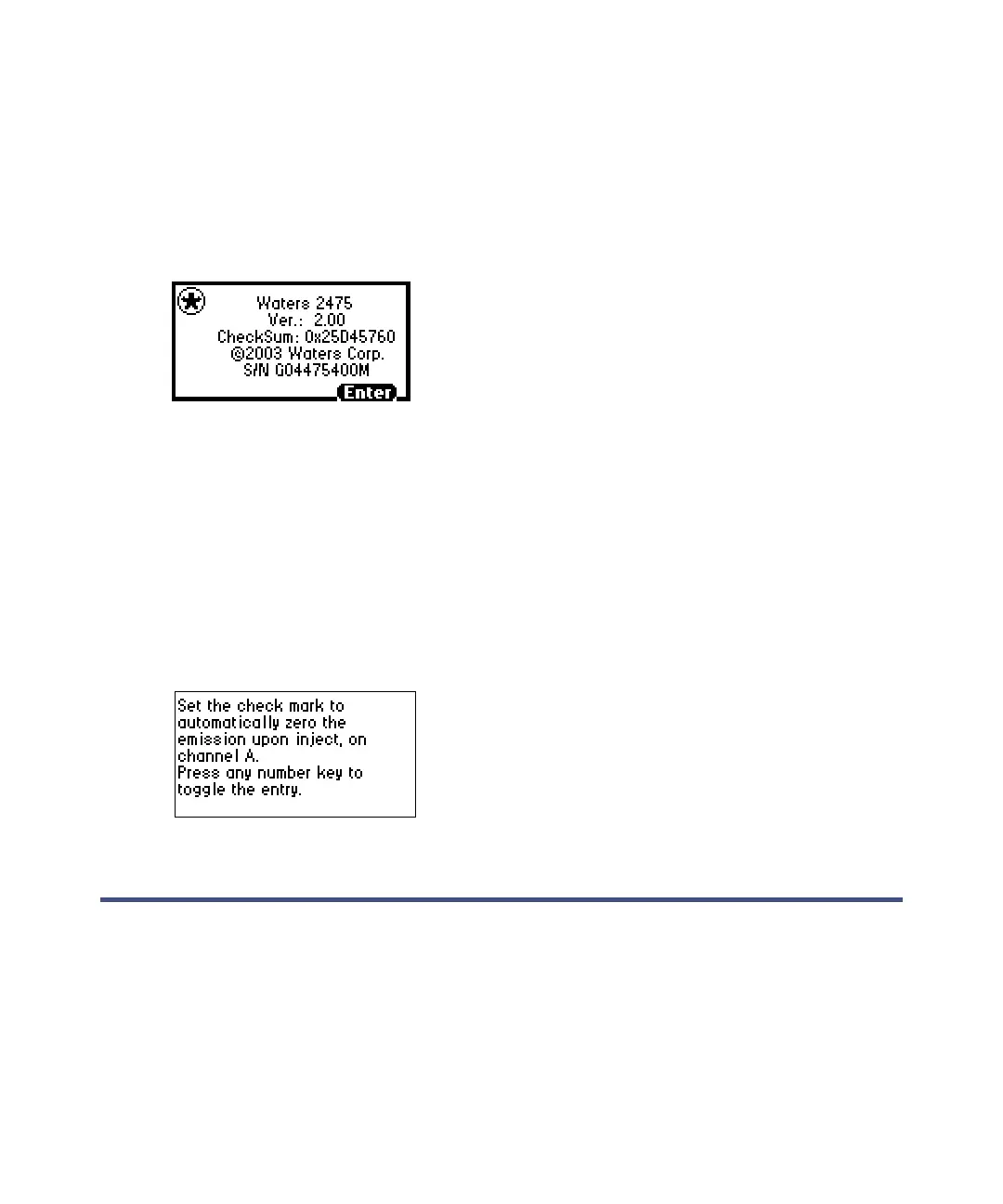
Select System Info (Shift, 4) for information about the detector, including
(where applicable) the serial number, software version number with
checksum, and version date. Press Enter to return to the home screen.
Example of a System Info screen
Tip: The 2475 detector release notes also reflect the checksum and version.
Using Online Help
The detector has limited context-sensitive Help. When you select “?” (Shift,
HOME) from a point in the program associated with a Help screen, the screen
appears. If Online Help is not available, selecting “?” effects no response. Press
Enter to return to the home screen.
Example of a Help screen
Operating the detector
• If you are operating the detector under the control of an external data
system, you can program any parameters not controlled by the external
data system at the detector’s front panel before the external system
takes control.
• To prevent resorption of dissolved oxygen, sparge or run the solvent
degasser continuously when operating the detector (see Appendix C).



 To Next Page