3-68 Using the Detector
If the detector is operating under remote control, you can program the
controller to extinguish the lamp without using the detector’s front panel.
Tip: You should extinguish the lamp only if the lamp will remain unlit more
than 4 hours.
Use the Lamp key to light and extinguish the lamp manually. When the lamp
is unlit, the home screen displays the words “Lamp off,” and an “X” is
superimposed on the lamp icon.
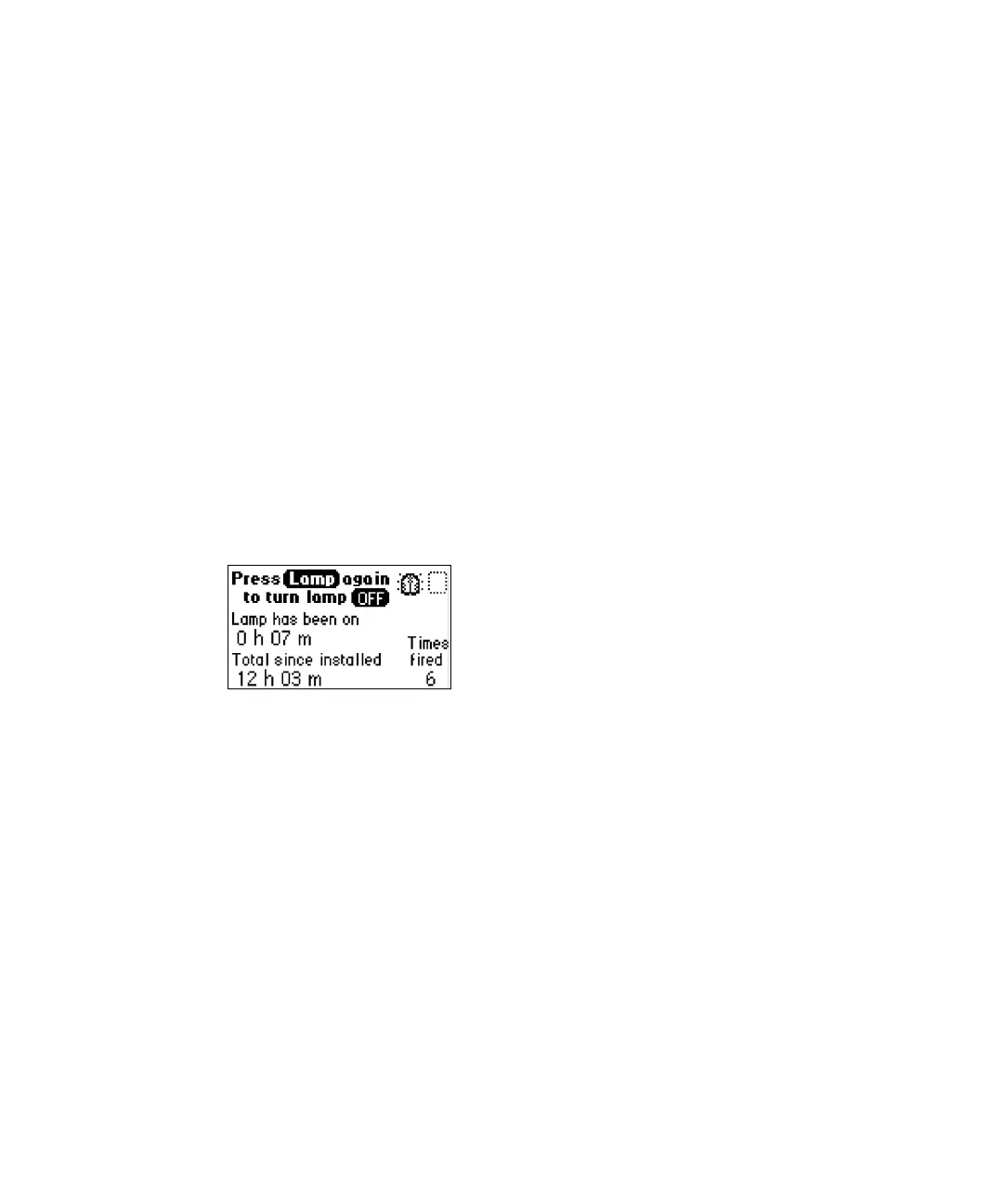
Select the Lamp key (Shift, 1) to extinguish or light the lamp manually and to
display the lamp’s usage statistics.
Manually extinguishing the lamp
To manually extinguish the lamp:
1. Select Lamp (Shift, 1). The lamp control screen appears.
Lamp control screen
2. Select Lamp (Shift, 1) again to extinguish it. The home screen appears
with an X through the lamp indicator icon and the words “Lamp off”.



 To Next Page