2-14 Setting Up the Detector
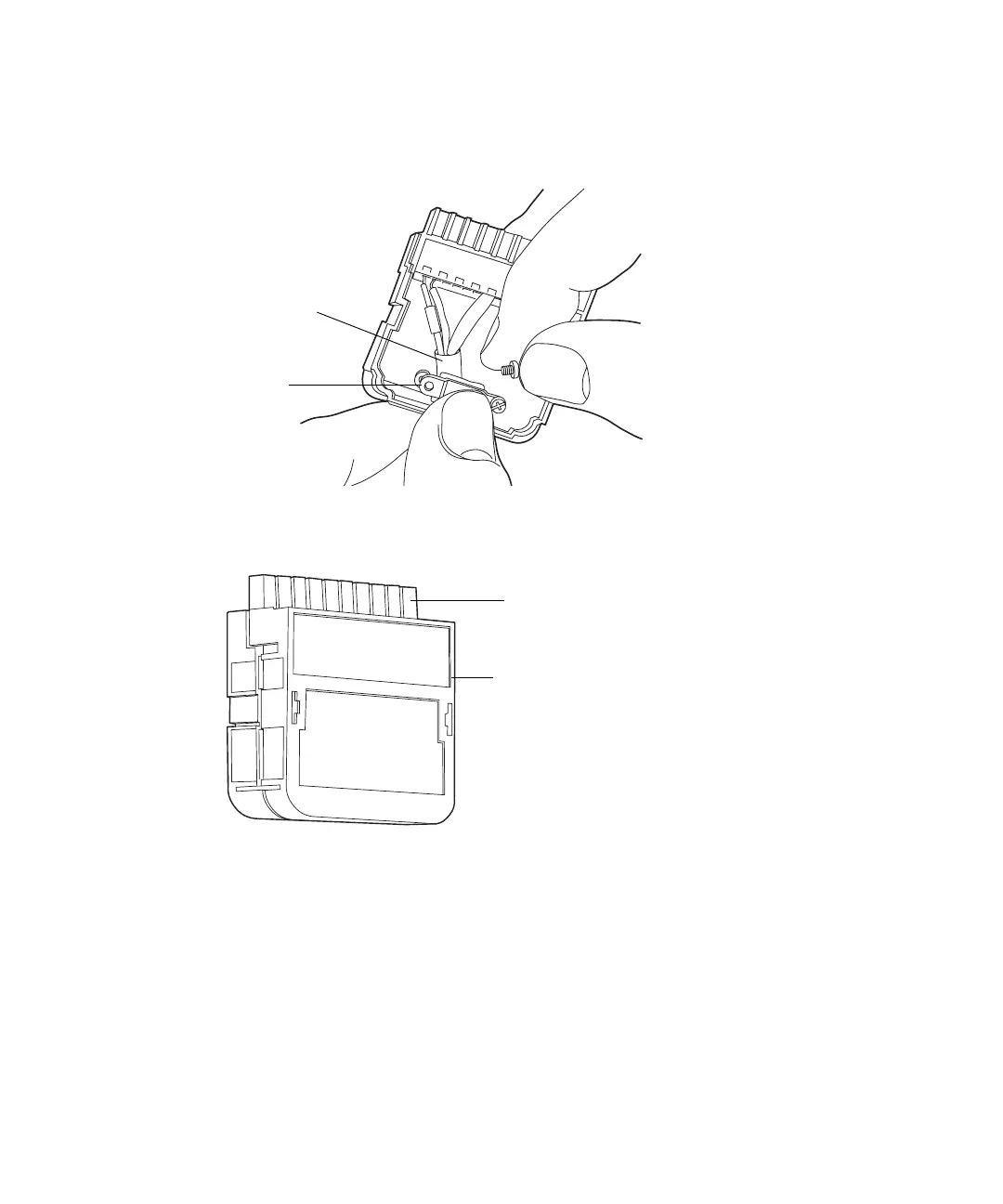
4. Insert the connector with the signal cable into the connection cover,
position the clamp over the cable leads, and then tighten the clamp into
place with the second self-tapping screw.
5. Place the second connection cover over the first cover and snap it into
place.
Connecting an Alliance separations module
You can connect an Alliance separations module to the detector to perform the
following functions (when the detector is not under the control of Empower or
Millennium
32
software):
• Generate an Auto Zero on injection
• Generate a chart mark on injection
• Start a method
Cable leads
Clamp
Signal connector
Connection cover



 To Next Page