5-20 Error Messages, Diagnostic Tests, and Troubleshooting
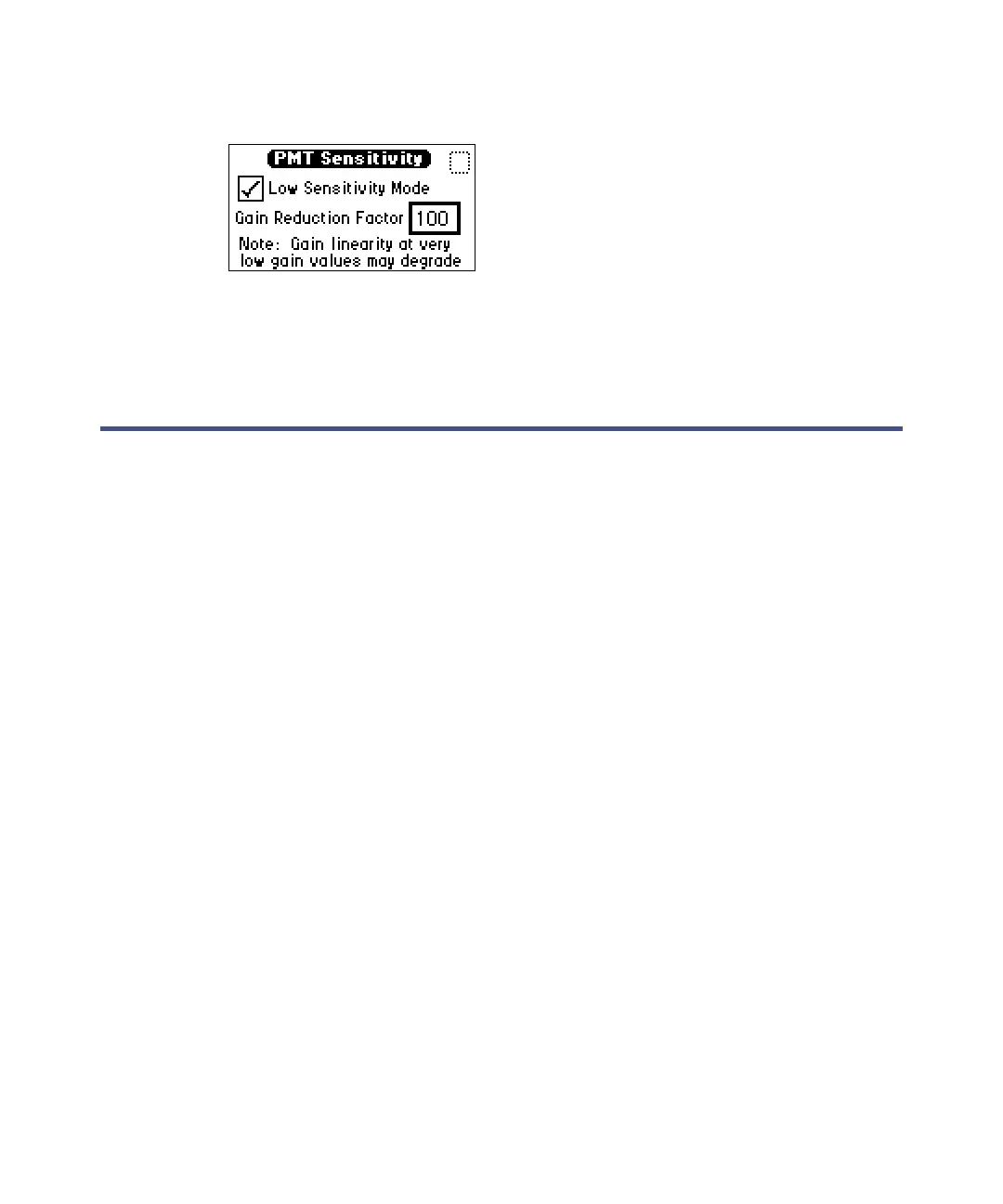
PMT sensitivity screen
3. Click the Low Sensitivity Mode checkbox.
4. Enter a reduction value of 10 or 100.
Troubleshooting
Introduction
This section provides some causes of errors and recommended troubleshooting
actions. Keep in mind that the source of apparent detector problems lie within
the chromatography or your other instruments as well as with the detector.
Most detector problems are relatively easy to correct. If you are unable to
correct a problem or failed condition after running the user diagnostics
applicable to the problem, contact Waters Technical Service (see page 4-2).
Information needed when you contact Waters
To expedite your request for service, keep the following information at hand
when you call Waters Technical Service:
• 2475 detector serial number
• Problem symptom(s)
• Operating wavelength pair(s)
• EUFS or measurement range
• Flow rate
• Filter setting
•Type of column
• Operating pressure
•Solvent(s)



 To Next Page