Using the operator interface 3-5
You can display the home screen anytime by pressing HOME. When you first
use the detector, the home screen shows factory-set defaults. Afterward, it
shows the settings displayed before the detector was last shut down. The
home screen continues to change as the run continues.
In real time, the detector monitors fluorescence in terms of emission or energy
units of one or more wavelength pairs. Simultaneously, you can modify all
parameters in the table titled “2475 detector home and message screen icons”
on page 3-5. Press the A/B key to toggle between home screens for channels A
and B.
Fluorescence and message icons
The Fluorescence screens and message screens display the icons or fields
shown on page 3-4 and described in the following table. For a list of ranges
and defaults for the function icons and fields in the following table, see the
table titled “Primary and secondary function (method) parameters” on
page 3-21.
Caution: Changing the sensitivity (EUFS) setting affects the 1-V output.
For example, setting sensitivity to 500 EUFS on a 1-V output gives
500 EU/V and a 250 EU signal gives 0.5-V.
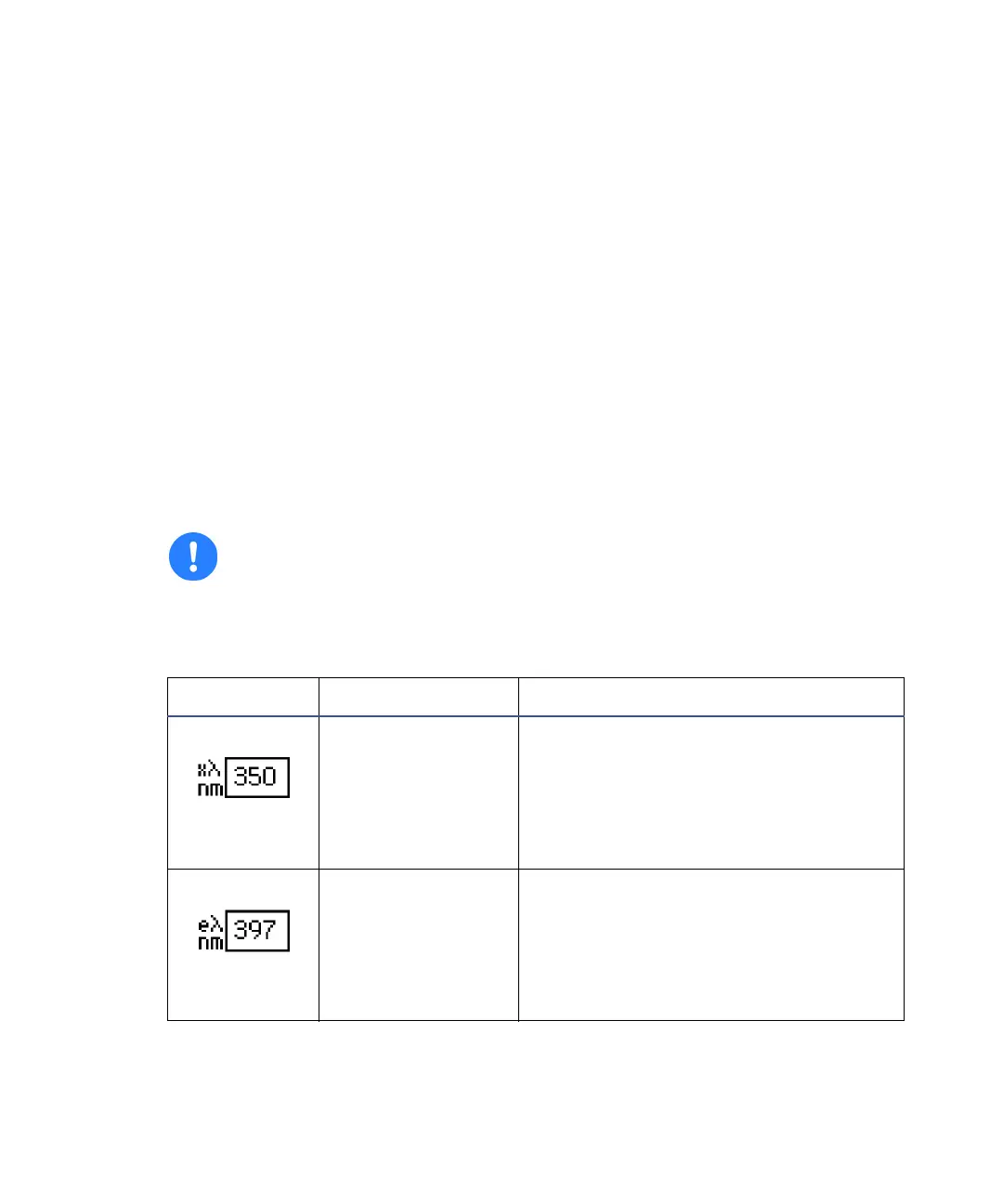
2475 detector home and message screen icons
Icon or field Description Function
Excitation
wavelength
Selects the digital fluorescence
wavelength pair monitored on the
selected channel. In single-channel
mode, you cannot independently
control a wavelength pair on
channel B.
Emission
wavelength
Selects the digital fluorescence
wavelength pair monitored on the
selected channel. In single-channel
mode, you cannot independently
control a wavelength pair on
channel B.



 To Next Page